RADIO 57
General operation RADIO, CD NAME, TEL NAV, INFO CAR, SETUP
The following submenus are available in the radio
Setup function:
Band control button (frequency)
Selecting frequency band
The frequency band selection determines which radio
stations are received.
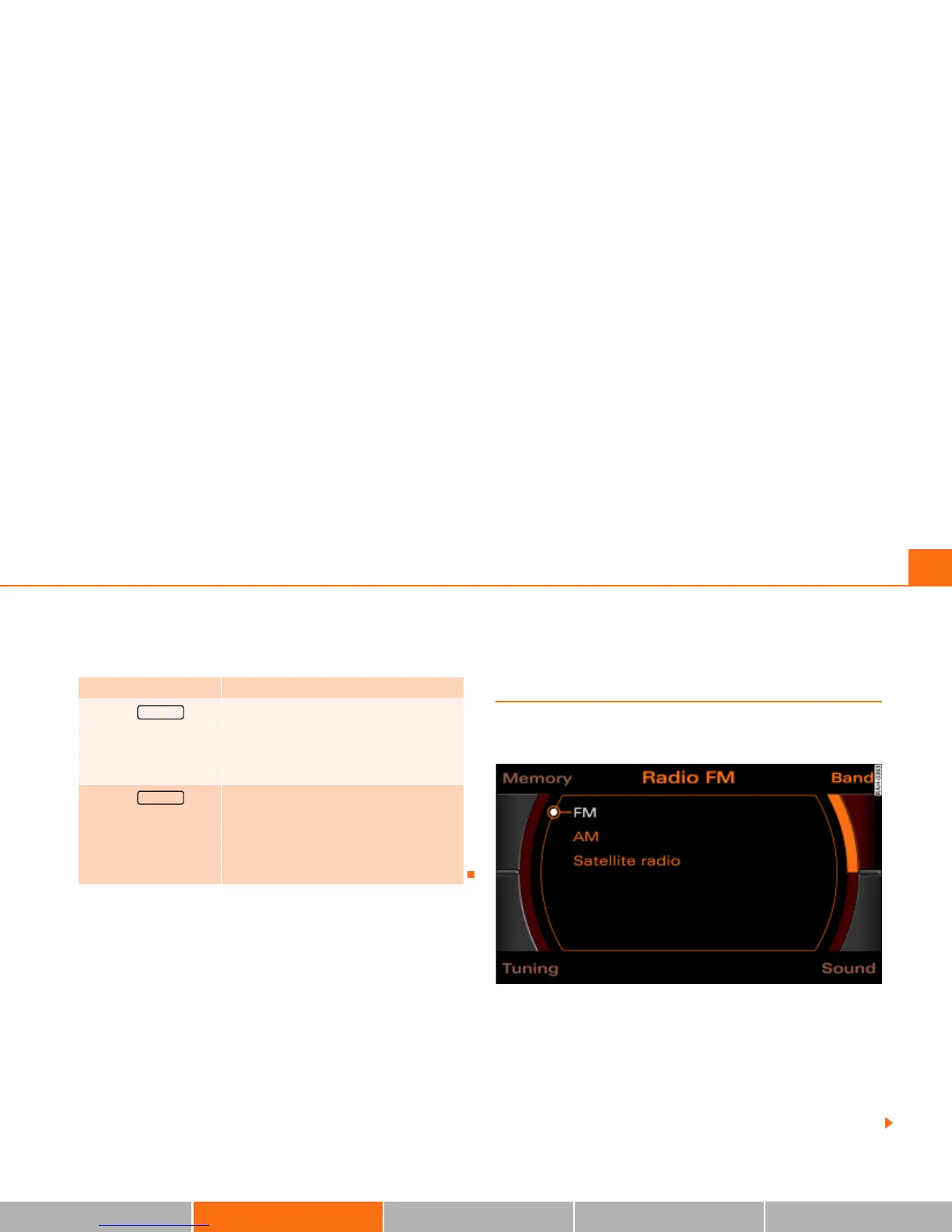
Fig. 54 Radio: Available frequency band
Band control button
–Press the Band control button in the radio menu.
– Select your desired frequency band Þ fig. 54 by rotating
the control knob.
– Press the control knob to confirm your selection.
Radio Setup submenus
Press the
function button in
the radio function
(FM/AM range)
Þ page 65
Station reception
Station display
Delete stored stations
Press the
function button in
the satellite radio func-
tion
(XM* or Sirius*)
Þ page 70
Sort station by
Station info
Category filter
Receiver serial number
Delete stored stations
SETUP
SETUP



 To Next Page