Navigation (NAV) 161
General operation RADIO, CD NAME, TEL NAV, INFO CAR, SETUP
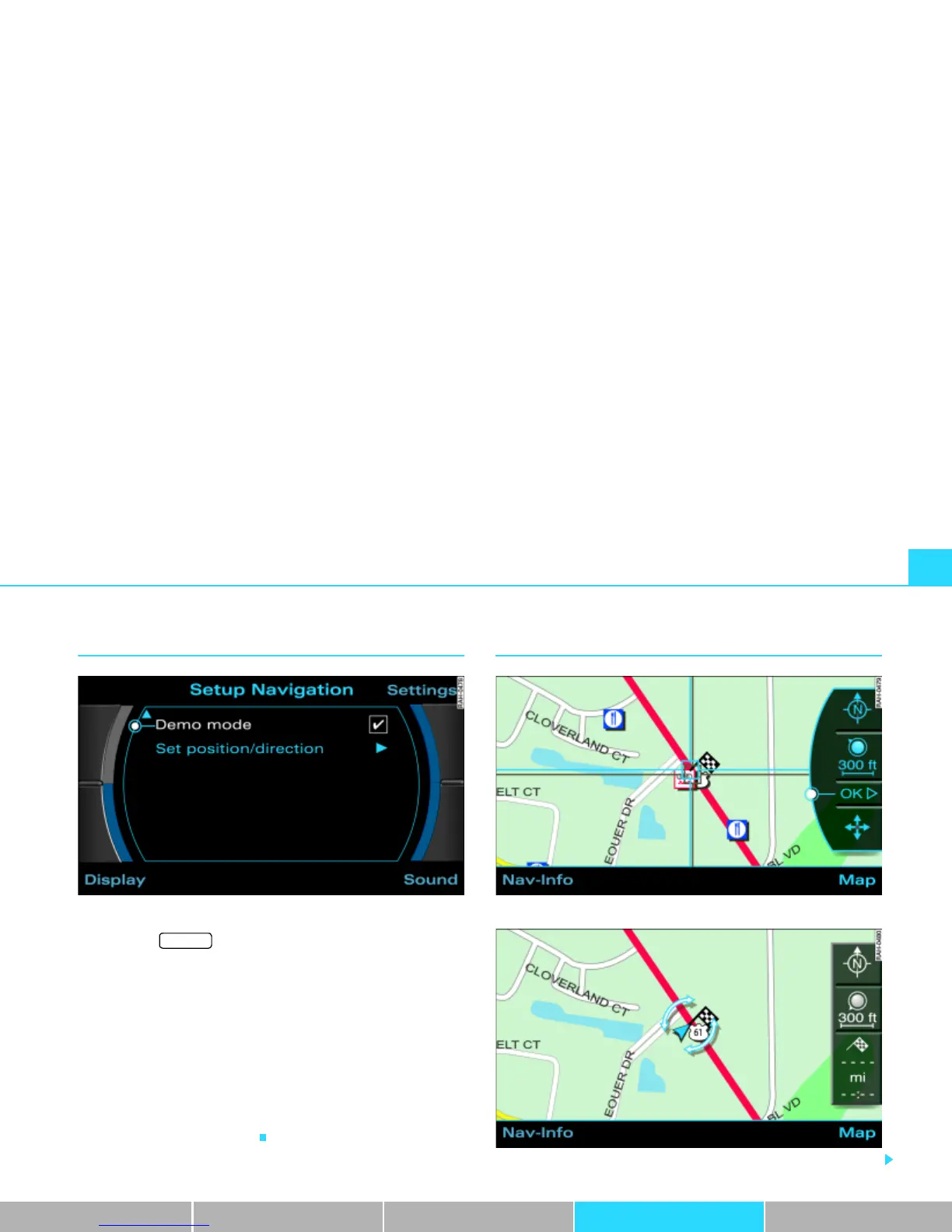
Demo mode
Fig. 176 Setup Navigation: Activate demo mode
– Press the function button Þ page 16 in the navi-
gation menu.
– Highlight Demo mode with a check mark
¥ Þ fig. 176 to
activate the function.
The Demo mode provides a simulation of the route you entered. This
allows you to effectively plan and display your destination by
showing specific map content
Þ page 155 or route criteria
Þ page 141.
Map type “Position 3D”
Þ page 154 is not shown in Demo mode. If
you have selected map type “Position 3D”, the simulation is shown
in map type “current position”.
Set position/direction
Fig. 177 Setup Navigation: Input position/direction manually
Fig. 178 Setup Navigation: Set direction of position
SETUP



 To Next Page