CD/SD78
Tips
· Sound controls can be adjusted individually for each piece of
equipment
Þ page 92.
· The audio source selected is shown in the title line of the
display.
Main CD menu
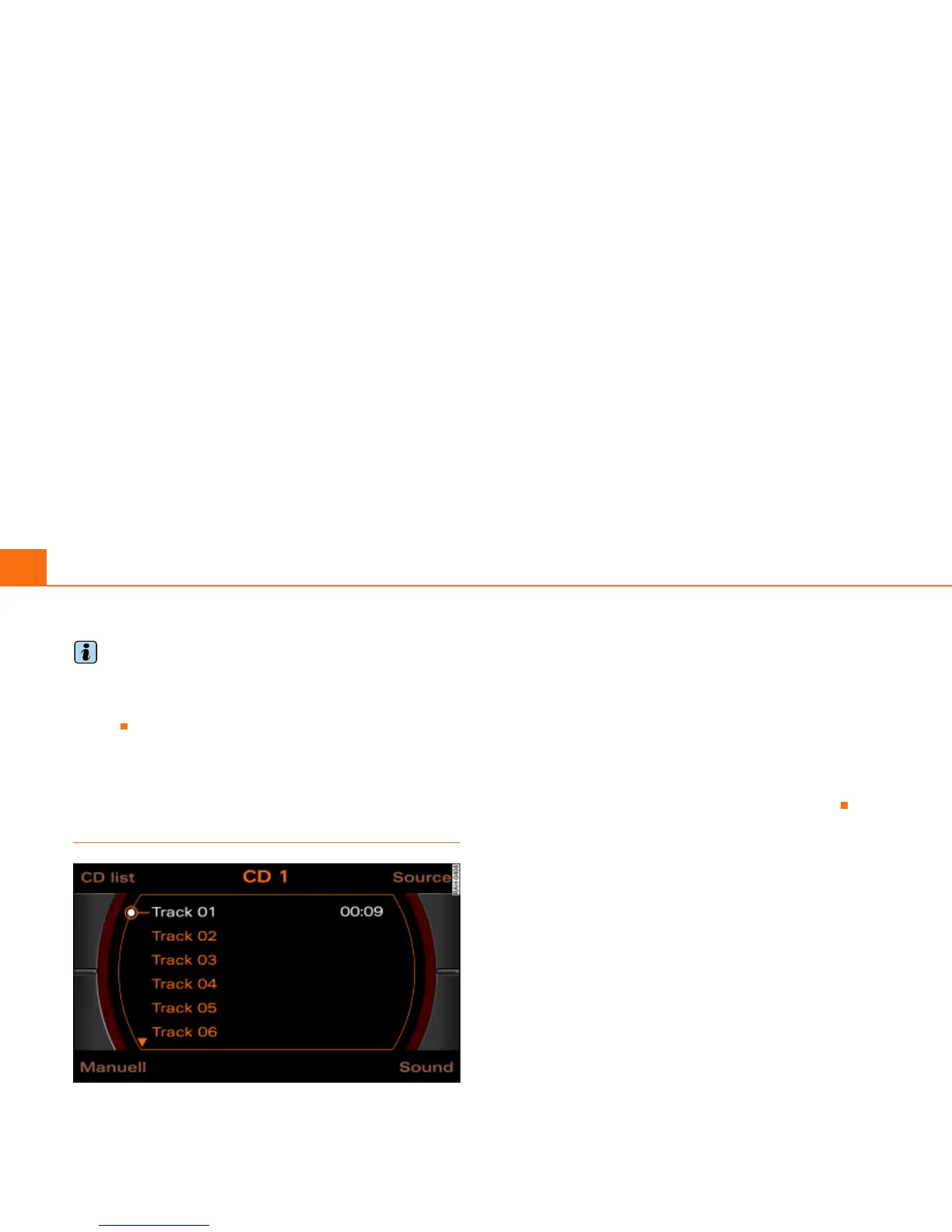
Selecting a CD track
Fig. 77 CD: Track selection (main menu)
–Press the Source control button from a CD/SD menu.
– Select CD Þ page 77.
– In the main CD menu Þ fig. 77, select the desired track
on the active CD with the control knob.
The playing time of the track will be displayed after the track name.
If the vehicle has a CD changer*, you can select a CD using the CD
list control button
Þ page 79
An audio CD inserted into the DVD Navigation drive
Þ page 35 is
shown as CD 1 in the title line. If your vehicle is equipped with a CD
changer*, an audio CD inserted into the DVD Navigation drive can
be selected with the CD list control button via location CD 7.



 To Next Page