Information (INFO) 163
General operation RADIO, CD NAME, TEL NAV, INFO CAR, SETUP
Information (INFO)
Introduction
Selecting information function
Navigation information can be selected using the
button.
– Press the function button Þ page 16 to display the
main information menu Þ fig. 179.
The main information menu displays the same information as in the
main function once the control button for the Nav-Info is
pressed.
Main information menu
Information data
Location and destination information can both be
displayed.
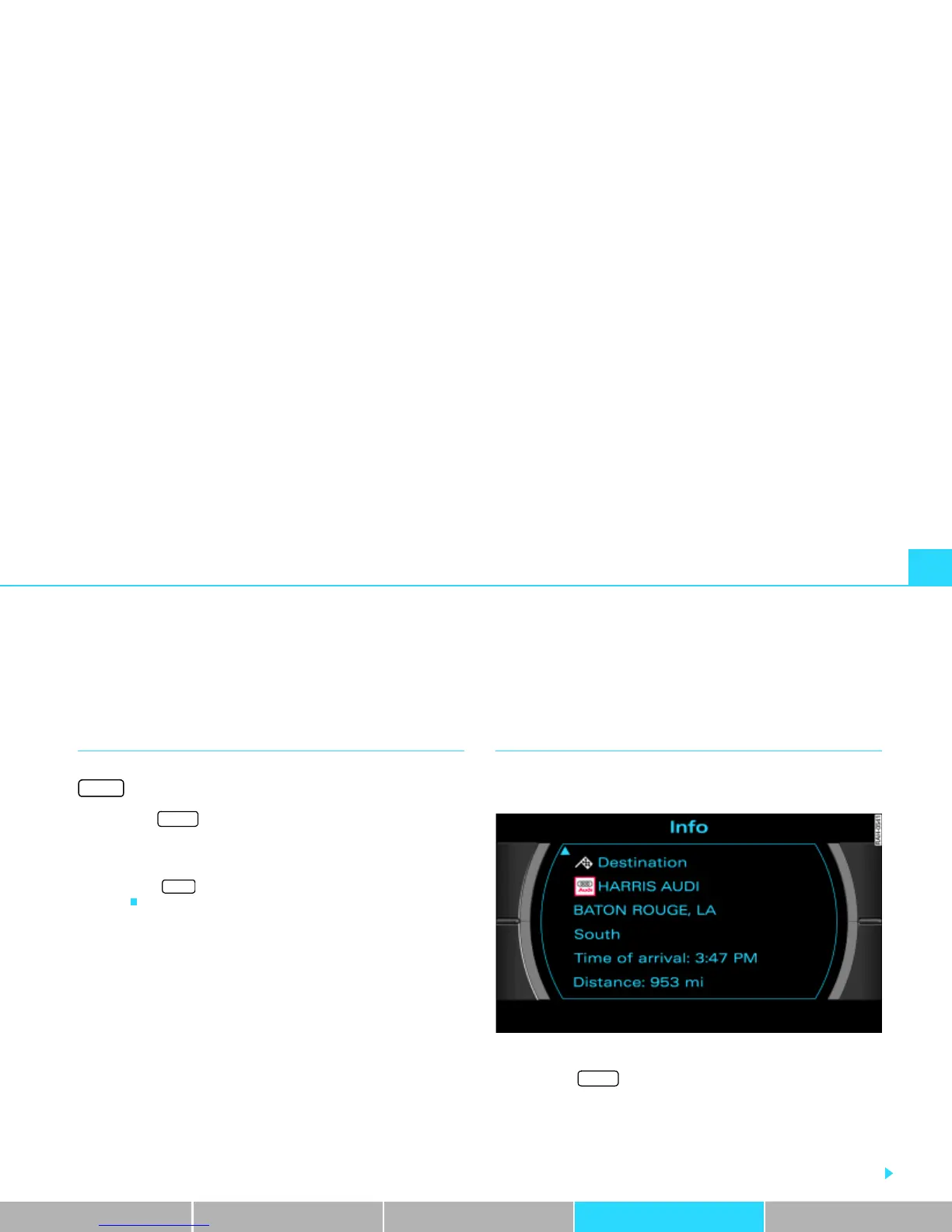
Fig. 179 Info: Displaying the destination
– Press the function button to display the main
information menu Þ fig. 179. You are shown the destina-
tion or next stopover with address, estimated time of
arrival and distance.
– Rotate the control knob to the left. The data for the next
stopovers to the destination are displayed.
INFO
INFO
NAV
INFO



 To Next Page