Navigation (NAV) 151
General operation RADIO, CD NAME, TEL NAV, INFO CAR, SETUP
· Distance to destination
· Location of your vehicle
· Geographic location of your vehicle (latitude, longitude)
· Receivable satellites
The last navigation announcement will also be repeated.
Setup Navigation
Opening and closing Setup
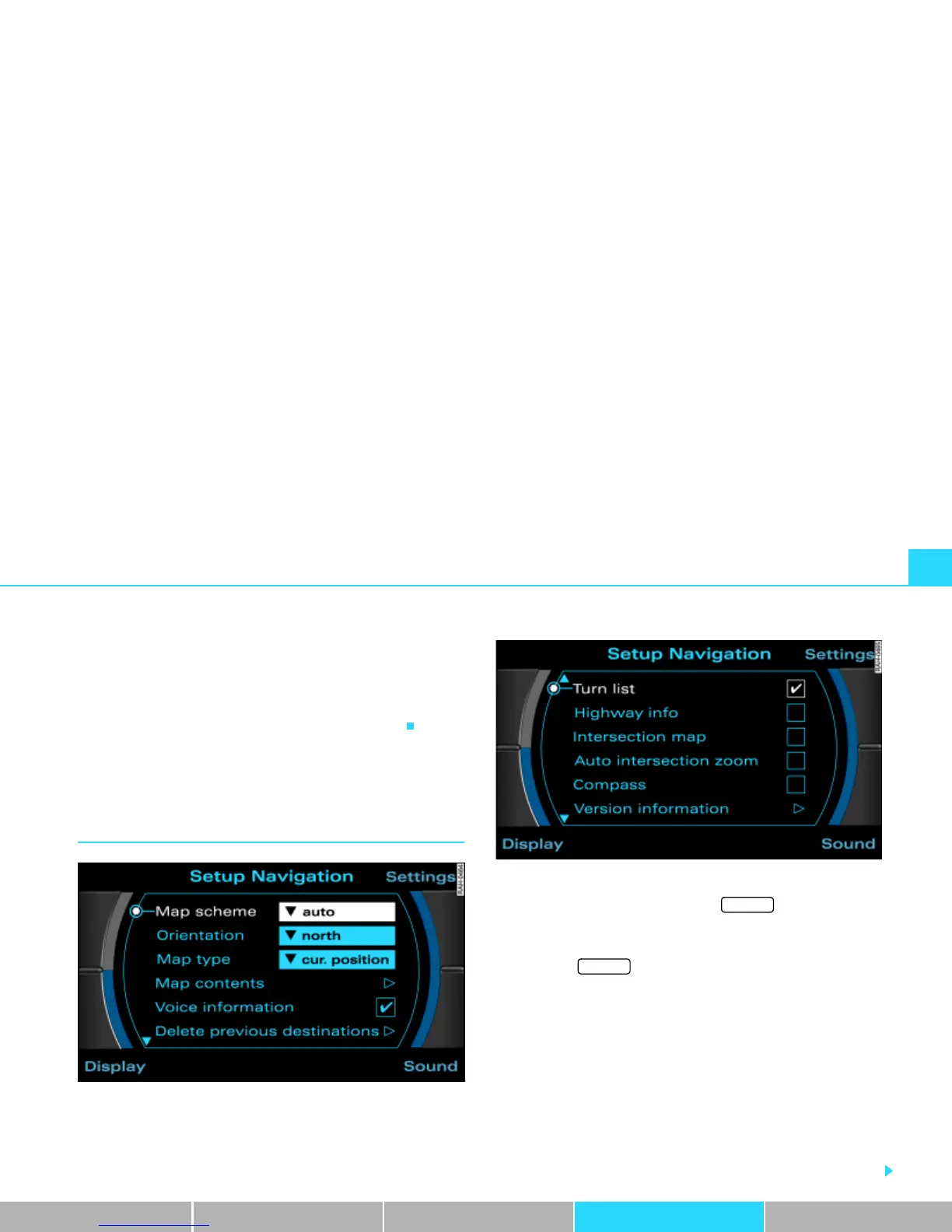
Fig. 162 Setup Navigation: main menu (page one)
Fig. 163 Setup Navigation: main menu (page two)
– In a navigation menu, press the Þ page 16 func-
tion button, to open the main Setup menu for the naviga-
tion function Þ fig. 162.
– Press the button again to close the main Setup
menu again.
The following settings are possible in Setup Navigation:
· Map scheme Þ page 152
· Orientation Þ page 153
· Map type Þ page 154
· Map contents Þ page 155
· Voice information Þ page 156
· Delete previous destinations Þ page 156
· Turn list Þ page 156
· Highway info Þ page 157
SETUP
SETUP



 To Next Page