Drives34
Drives
Introduction
System drives
The navigation DVD, audio CDs or MP3 CDs compatible
with the equipment can be loaded into the DVD navi-
gation drive.
–Press the button Þ page 12, fig. 4 to open or close the
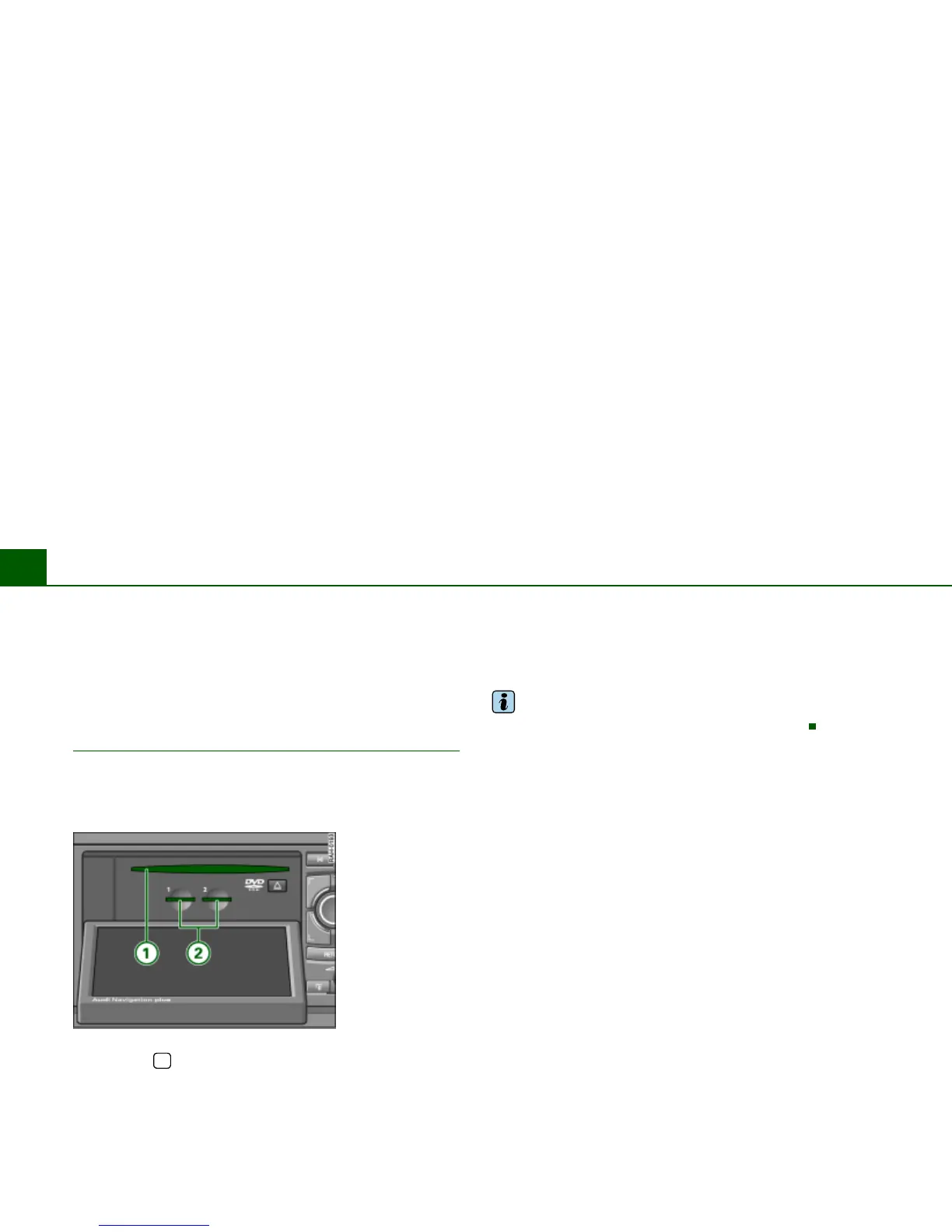
display. The drives are located behind the display
Þ fig. 30.
The following drives are integrated in the Navigation System.
DVD navigation drive
Þ page 35
Two MP3 card readers for SD or MMC memory cards
Þ page 40
Tips
An MP3 CD is a CD ROM on which MP3 files are stored.
Fig. 30 Display open:
DVD drive and MP3
card reader
î



 To Next Page