RADIO66
– Press the function button in the FM/AM radio
menu.
– Select Station reception Þ page 65, fig. 65.
Local station reception
Automatic seek
Þ page 63 stops only at stations or frequencies with
strong reception.
Distant station reception
Automatic seek
Þ page 63 also stops at distant, weaker stations or
frequencies.
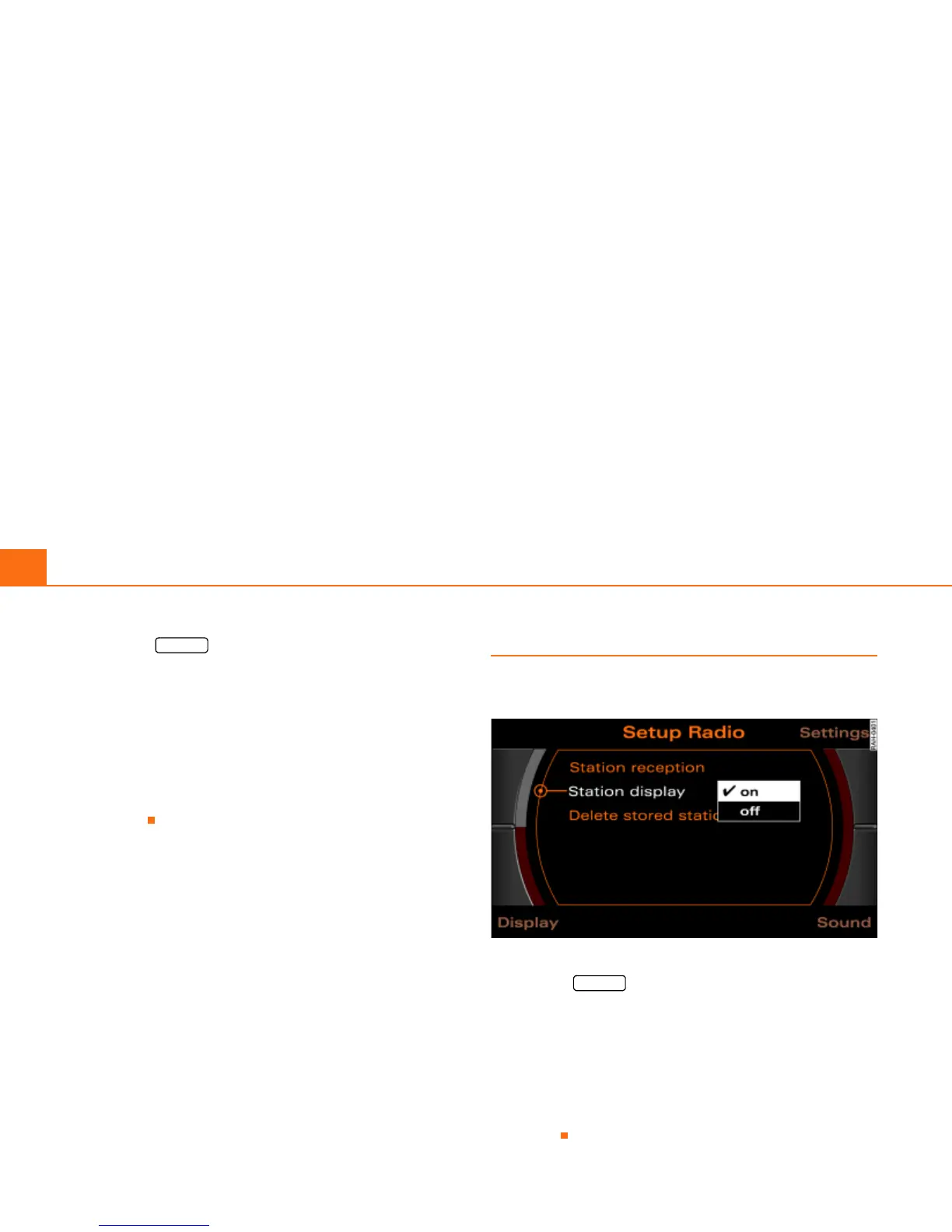
Station display (FM/AM range)
Ticker texts broadcast by radio stations can be
stopped.
Fig. 66 Setup Radio: Station display
– Press the function button in the FM/AM radio
menu.
– Select Station display.
–Under Station display, select on. The texts/names broad-
cast for the radio station currently selected are shown, or
–Under Station display, select off. The texts/names broad-
cast for the radio station currently selected are not
shown.
SETUP
SETUP



 To Next Page