Navigation (NAV)134
Memory control button
Previous destinations
The previous destinations are stored and can be
loaded directly as a navigation destination.
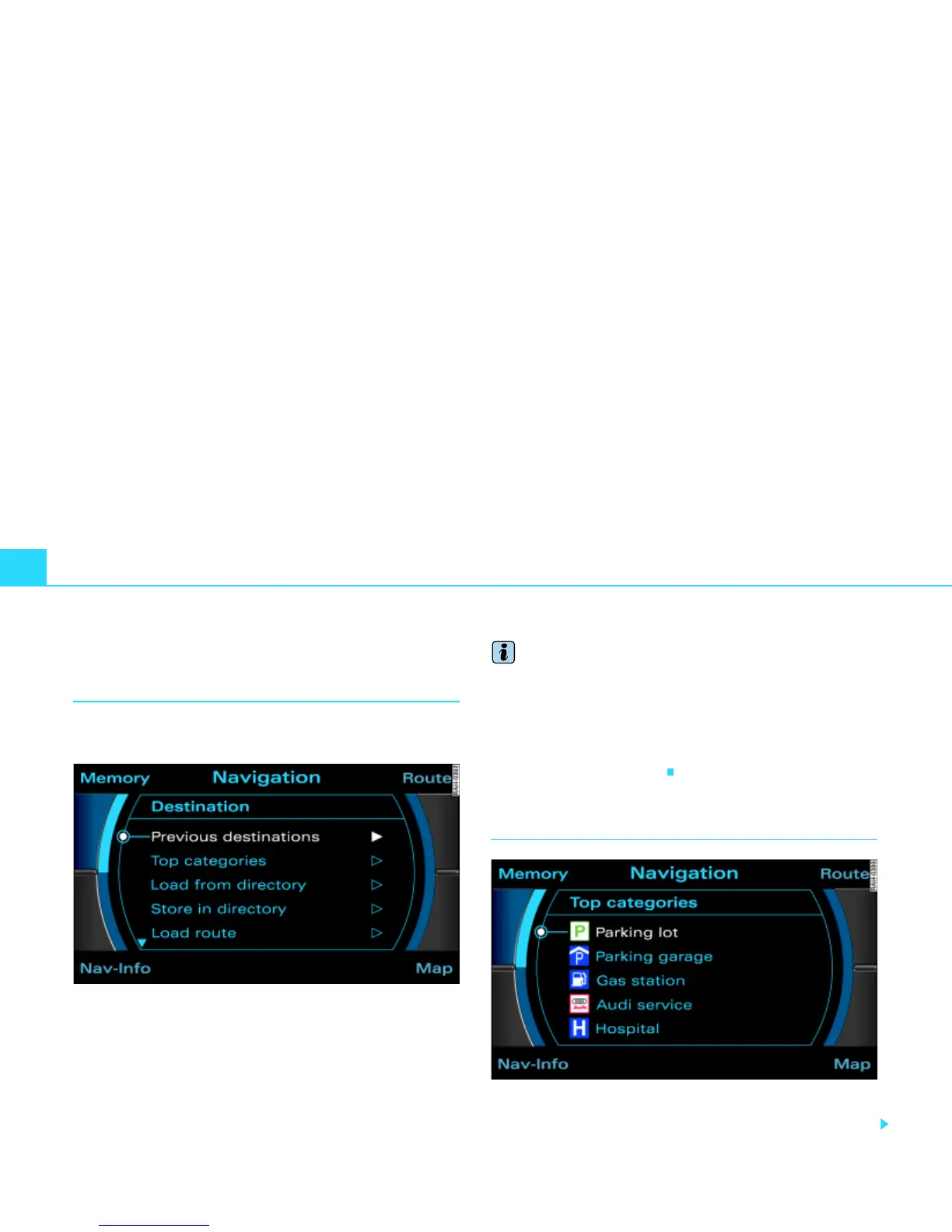
Fig. 140 Navigation: select previous destinations
–Press the Memory control button in the navigation menu.
– Select Previous destinations. You will see a list of the
most recently entered destinations. This list is updated
automatically.
– Select your desired entry.
– Select Start route guidance.
Tips
· There may be entries which cannot be displayed fully in the
display because they contain too many letters and are too long. If
you select one of these entries using the control knob, a second
window will open up after a few seconds. You will be given addi-
tional information about the selected entry in this window.
· The list of previous destinations can be deleted in the Setup
Navigation menu
Þ page 156.
Top categories
Fig. 141 Navigation: Top categories
–Press the Memory control button in the navigation menu.



 To Next Page