Navigation (NAV) 119
General operation RADIO, CD NAME, TEL NAV, INFO CAR, SETUP
– Press the function button Þ page 16.
– Press the control button with the Route function.
–Select Route without stopover to switch to single desti-
nation mode Þ page 119 Þ page 139. The destination
entry menu Þ page 117, fig. 121 appears, or
–Select Route with stopover to switch to route plan
Þ page 121 and then select Destin.. The destination
entry menu Þ page 117, fig. 121 appears.
–Select Region Þ page 118, fig. 122.
–Select another Region from the list Þ page 118, fig. 123
by rotating and pressing the control knob.
When selecting a country, destination data (street, city and catego-
ries) that was previously stored in the destination entry menu is
deleted.
Entering single destination (Route without
stopover)
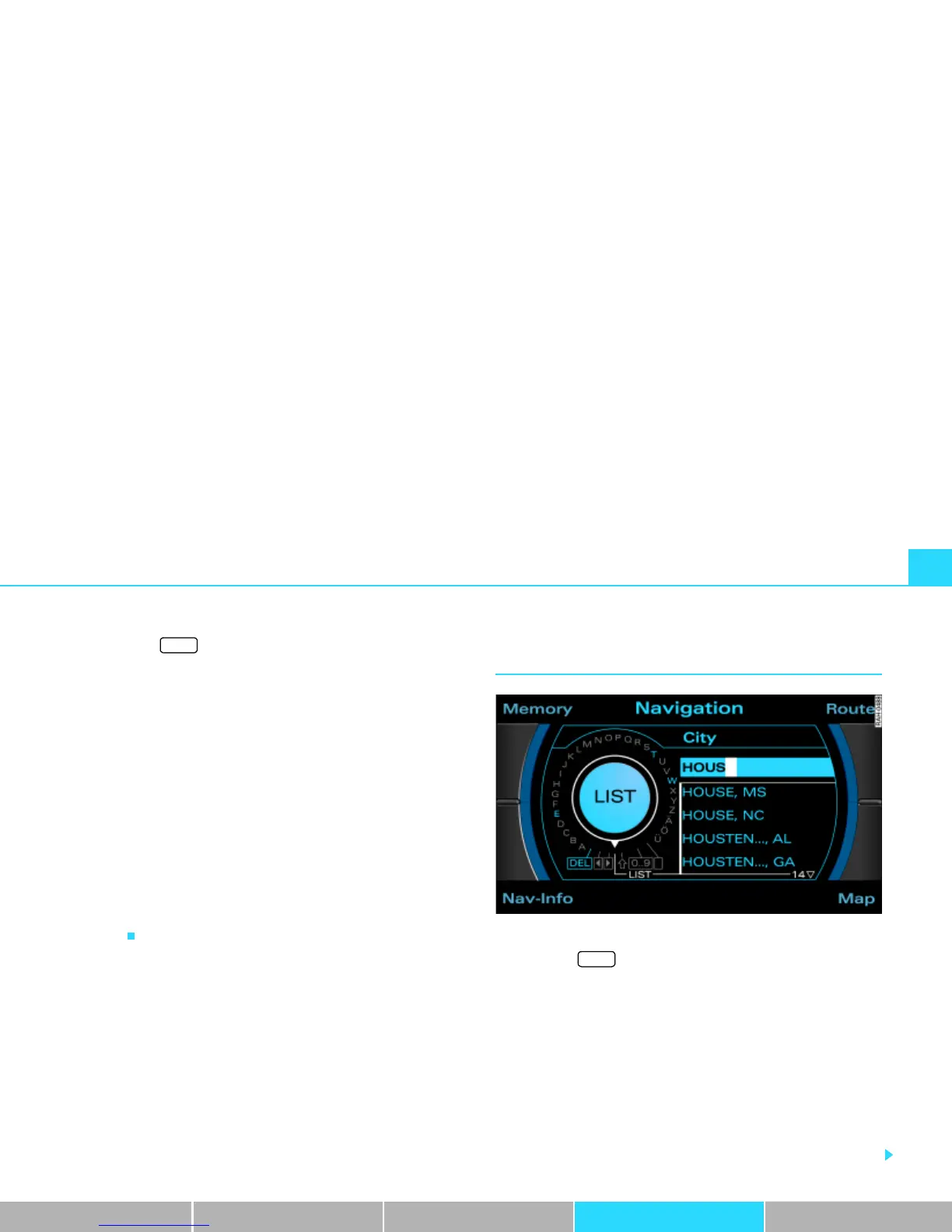
Fig. 124 Navigation: Entering the destination using the speller
–Press the function button Þ page 16.
– If necessary,Press the control button with the Route func-
tion and confirm the Route without stopover function to
switch to single destination mode Þ page 139. The desti-
nation input menu Þ page 117, fig. 121 appears.
– Select ggf. Region Þ page 118.
– Select City and enter the name using the speller,
Þ fig. 124 or
– In the speller display, select LIST Þ fig. 124 and select
the city from the list.
NAV
NAV



 To Next Page