RADIO64
–Press the Tuning control button in the FM/AM radio
menu.
– Using “Manual station search” Þ page 62 or “Automatic
seek” Þ page 63, select the station (or frequency) that
you wish to save.
– By rotating and pressing the control knob, select STORE
(“Store station”) Þ page 63, fig. 61.
– Select your desired memory location by rotating the
control knob.
– Press the control knob to save the station.
Using the control wheel, you can also save manually set radio
stations
Þ page 62.
When you save a new station, an empty memory location will be
offered automatically. You can also choose any other memory loca-
tion.
You can find additional information about radio stations starting on
Þ page 61. In Setup radio you can delete saved radio stations from
the memory list
Þ page 67.
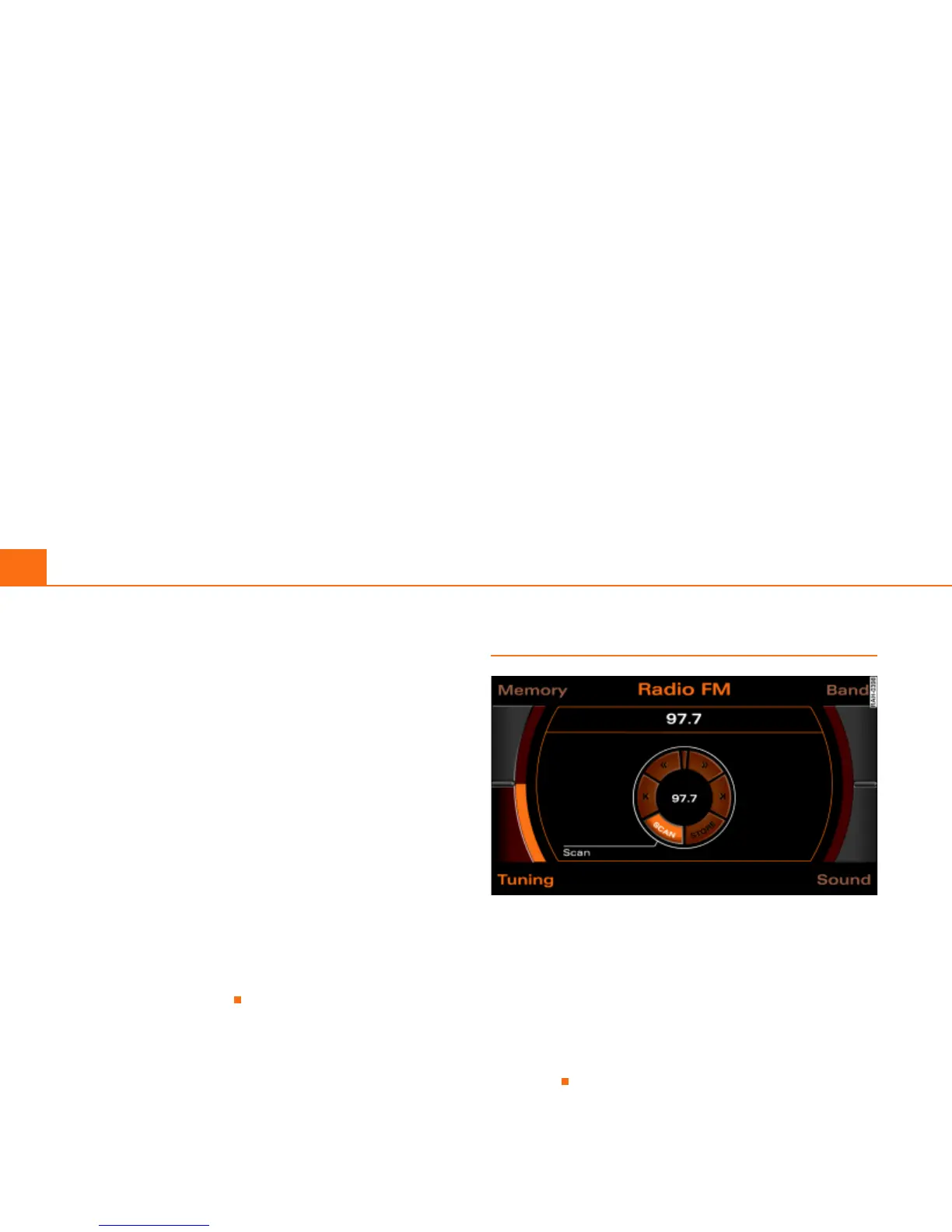
Automatic station scan (SCAN)
Fig. 63 Radio: SCAN function
–Press the Tuning control button in the FM/AM radio
menu.
– By rotating the control knob, select SCAN Þ fig. 63.
– Press the control knob to begin scan. The receivable
stations are played for a few seconds.
To select the station that is currently being played, press the control
knob again.



 To Next Page