General system operation16
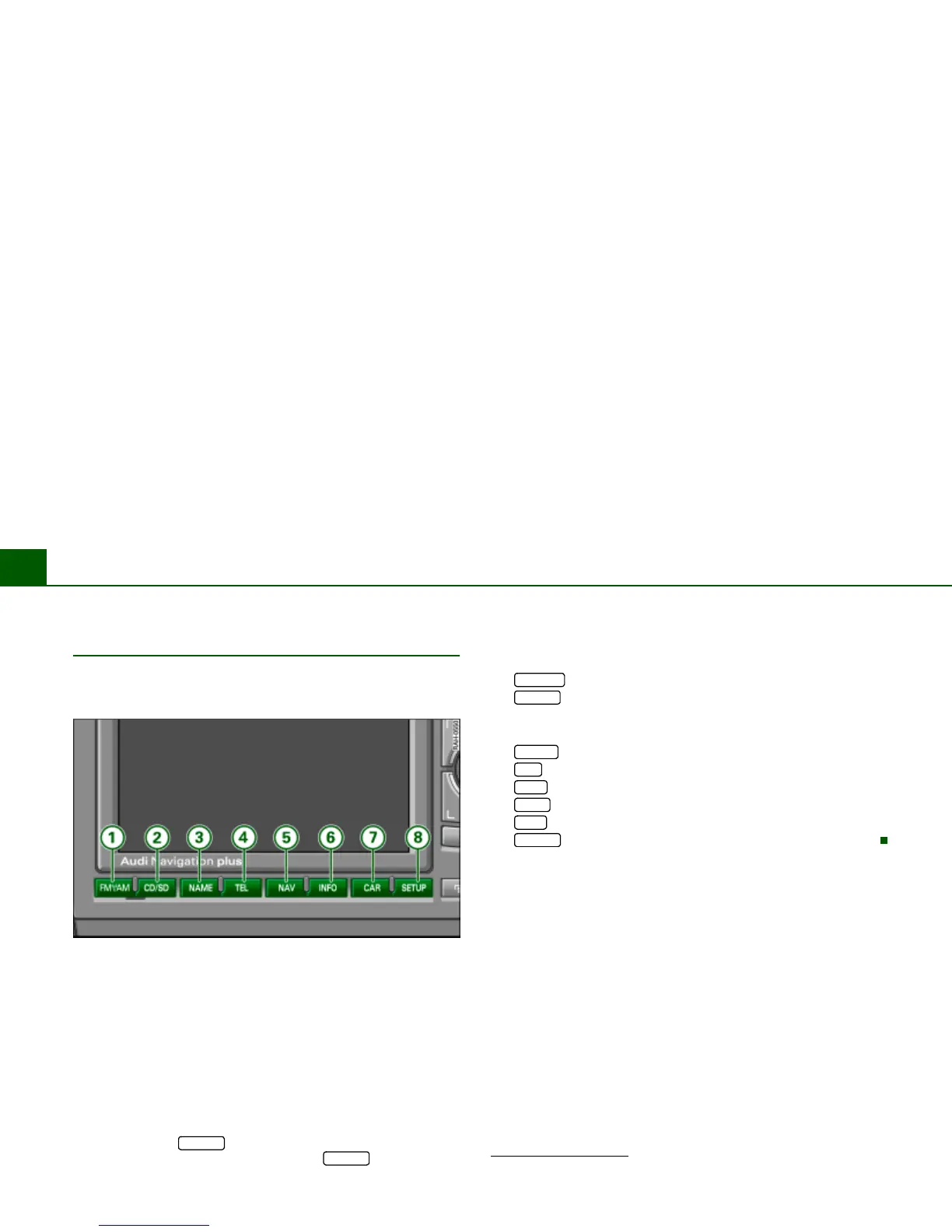
Function buttons
The function buttons determine which main functions
are shown in the display.
Fig. 8 Navigation System: Function buttons
– Press a function button Þ fig. 8 to reach the desired main
function.
If the Navigation System is switched on, all main functions are
active.
The main menu or a submenu assigned to this main function is
shown in the display
Þ page 20, “History function”. When you press
the function button again, you usually go the particular main menu
Þ page 20, “Home function”.
If you pressed the button in one of the main functions, you
can leave that Setup menu by pressing the button
again
Þ page 169. The Setup function works in conjunction with an
already activated function button. This opens special settings
belonging to the main function just selected.
button . . . . . . . . . . . . . . . . . . . . . . . . . . . . . . . . .
button
- Running the CD drives . . . . . . . . . . . . . . . . . . . . . . . . .
- Running the MP3 player . . . . . . . . . . . . . . . . . . . . . . . .
button . . . . . . . . . . . . . . . . . . . . . . . . . . . . . . . . . .
button
1)
. . . . . . . . . . . . . . . . . . . . . . . . . . . . . . . . . . .
button . . . . . . . . . . . . . . . . . . . . . . . . . . . . . . . . . . .
button . . . . . . . . . . . . . . . . . . . . . . . . . . . . . . . . . . .
button . . . . . . . . . . . . . . . . . . . . . . . . . . . . . . . . . . .
button . . . . . . . . . . . . . . . . . . . . . . . . . . . . . . . . .
SETUP
SETUP
1)
Telephone is not installed.



 To Next Page