Adjusting sound settings92
Adjusting sound settings
Setting basic sound
characteristics
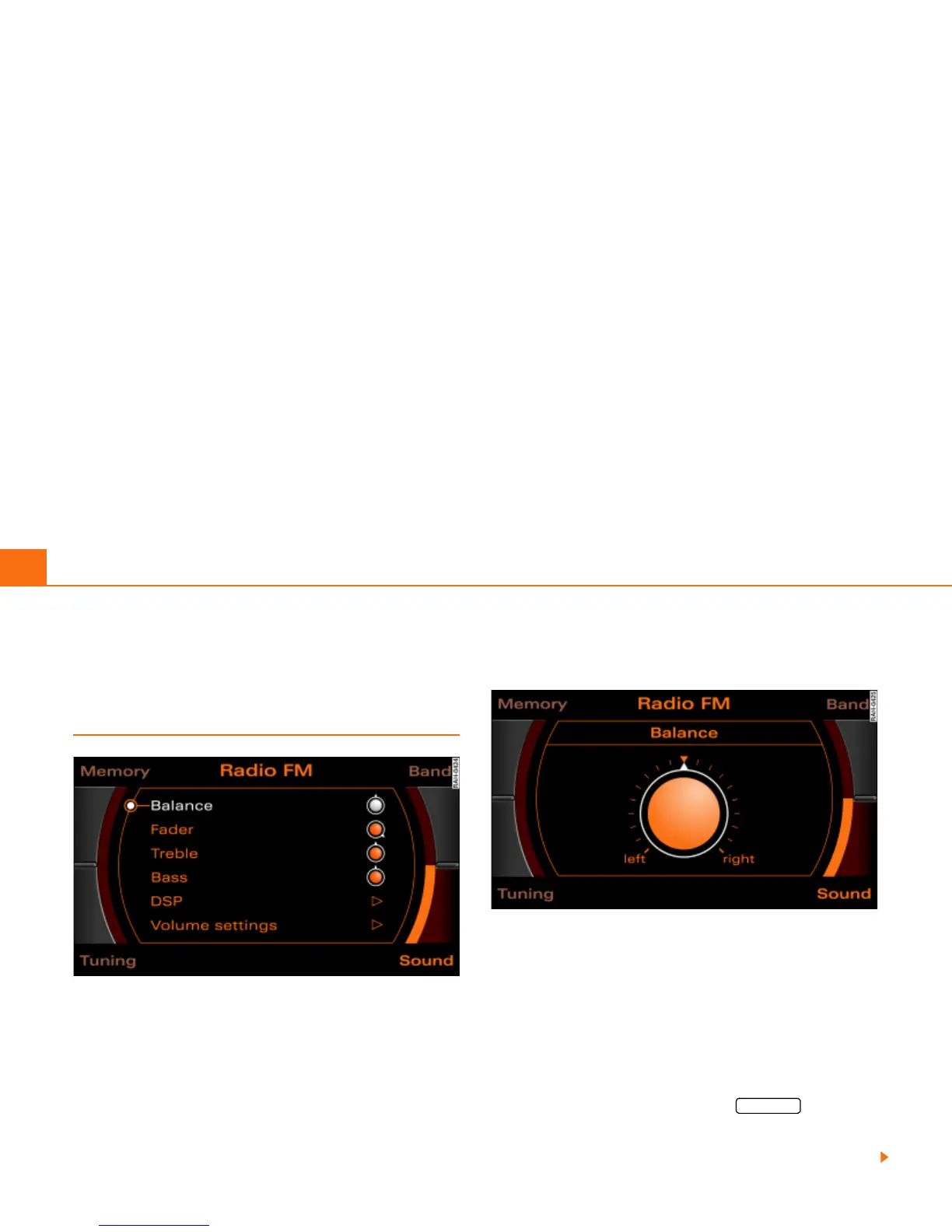
Fig. 96 Sound: Setting the balance (example radio menu)
Fig. 97 Sound: Balance adjustment (example radio menu)
– Press the control button for the Sound function from an
audio or Setup menu.
– Select the desired sound setting (e.g. Balance) Þ fig. 96
with the control knob.
– Rotate the specific control knob in the sound adjustment
menu (e.g. Balance) Þ fig. 97 to set the sound character-
istic to your liking.
– By pressing the control knob or the button, the
setting is imported and you leave the settings menu.
The Display Þ fig. 97 shows the degree of adjustment.
RETURN



 To Next Page