Navigation (NAV)152
· Intersection map Þ page 158
· Auto intersection zoom Þ page 159
· Compass Þ page 160
· Version information Þ page 160
· Demo mode Þ page 161
· Set position/direction Þ page 161
The sound and tuning settings and the brightness of the display can
be entered using the control buttons
Þ page 169.
Tips
We recommend that you enter these settings when the vehicle is
stationary. Please note
Þ page 9.
Map scheme
The map display can be changed according to driving
conditions (day/night).
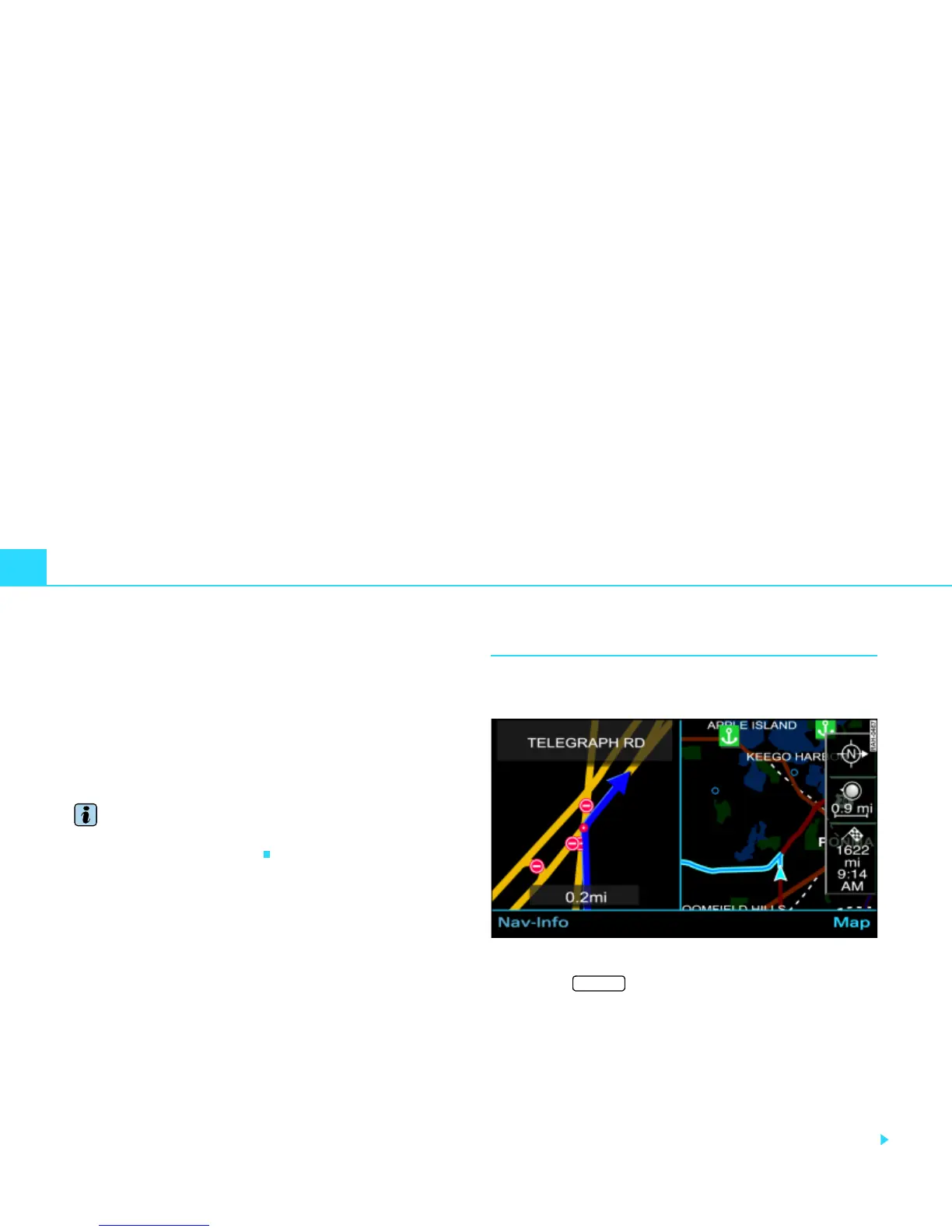
Fig. 164 Setup Navigation: Night map
– Press the function button Þ page 16 in the navi-
gation menu.
– Select Map scheme.
– Select day, night or auto.
day
The map display contains all topographical details. The background
is shown light. This makes map features easy to recognize. The
daytime view is optimized for ambient light
Þ page 146, fig. 154.
SETUP



 To Next Page