RADIO56
RADIO
Introduction
Selecting radio function
The radio settings can be selected via the
function button.
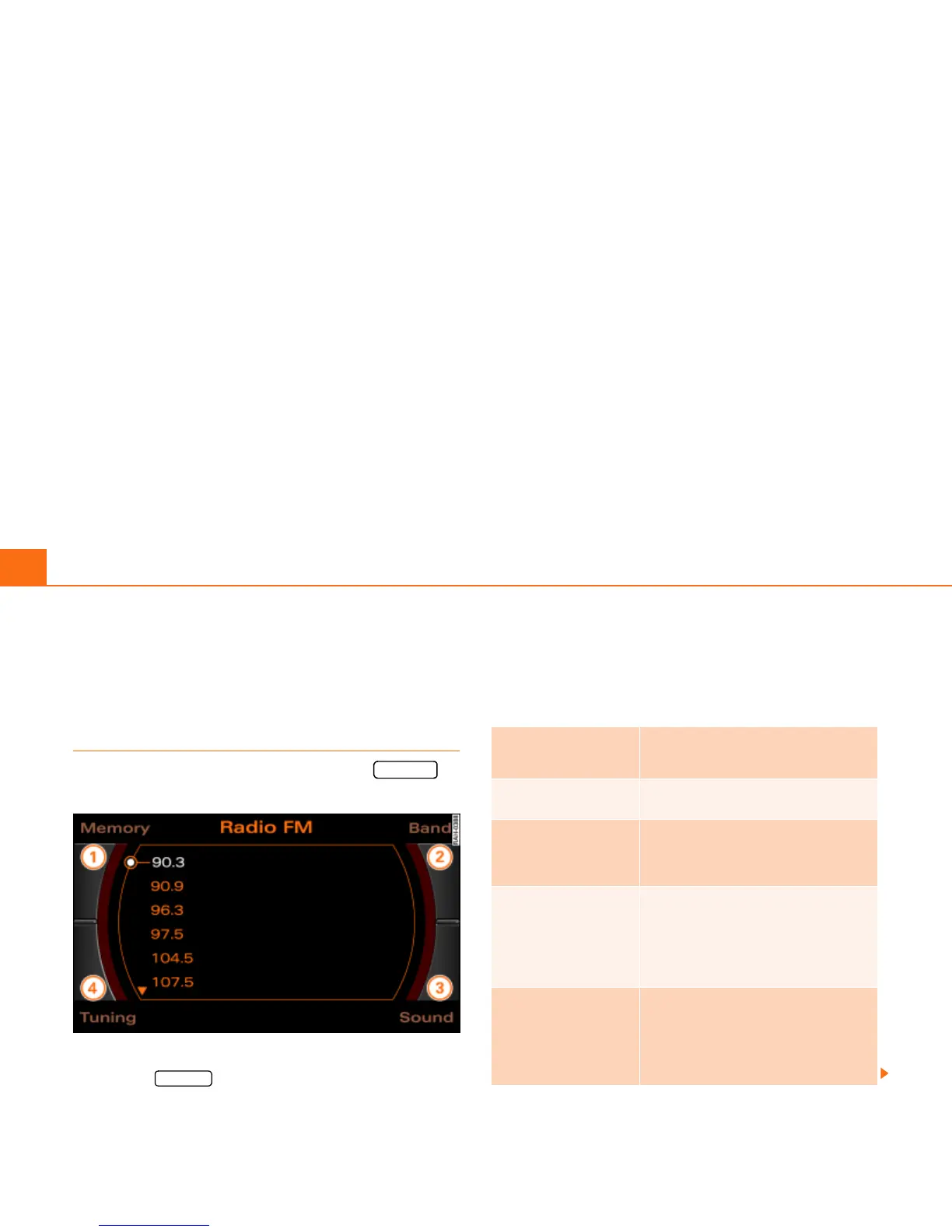
Fig. 53 Display: Main radio menu
– Press the function button Þ page 16. The main
radio menu (station list) Þ fig. 53 or the previous active
radio function menu appears in the display.
– Press one of the control buttons Þ page 17 to move to
the appropriate submenus to Þ fig. 53.
The following submenus are available in the radio
function:
FM-AM
FM-AM
4
Control button
functions
Þ fig. 53
Radio submenus
Memory
Memory list
Band
FM
AM
Satellite Radio
(XM Radio* or Sirius Radio*)
Sound
Balance
Fader
Treble
Bass
DSP
a)b)
Volume settings (Navigation info)
a)
Digital Signal Processing
b)
Vehicles with a BOSE® sound system in conjunction with an AudioPilot do
not have a DSP function. In this case your vehicle is equipped with dynamic
noise compensation Þ page 94.
Tuning
(FM/AM range)
Tune up
Tune down
Seek up
Seek down
Store station
Scan



 To Next Page