Navigation (NAV) 117
General operation RADIO, CD NAME, TEL NAV, INFO CAR, SETUP
The following submenus are available in navigation
Setup function:
Main navigation menu
Entering a navigation destination
Destinations can be easily entered in various ways.
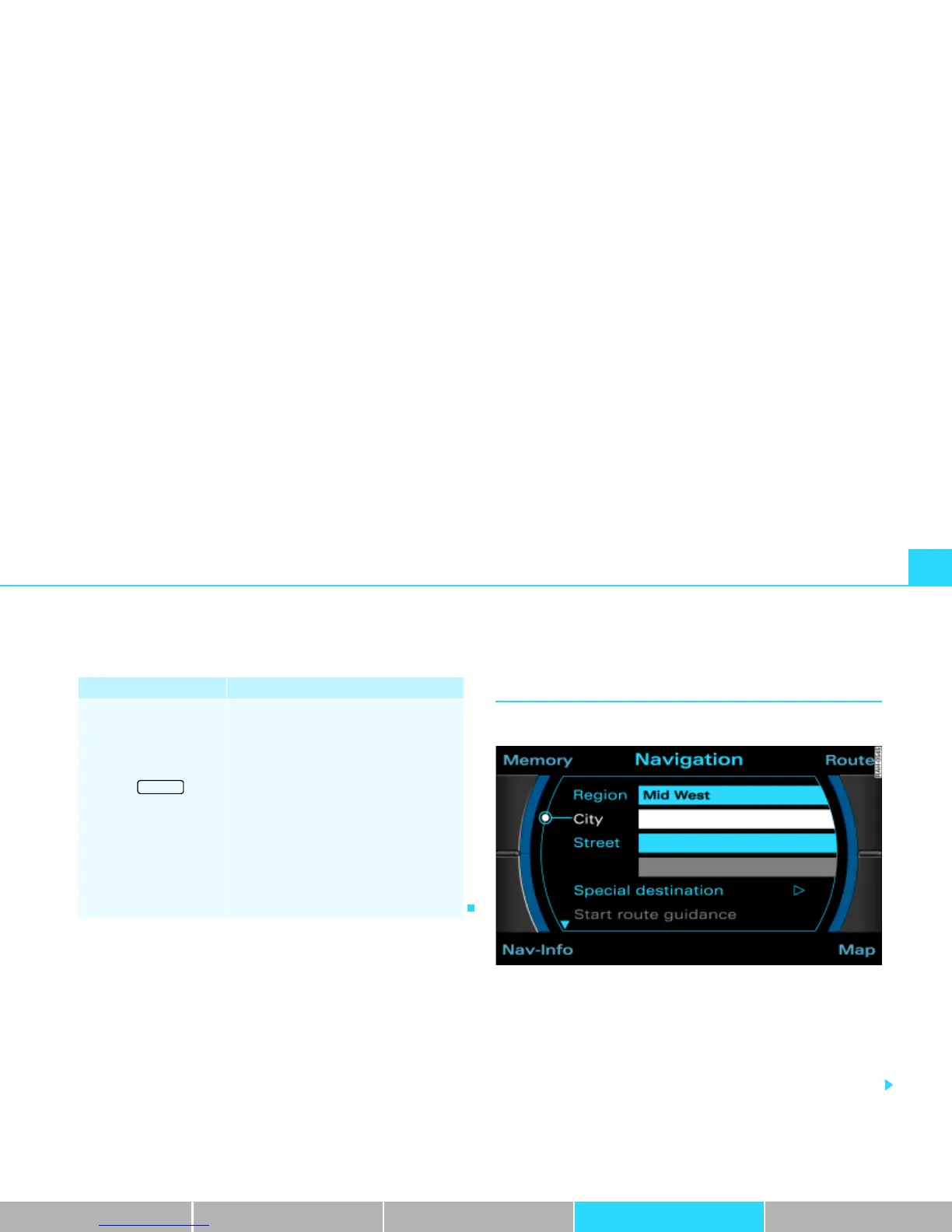
Fig. 121 Navigation: Destination entry menu (main menu)
First determined whether you would like to navigate to a final desti-
nation with or without stopovers
Þ page 139. After you have
decided on the type of guidance (with/without stopovers), you can
enter a destination over different routes. Entering destination data
in the entry menu
Þ fig. 121 is handled in the same way in single
destination and route planning mode.
Navigation submenus
Press the
function button in
the NAV function
Þ page 151
Map scheme (day/night)
Orientation
Map type
Map contents
Voice information
Delete previous destinations
Turn list
Highway info
Intersection map
Auto intersection zoom
Compass
Version information
Demo mode
Set position/direction
SETUP



 To Next Page