Navigation (NAV)128
Tips
· If you select a category (e.g. train station) and no selection is
listed, no special destination is available on the navigation DVD for
this category according to the restrictions you have set.
· A function may not be selected (“greyed-out”) if it is not available
according to the restrictions you have set, or if not permitted by
local circumstances.
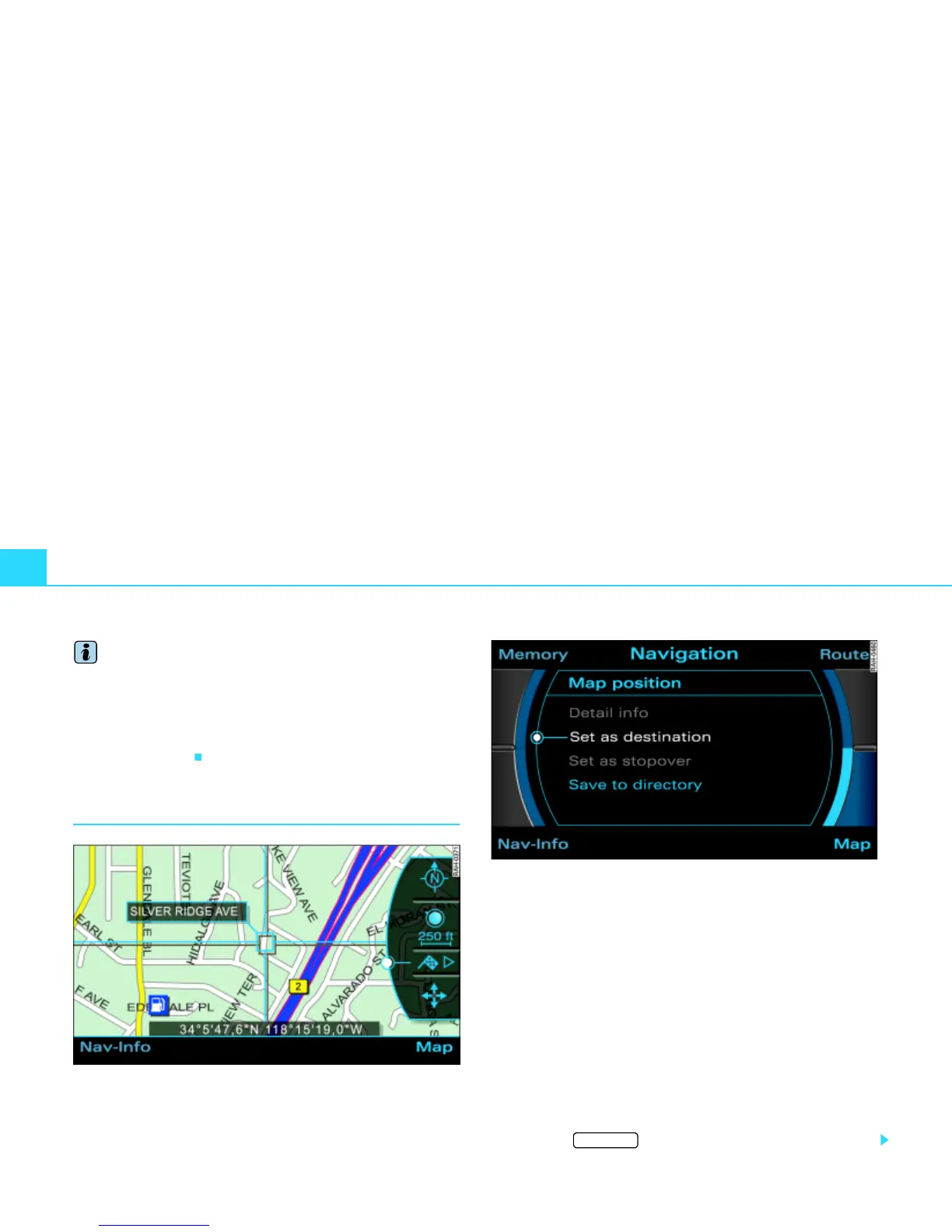
Destination input on map
Fig. 133 Navigation: Destination on the map
Fig. 134 Navigation: Setting map point as destination
– In a destination input menu Þ page 117, fig. 121, enter
another Region as applicable.
–Press the Map control button.
– Press the control knob to switch to the map side menu
Þ page 144.
– Change the scale if necessary Þ page 146.
– Activate the crosshairs Þ page 149 in the active side
menu by rotating and pressing the control knob.
– Use the crosshairs to the find the corresponding destina-
tion on the map.
– Press the button to deactivate the crosshairs.
RETURN



 To Next Page