Display 29
General operation RADIO, CD NAME, TEL NAV, INFO CAR, SETUP
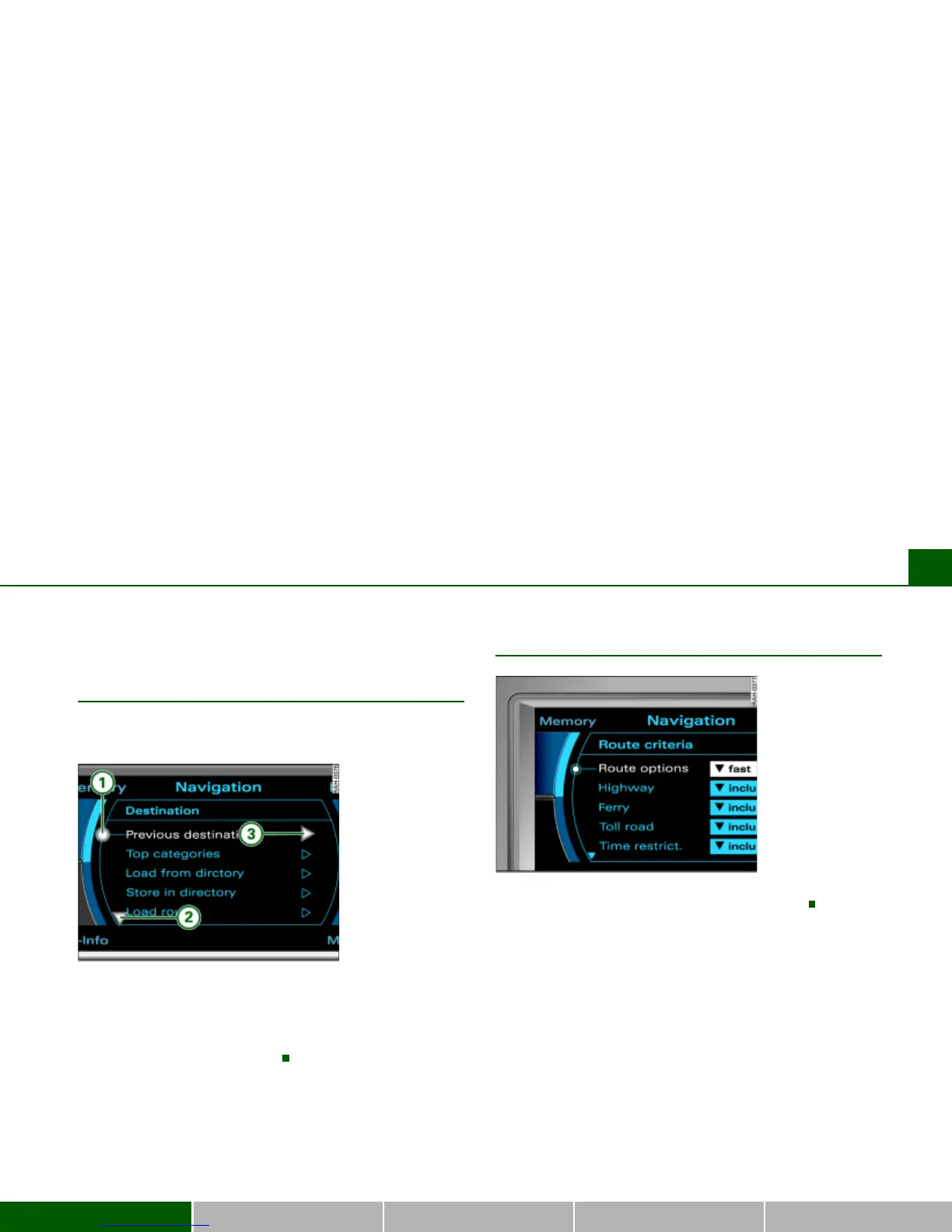
Orientation symbols
Cursor and arrows
Cursor and arrows provide orientation when navi-
gating through the different menus.
This cursor designates a chosen line in a menu.
The arrows pointing up or down point to other menu points
(scrolling up/down).
After a selection is made, this arrow points to other available
selections or possible settings.
Selected text
Your choice will be highlighted in white text Þ fig. 24.
Fig. 23 Section of
display: Orientation
symbols
A
1
A
2
A
3
Fig. 24 Section of
display: Example of
highlighted line



 To Next Page