SETUP 171
General operation RADIO, CD NAME, TEL NAV, INFO CAR, SETUP
· German
· English
· French
· Italian
· Spanish
Tips
The menu language can only be selected when the vehicle is
stationary. The function is greyed out while you are driving and
cannot be selected.
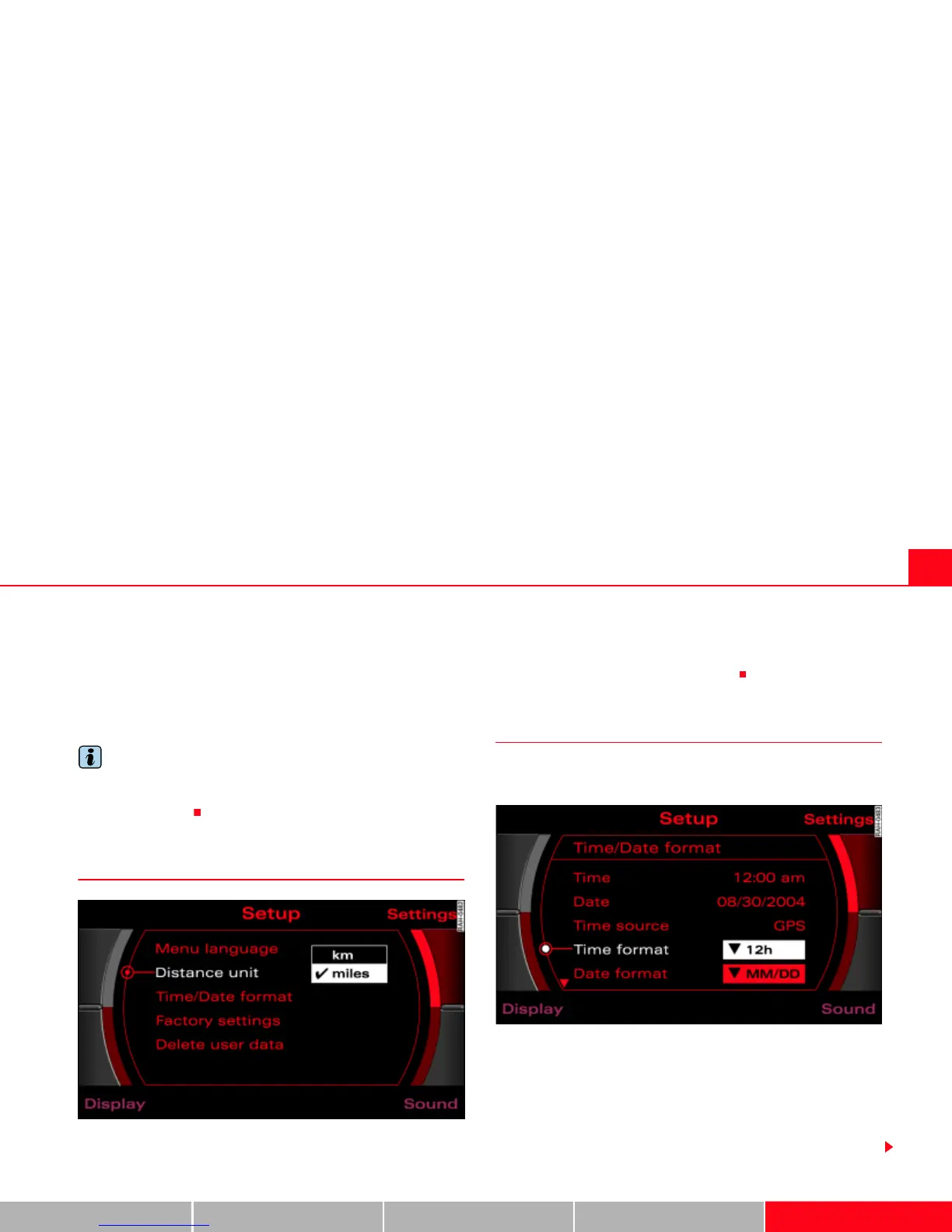
Setting distance unit (km/miles)
Fig. 182 Setup: Distance unit
–Press the Settings control button in the Setup menu.
– Select Distance unit.
– Select from the units miles or km.
Time/Date format
Time of day and date can be adjusted through the
preset formats.
Fig. 183 Setup: 12h time format setting
Setting time format
–Press the Settings control button in the Setup menu.
– Select Time/Date format Þ fig. 182.
– Select Time format Þ fig. 183.



 To Next Page