Navigation (NAV) 155
General operation RADIO, CD NAME, TEL NAV, INFO CAR, SETUP
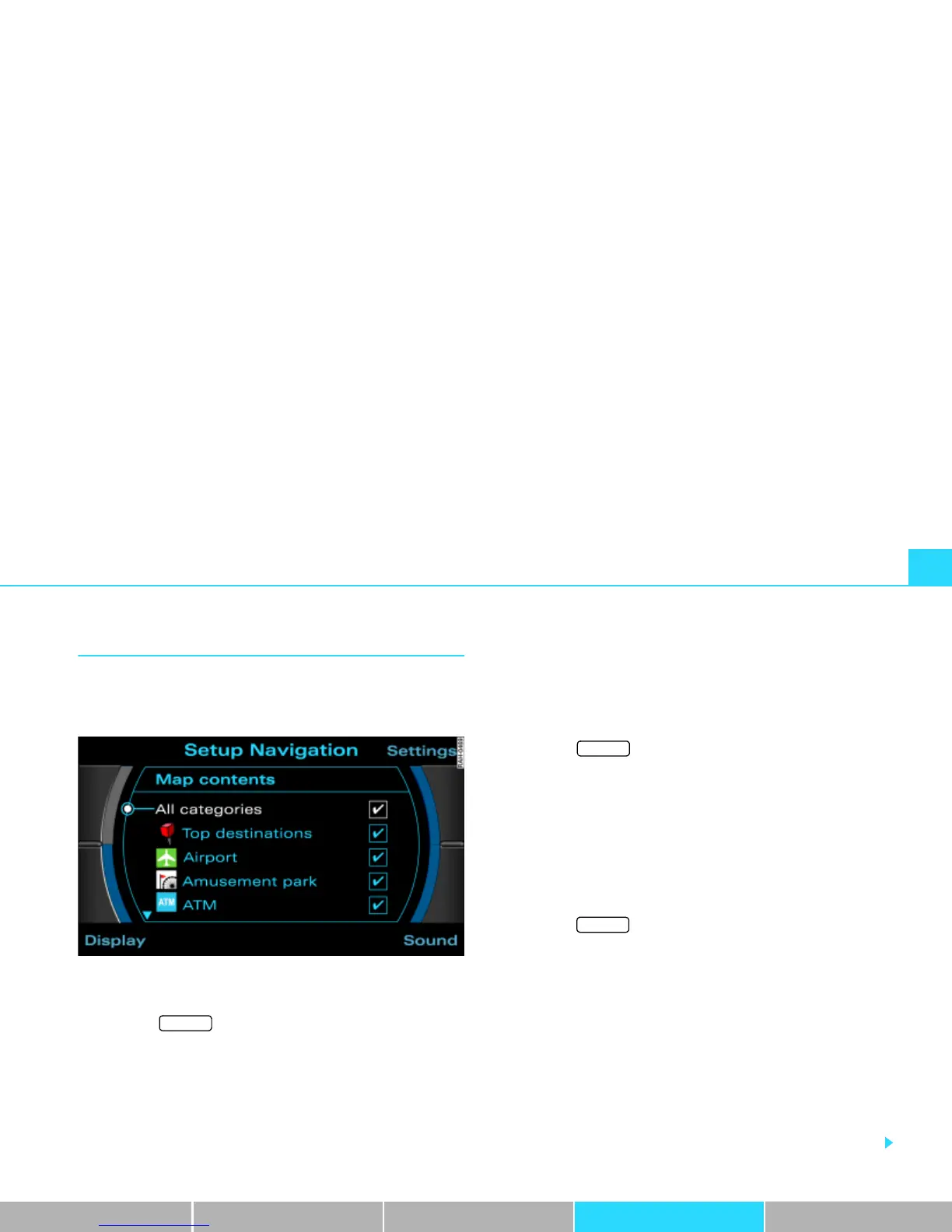
Map content
In addition to the information that is displayed auto-
matically, the map can also display other additional
information.
Fig. 167 Setup Navigation: Selection from the map contents list
Turning on filter options
– Press the function button Þ page 16 in the navi-
gation menu.
–Select Map content.
– Select the additional information to be displayed by
rotating and pressing the control knob. A check mark
¥
is shown after the selected information Þ fig. 167, or
– Select the filter All categories and press the control knob
so that a check mark
¥ appears after All categories. At
the same time, a check mark
¥ will appear after each
filter option.
Turning off individual filter options
– Press the function button Þ page 16 in the navi-
gation menu.
– Select Map content.
–Under Map content select the individual categories that
should no longer be active and press the control knob.
The check mark ¥ after the corresponding category is no
longer displayed.
Turning off all filters
–Press the function button Þ page 16 in the Navi-
gation menu.
– Select Map content.
– First select the filter All categories and press the control
knob so that a check mark
¥ appears after All categories.
At the same time, a check mark
¥ will appear after each
filter option.
– If you press the control knob again, the check marks
¥
after all the filter options disappear.
In addition to the information that is displayed automatically, the
map can also display a number of other pieces of information.
SETUP
SETUP
SETUP



 To Next Page