Navigation (NAV)150
By pressing the button once, you leave the crosshairs
setting and you can use other map menu items via the active side
menu. Pressing the button again deactivates the side
menu.
Nav-Info control button
Information data
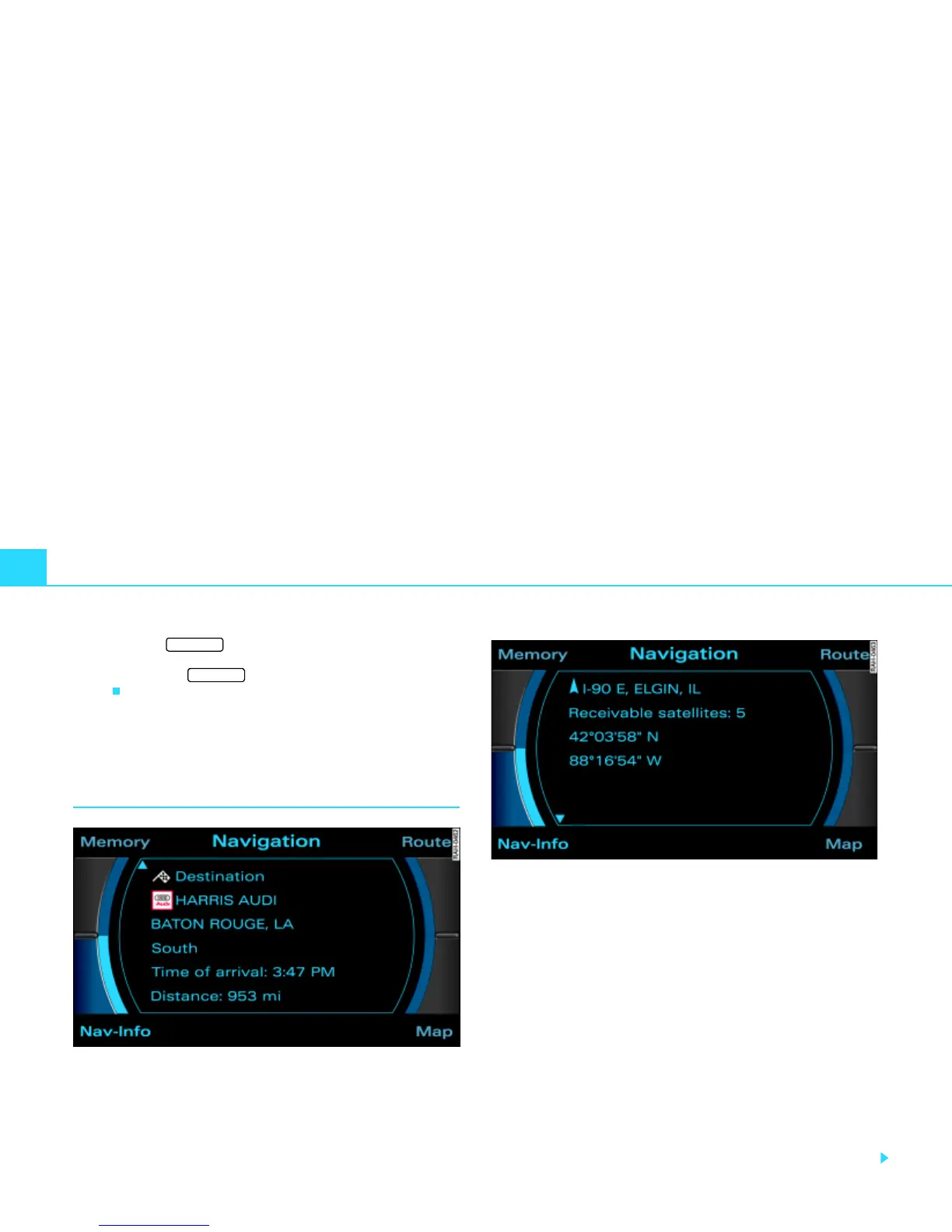
Fig. 160 Navigation: Display for destination
Fig. 161 Navigation: Geographic information (latitude, longitude)
–Press the Nav-Info control button in the navigation menu.
You are shown the final destination or next stopover with
address, estimated time of arrival and distance
Þ fig. 160.
– Rotate the control knob to the left. The data for the next
stopovers or the destination are displayed.
– Rotate the control knob to the right. The data for your
current location with its geographical data and the
number of receivable satellites is displayed Þ fig. 161.
Your destination will be displayed listing the following information:
· Destination
· Stopovers
· Estimated time of arrival
RETURN
RETURN



 To Next Page