Navigation (NAV)160
Compass
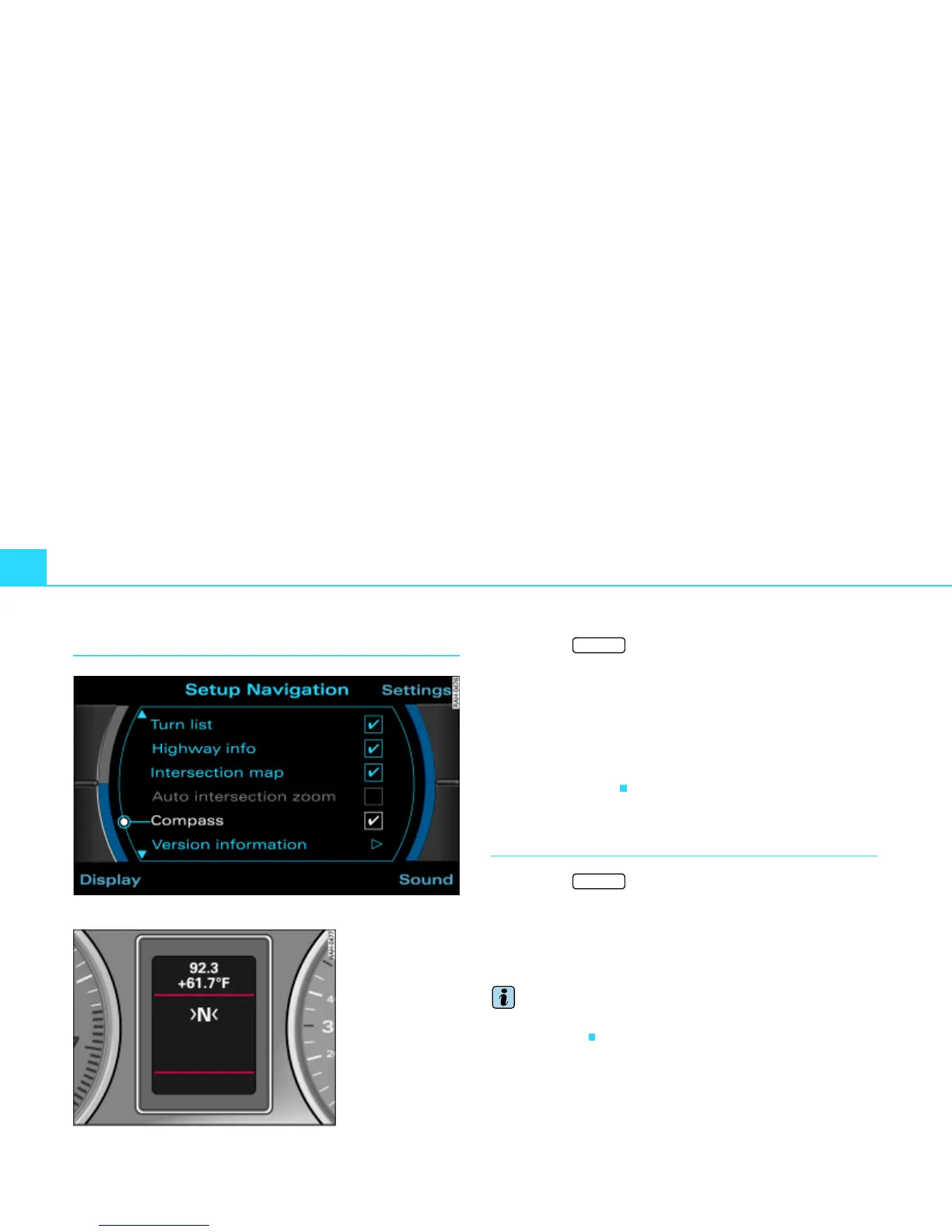
Fig. 174 Setup Navigation: Compass activated
– Press the function button Þ page 16 in the navi-
gation menu.
– Highlight Compass with a check mark
¥ Þ fig. 174 to
activate the function.
If route guidance is not active, the vehicle orientation (compass
direction) is shown in the instrument cluster display
Þ fig. 175. If
the system recognizes the road, the road on which you are presently
driving is also shown.
Version information
– Press the function button Þ page 16 in the navi-
gation menu.
– Select Version information Þ fig. 174.
The software version for the Navigation DVD in use is shown.
Tips
You can obtain information on updates for the Navigation DVD at an
Audi dealership.
Fig. 175 Instrument
cluster display
Example of a compass
display
SETUP
SETUP



 To Next Page