NAME (directory)102
– Search and select the entry that is to be changed
Þ page 101, fig. 105 and make your changes.
Selecting a text field automatically activates a speller which allows
letters and numerals to be entered.
Viewing entries
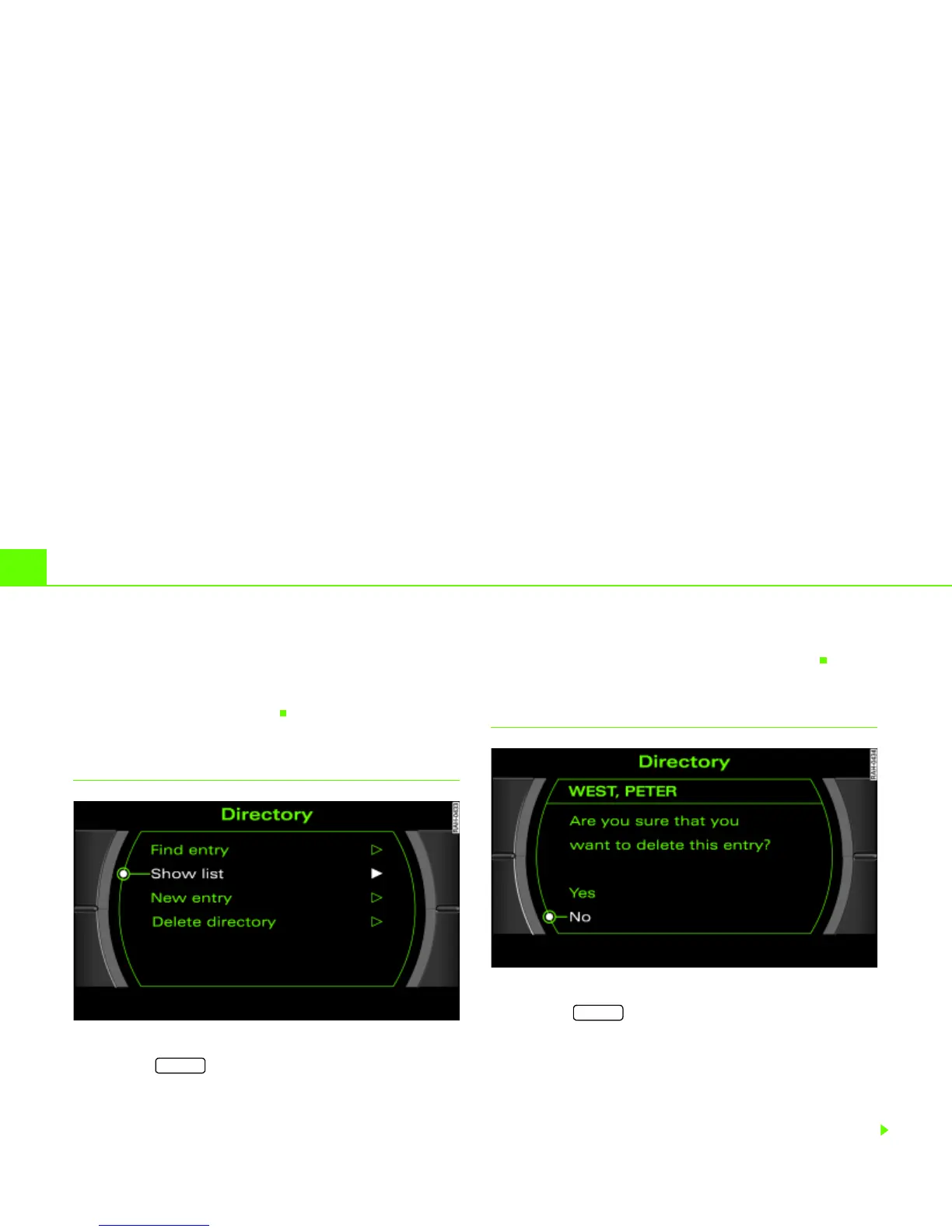
Fig. 106 Directory: Show list
– Press the function button Þ page 16 if another
menu is currently being displayed.
– Select Show list Þ page 101, fig. 104. All entries for the
directory are listed.
You can select individual entries from this list to recall or to change
the stored data (e.g. navigation destination)
Þ page 101.
Deleting individual directory entries
Fig. 107 Directory: deleting an individual entry
– Press the function button Þ page 16 if another
menu is currently being displayed.
– Select Find entry or Show list Þ page 99, fig. 101.
– Select the entry to be deleted from the directory
Þ page 101, fig. 105.
– Select Delete this entry.
NAME
NAME



 To Next Page