Navigation (NAV) 157
General operation RADIO, CD NAME, TEL NAV, INFO CAR, SETUP
– Press the function button Þ page 16 in the navi-
gation menu.
– Highlight Turn list with a check mark
¥ Þ page 151,
fig. 163 to activate the function.
The next three upcoming turns Þ page 156, fig. 169are shown in
the Turn list.
The immediate upcoming turn is shown in the bottom section of the
table.
If you pass a turn, it is deleted from the three-part table. The next
turn drops down into the list.
The following information is shown in the Turn list:
· Recommended direction shown as an arrow, traffic circulars or
freeway entrances and exits, stopovers and destination
· Names of streets, secondary roads and freeways you should be
driving on following the turn
· Estimated distance to each recommended turn or to destination
The name underneath the three-line Turn list shows you the road
you are presently driving on.
Tips
If you have activated the Turn list and freeway information
Þ page 157, you are shown the list of freeway information on free-
ways
Þ fig. 170 and the Turn list on other roads Þ page 156,
fig. 169.
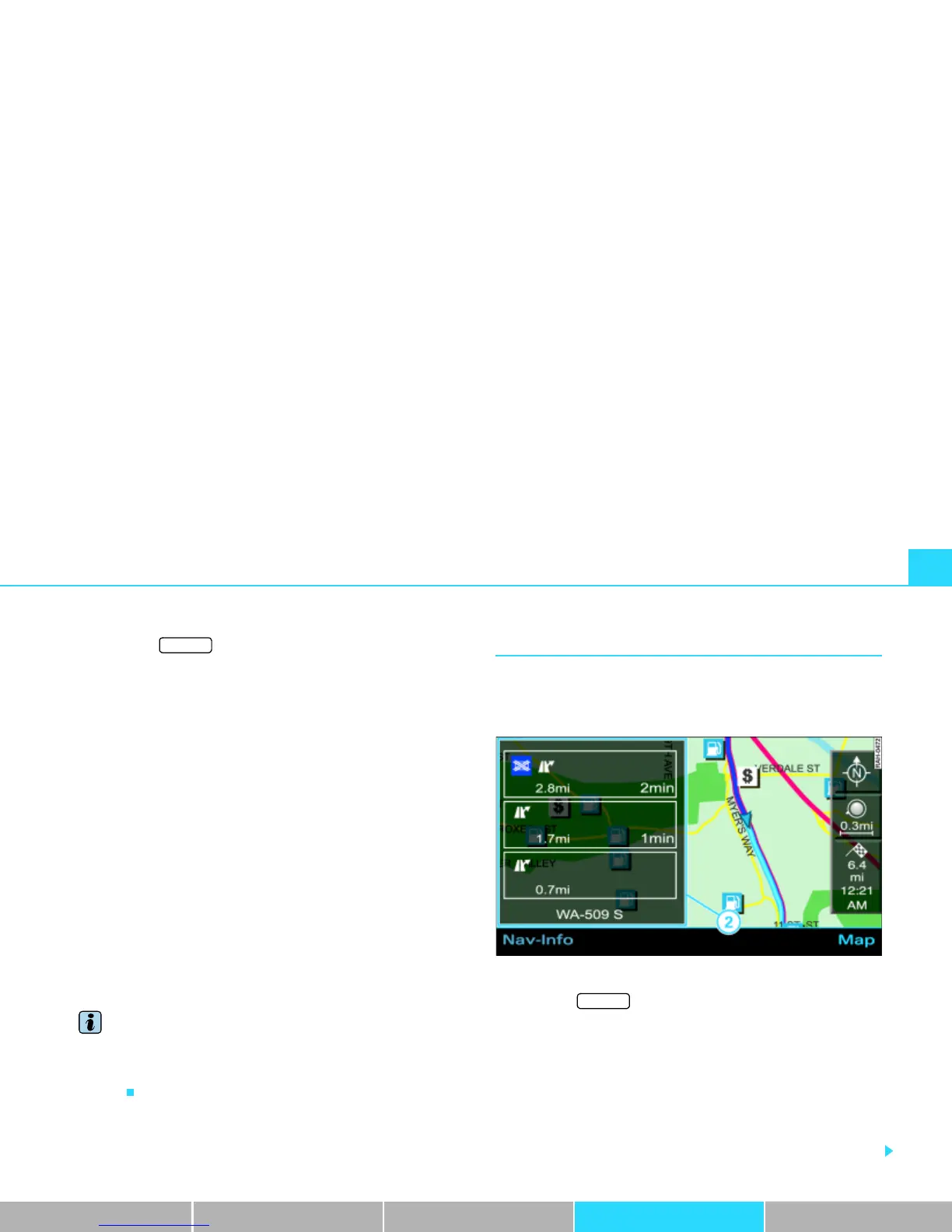
Highway info
When driving on freeways, additional information is
shown, for example for parking areas, freeway exits or
rest areas.
Fig. 170 Setup Navigation: Map display with active freeway information
– Press the function button Þ page 16 in the navi-
gation menu.
– Highlight Highway info with a check mark
¥ Þ page 151,
fig. 163 to activate the function.
Freeway information Þ fig. 170 is shown for the route you are
traveling.
If you have activated freeway information, you are shown a list of
the next three items of freeway information.
SETUP
A
1
A
2



 To Next Page