CCR 1.0 User Guide Page 100
15-601130 Issue 1k (22 May 2009)IP Office
4.6 Standard Report Templates
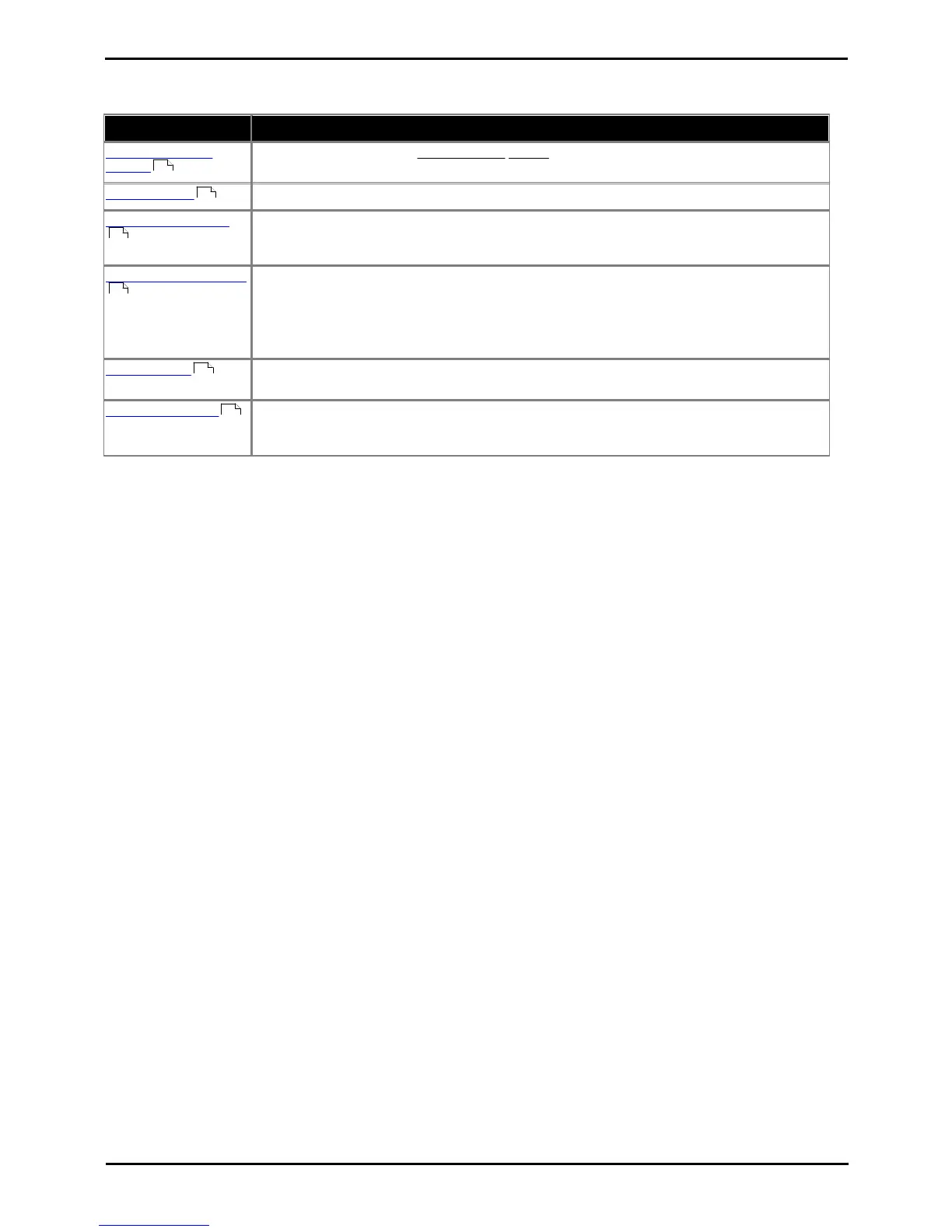
The following report templates are provided:
This report type details the call activity for agents in a queue or for specific agents.
This report lists the warning and alarms that have occurred.
This report details the individual calls for the selected target or targets. For internal calls, the
report only reflects the call data for the receiving end, not for the originator. External calls are
accounted and shown for the extension making the outbound call.
This report provides a summary for the selected target of calls presented, answered, overflowed
and lost. The average answer percentage, average answer time, average abandon time and
grade of service are also listed.
<<<need to make clear that report is for calls targeted to the selections, which pretty much
means inbound calls only, ie. not an outgoing call to which an account code is assigned>>>
This report lists in chronological order all the events for the selected target or targets within the
selected period.
Reports based on the CCR's Voicemail Report template can be used to track the usage of
customized call flows that have been added to Voicemail Pro. The reporting is not automatic,
only specific labels that have been assigned to call flow actions are reported on.
Non-IP Office Customer Call Reporter Agent and Queue Reporting
Reports can include values for IP Office Customer Call Reporter calls that involved non-IP Office Customer Call Reporter
hunt groups or hunt groups members. These will be reported as Non Hunt Group and Non Agent. Only a single set of
values is reported, not separate values for each non-IP Office Customer Call Reporter hunt group or agent.
101
102
103
106
108
109











 To Next Page