CCR 1.0 User Guide Page 15
15-601130 Issue 1k (22 May 2009)IP Office
Introduction: Logging In
1.4 Changing Your Password
Users who have logged in can select to change their password.
To change your password
1.Logon to the client application using your current password.
2.Click Change Password at the top right of the window.
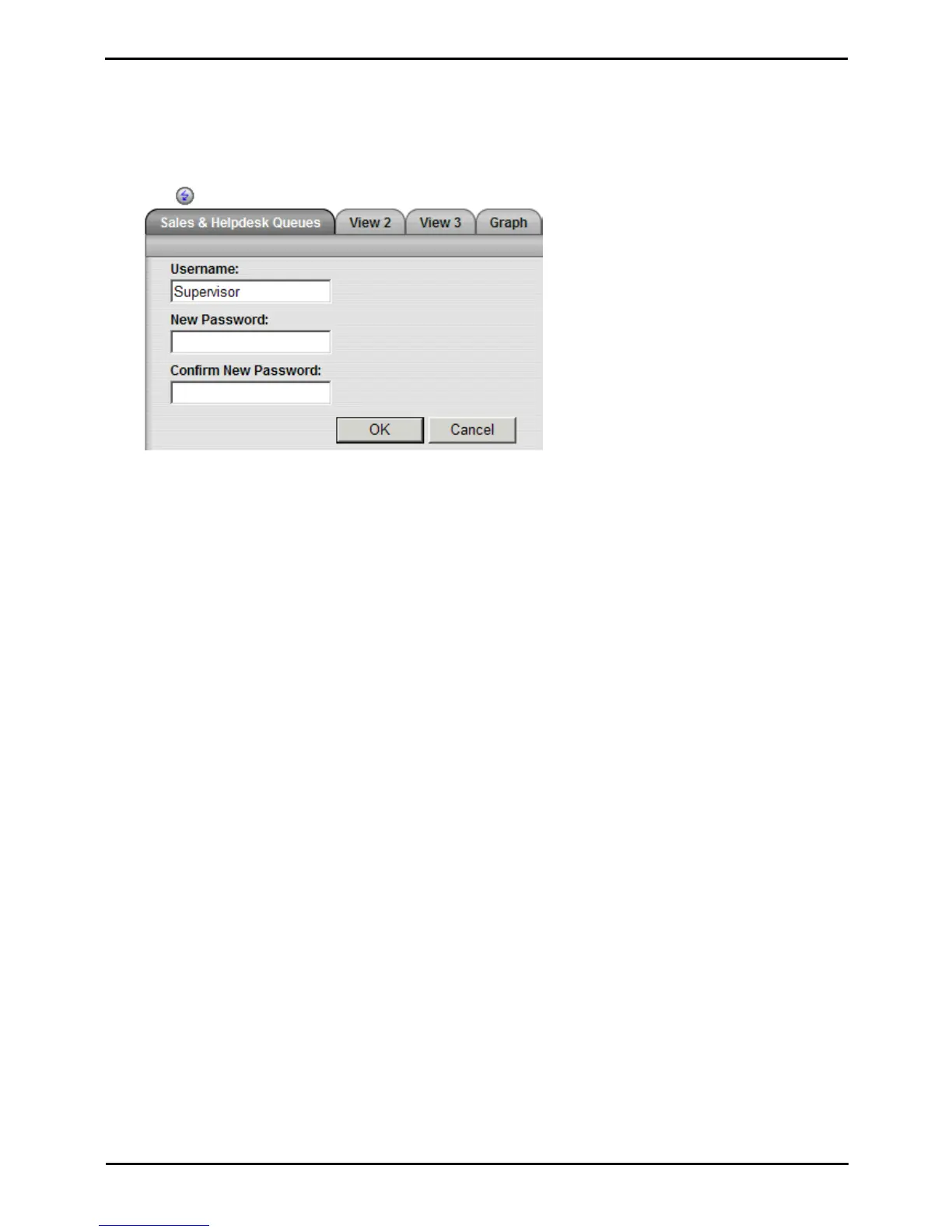
The Change Password window
3.Enter your details:
· Username
The name you use when you login to the IP Office Customer Call Reporter web client. This can not be
changed.
· New Password
Enter your new password.
· Confirm New Password
Re-enter your new password. Remember that passwords are case sensitive.
4.Click OK. You have changed your password.
5.Click any of the tabs, including the current one, to return to normal viewing.











 To Next Page