CCR 1.0 User Guide Page 192
15-601130 Issue 1k (22 May 2009)IP Office
9. Glossary
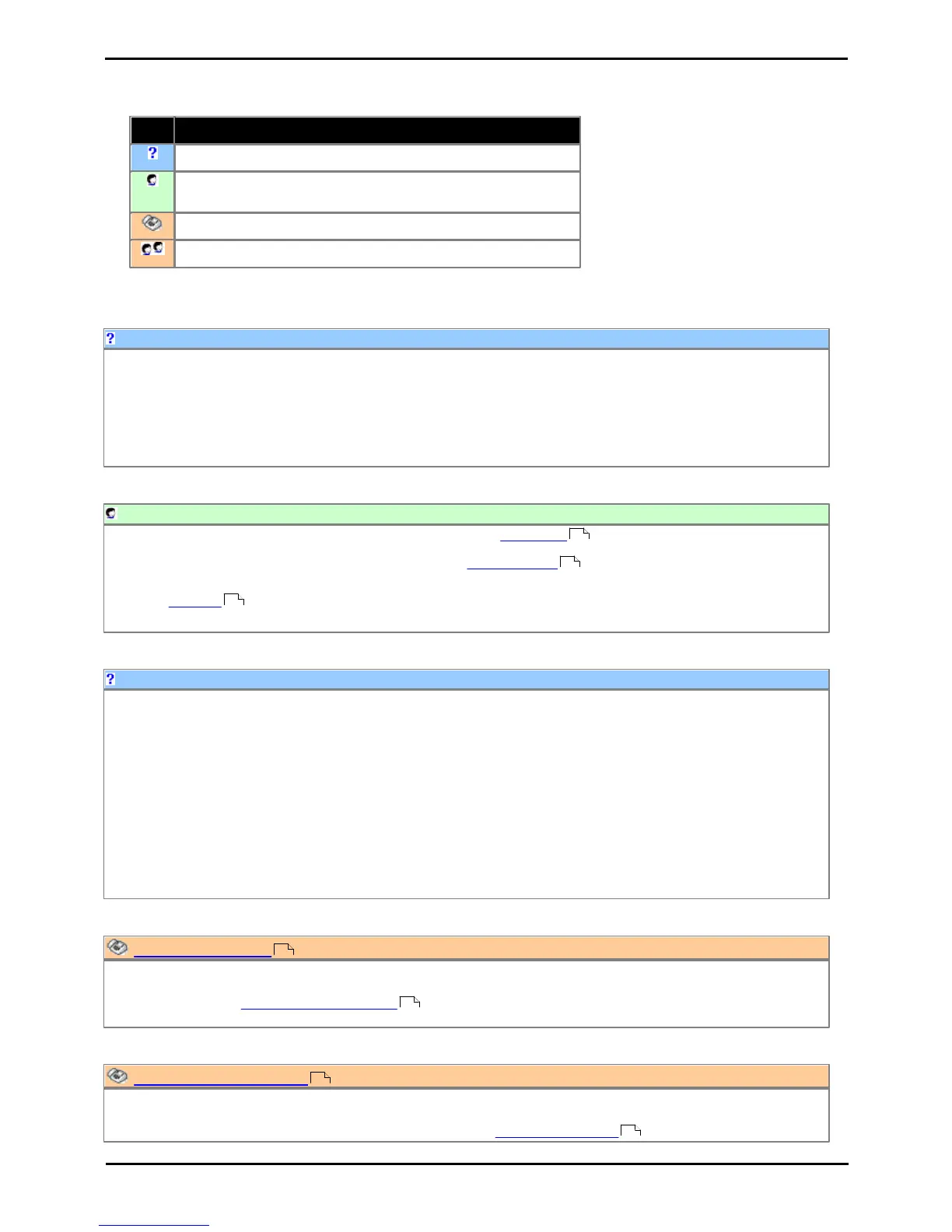
This section provides definitions of key IP Office Customer Call Reporter terms.
General definition of a term.
Definition of an agent or queue state reported by IP Office
Customer Call Reporter.
Definition of an agent statistic.
Definition of a queue statistic.
The administrator can amend IP Office Customer Call Reporter system preferences plus create and administer
supervisors. That includes assigning which queues a supervisor can see or granting the supervisor self-administration
rights to amend their own settings including queues.
The administrator does not have any views of call statistics. However they can setup and amend the views used by
supervisors and their agents.
There is only one administrator account and only one person can log in as the administrator at any time.
9.2 After Call Work (ACW) [Agent State]
After Call Work indicates that the agent is not available to receive queue calls while they perform some other call
related activity. Typically this is used for activities such as call records and data entry that need to be completed before
handling another call. A number of controls are available for After Call Work . Agents can be configured to be
automatically put into ACW state after a queue call or else they can manually select to enter the state when required.
Note: The Wrap-Up feature briefly applied to the end of all calls including queue calls is also reported as After Call
Work state.
An agent is a user who handles calls to queues on the IP Office telephone system. Unlike general IP Office users they
have been specifically configured as agents in the IP Office configuration. IP Office Customer Call Reporter supports up
to 150 agents.
· To make and receive calls, the agent must login to a phone on the IP Office telephone system. Note that T3 Series
and T3 IP Series phones are not currently supported.
· The agent's phone status is recorded by IP Office Customer Call Reporter. For example when they logged in to a
phone, answer a call, log off, etc.
· The agents are added to queues and then answer call targeted to those queues. An agent can be a member of several
queues.
· Using the web client allows the agent to see the same views as their supervisor. However unlike the supervisors view
the agent will only see their own statistics and those for queues which they belong.
9.4 Agent State (Queue) [Statistic]
· This statistic is only available for agents.
· It shows the current state of each agent in the selected queue.
· The related statistic Agent State (Queue) Time can be used to show how long each agent has been in their current
state.
9.5 Agent State (Queue) Time [Statistic]
· This statistic is only available for agents.
· It shows how long the agent has been in their current state for the selected queue.
· The agent's current state can be shown by the related statistic Agent State (Queue) .











 To Next Page