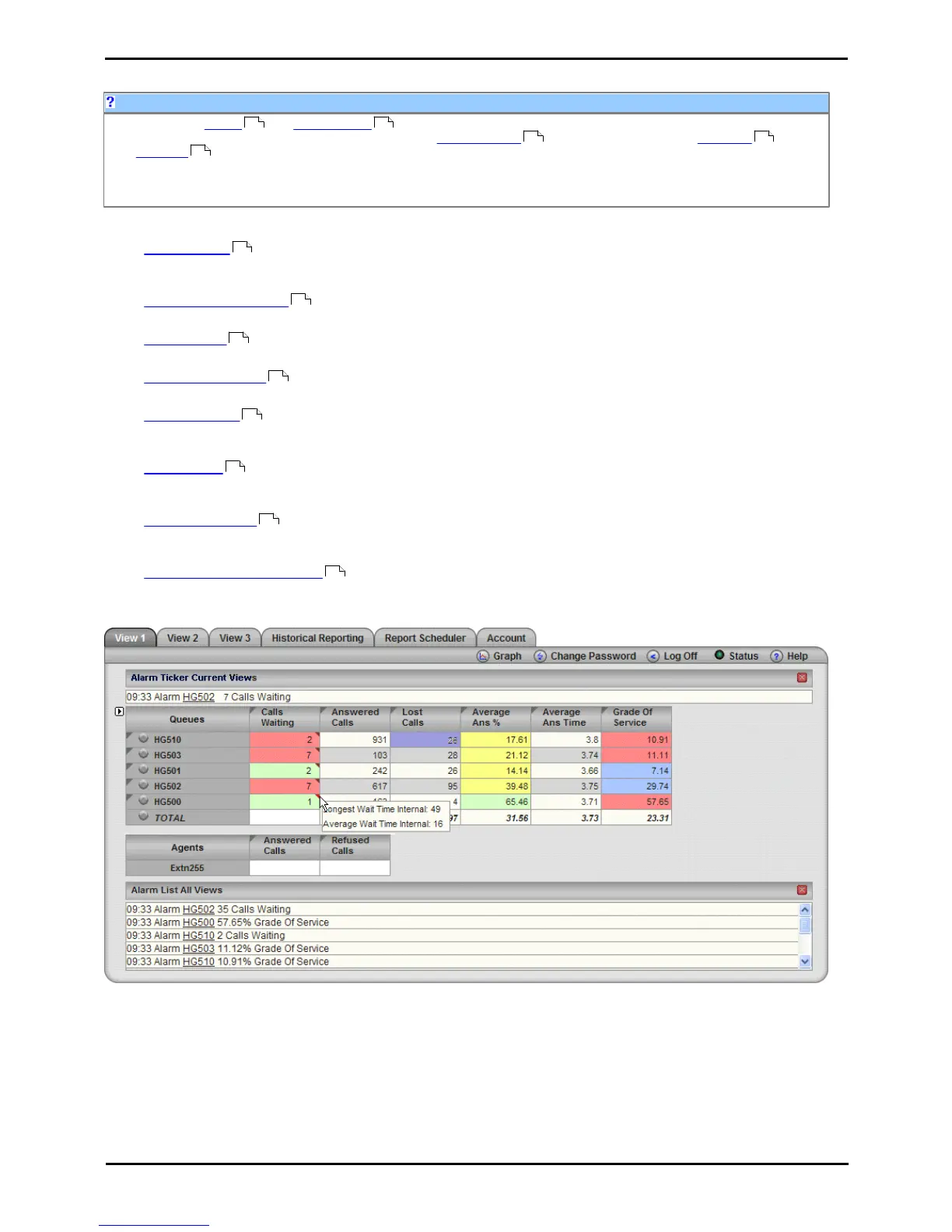
Supervisors can create and amend views of the agent queues assigned to them. Those views are then viewable
by the supervisor and the agents. Supervisors can also create reports that they then either run manually or that
they schedule to run automatically at regular intervals.
IP Office Customer Call Reporter supports up to 30 supervisors. However the maximum number of supervisors that can
be logged in at any time is controlled by the number of available Supervisor licenses.
As a supervisor you can:
· Create views
Select the queues and statistics to include in a view. Set whether a statistic should include internal and or external
calls and whether the statistic should provide alarms and warnings.
· Use and amend views
While the view is showing live data, sort and move the rows and columns.
· Run a Graph
You can select a separate browser window that will run a selected statistic to plot in a graph.
· Reset all statistics
The administrator can allow selected supervisor accounts to reset all view statistics whenever required.
· Create reports
Using the standard report template provided with IP Office Customer Call Reporter you can create a custom report
which you can then either run or save.
· Run reports
You can run any report that you have saved or one that you have just created. Manually run reports are displayed
in a separate browser window. Once displayed you can select whether to email or print the report if required.
· Schedule reports
For reports that you have created and saved, you can select a schedule when the report should automatically run.
Automatically run reports are either emailed or printed.
· Check your account details
You can view your supervisor account details and amend many of the settings if required.











 To Next Page