CCR 1.0 User Guide Page 135
15-601130 Issue 1k (22 May 2009)IP Office
Administrator: Amending Supervisor Views
6.4 Copying a Supervisor Account
You can create a new supervisor account based on an existing one.
· All the queues that have been selected to be monitored are copied.
· The following settings of the existing supervisor are not copied: name, password, full name, email address and
views.
To copy an existing account
1. Click Supervisor Accounts tab to view the list of supervisor accounts that have been created.
2. Click the Copy link next to the existing supervisor account which you want to use as the basis for the new
supervisor account.
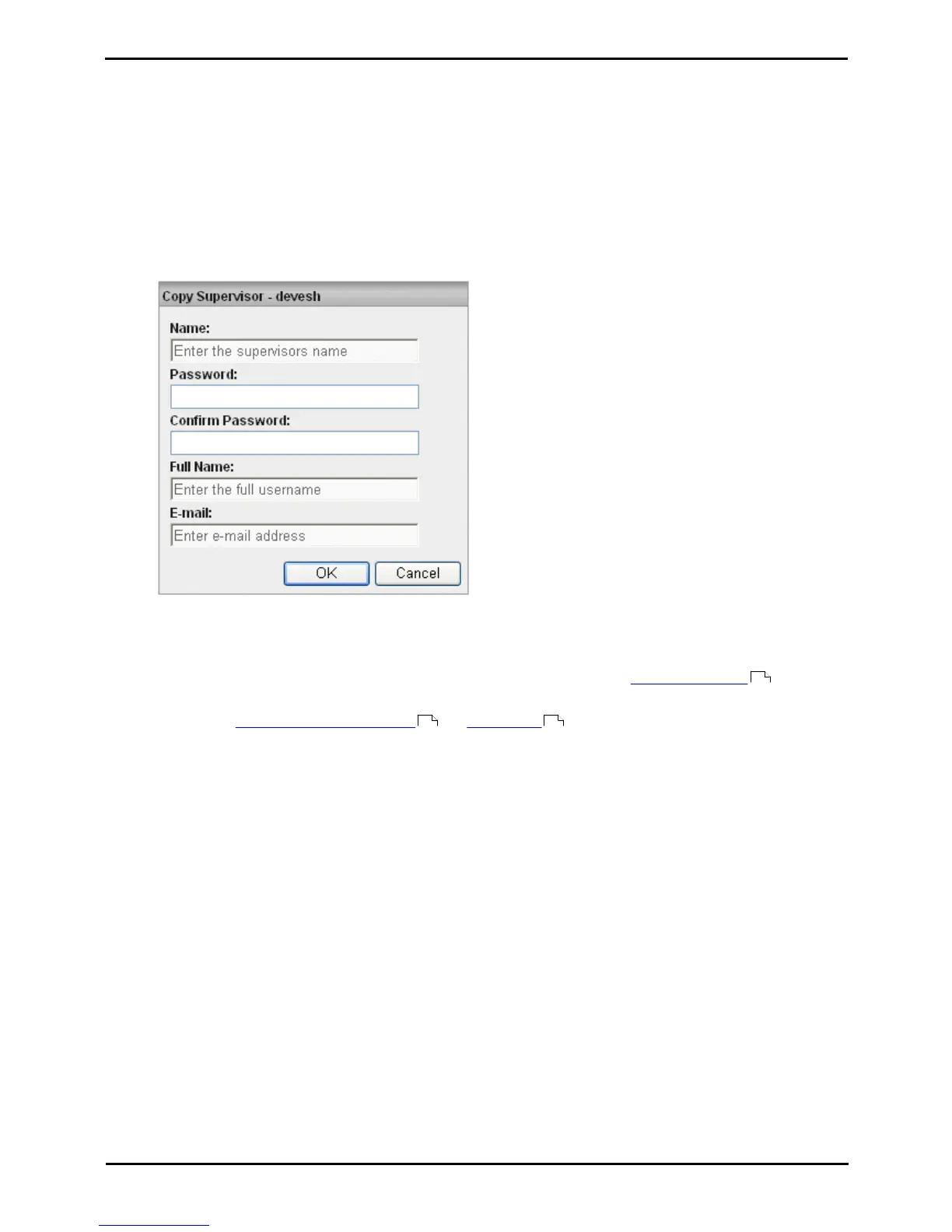
3. Enter the new supervisors name in the Username field.
4. Enter a Password and confirm the password.
5. Enter the supervisor's Full Name.
6. Enter the supervisor's unique Email address. This is used for functions such as Forgotten Password .
7. Click OK to create the account.
8. You can now amend the supervisor account and create views for the account.
16
129 132











 To Next Page