CCR 1.0 User Guide Page 28
15-601130 Issue 1k (22 May 2009)IP Office
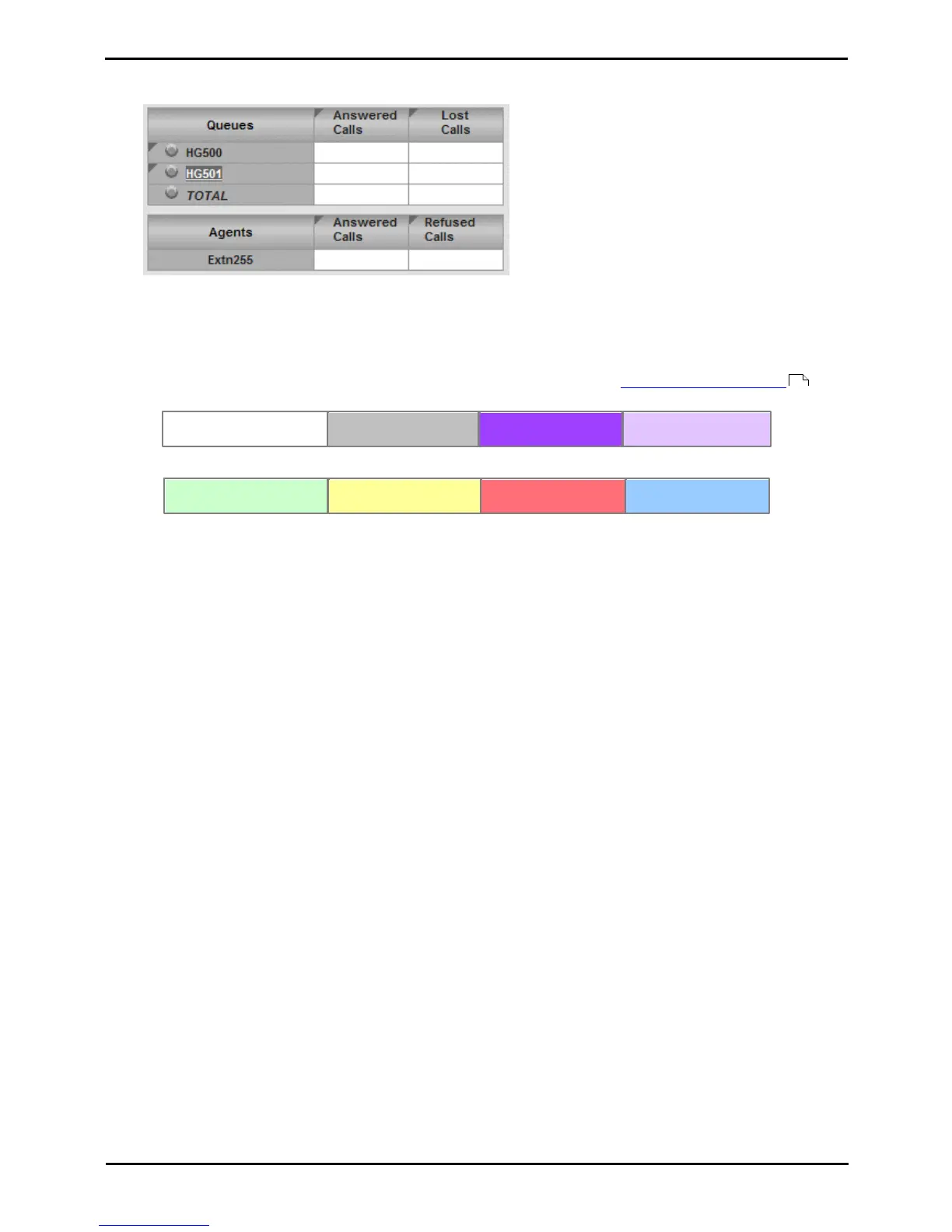
View/Hide the Agents in a Queue
1.To view the members of a queue click the queue name.
2.To hide the members of a queue, click the queue name again.
2.4 Statistic Colors
A number of different color backgrounds are used while displaying statistics. The following colors are used for normal
statistics. The colors for changing statistic number values are optional (enabled by the supervisor's account setting
Highlighting Enabled) and are not applied to agent state and time values. They are also reset if you change view.
Alarms and warnings are automatically cleared when the cell returns back to the threshold level of the alarm or warning.
Agents and supervisors can acknowledge an alarm or warning in their views by clicking on the colored cell. This only
affects their view. Acknowledging an alarm also removes it from the alarm list.
32











 To Next Page