CCR 1.0 User Guide Page 39
15-601130 Issue 1k (22 May 2009)IP Office
Statistics: Available Statistics
3.2 Agent State (Queue)
· This statistic is only available for agents.
· It shows the current state of each agent in the selected queue.
· The related statistic Agent State (Queue) Time can be used to show how long each agent has been in their current
state.
· Possible agent states include:
Logged in but not on a call.
The agent has logged out.
Alerting with a queue call.
On a call presented to the queue.
Alerting with a call for another
queue of which they are a member
or that has overflowed.
On a call from another queue of which
they are a member or that has
overflowed.
Alerting with a non-queue call.
On a direct call or a picked up call.
Logged in but not enabled for this
queue.
In the After Call Work state.
In Busy Not Available state.
Additional Information
Statistic can include additional information, indicated by a red corner icon. Place your cursor over the icon to display
the addition information. This type of information is updated approximately every 5 seconds.
Displayed for ringing, busy and hold states.
Displayed for the Busy NA state. The individual reasons are configured by the IP Office
phone system maintainer. A reason is selected by the agent when going they go into
Busy NA state.
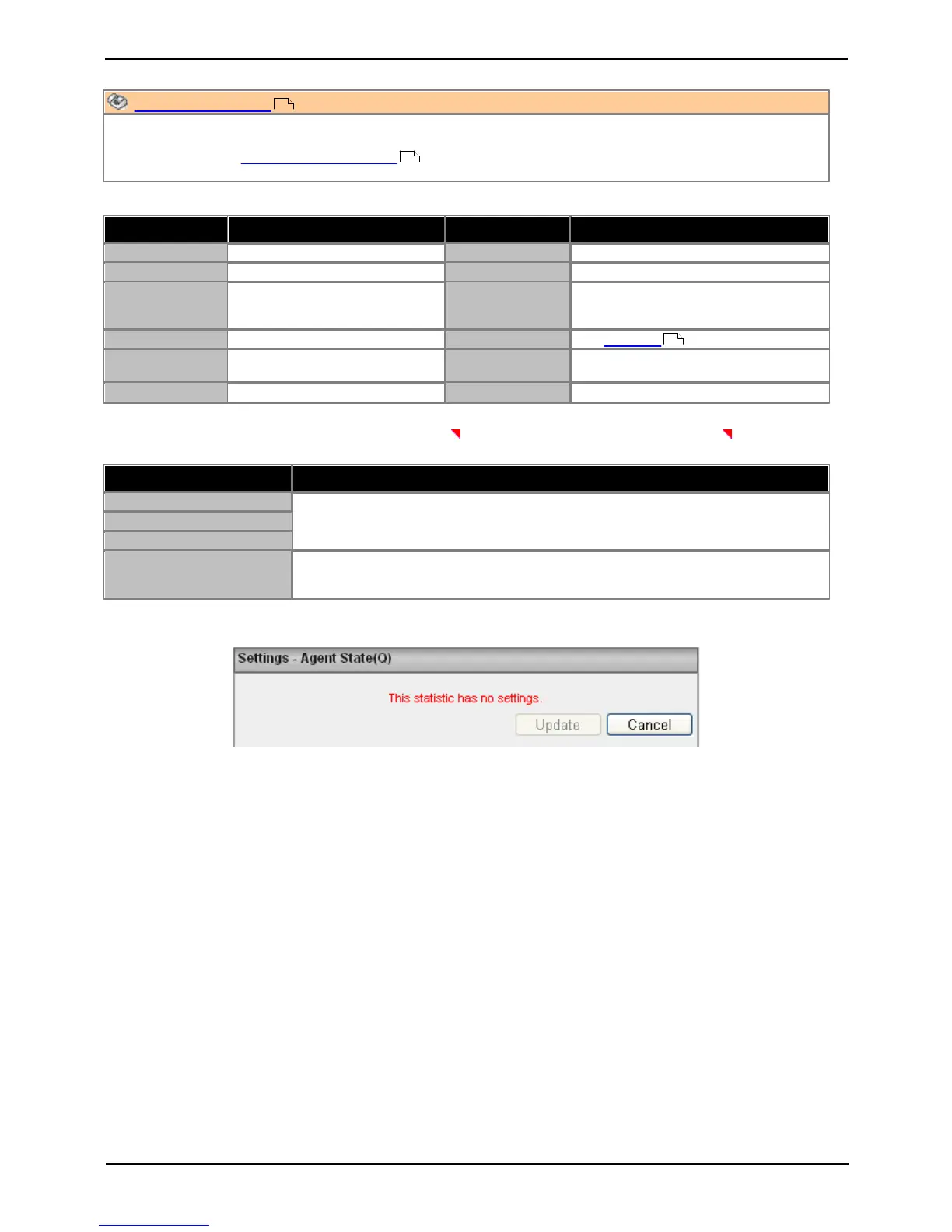
Settings
This statistic has no customizable settings.
39
41
196











 To Next Page