CCR 1.0 User Guide Page 32
15-601130 Issue 1k (22 May 2009)IP Office
2.8 Account Details
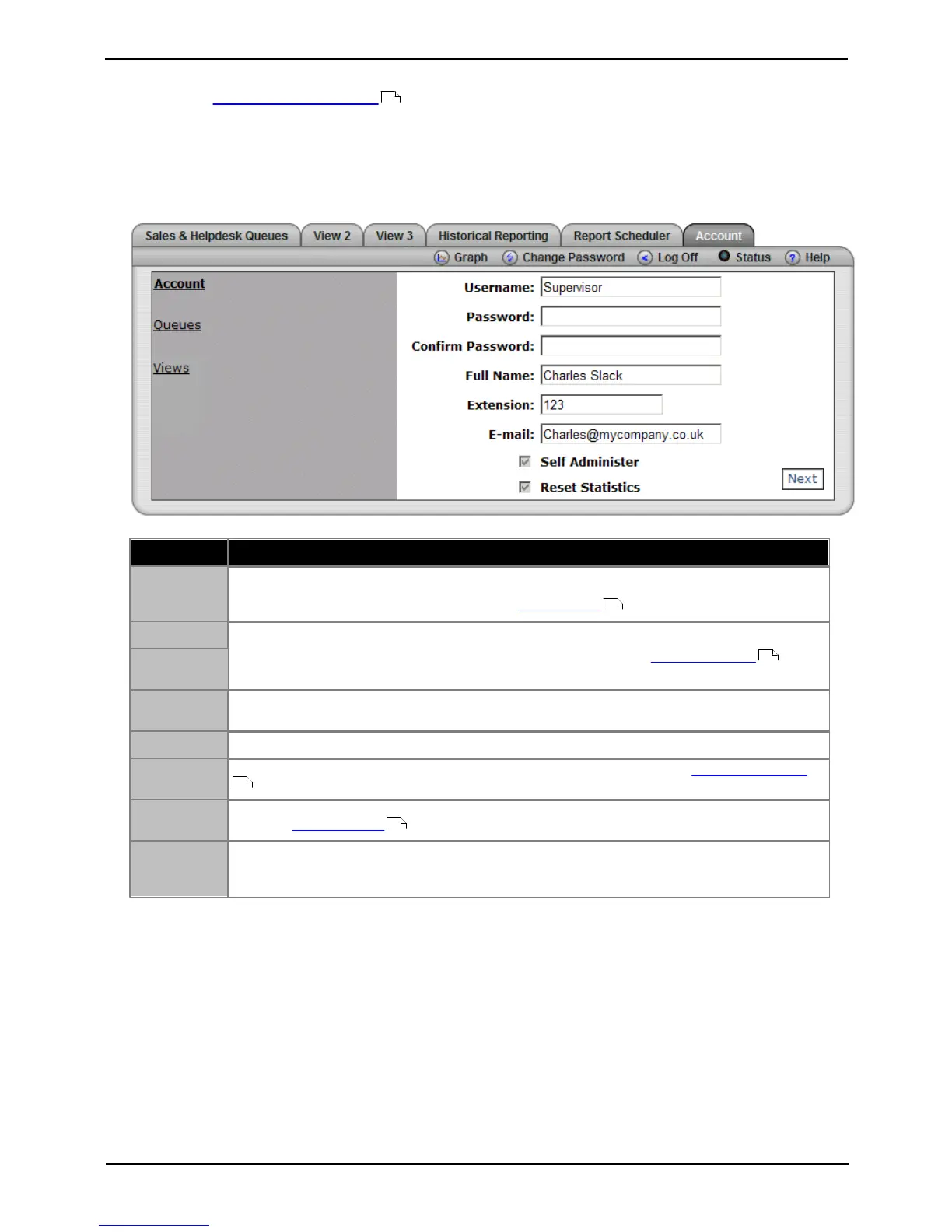
The administrator creates supervisor accounts and can amend those accounts. During that process they can specify
whether you can self administer your account settings. There is a grayed out check box next to the heading Self
Administer. If ticked then you are able to update your account details. If not ticked then the whole tab is greyed out
and the message "You are not permitted to administer the account" appears.
To view/amend your account details
1. Click the Account tab to view your account details.
2. If the greyed out option Self Administer has a tick mark you can amend your account details.
This is the supervisor username used for logging in to IP Office Customer Call Reporter. If the name
matches the administrator name and or an agent name then the user can also login in those roles.
Supervisors cannot change their username. See Multiple Roles .
This is the password used for browser access to IP Office Customer Call Reporter.
All supervisors, even those without Self Administer rights, can use the Change Password option
to change their password.
This name is shown to agents when they login and select their supervisor. It is also used in reports
to indicate which supervisor created and ran the report.
The telephone extension number associated with the supervisor account.
The unique email address associated with the supervisor. This is used for the forgotten password
feature.
If selected by the administrator, the supervisor has self administration rights and is able to edit
their their Account Details . Supervisors without this option are only able to edit views.
Supervisors for who the Administrator enabled the Reset Statistics option can reset all the
statistics currently being used for views. This will affect all supervisor and agent views. It does not
affect the statistics used for historical reports.











 To Next Page