CCR 1.0 User Guide Page 80
15-601130 Issue 1k (22 May 2009)IP Office
3.33 Queue State
· This statistic is only available for queues.
· It shows the current state of the queue as one of the following: In Service, Agents Busy, No Agents, Night Service or
Out of Service.
· The related statistic Queue State Time can be used the show the time that the queue has been in its current
state.
Settings
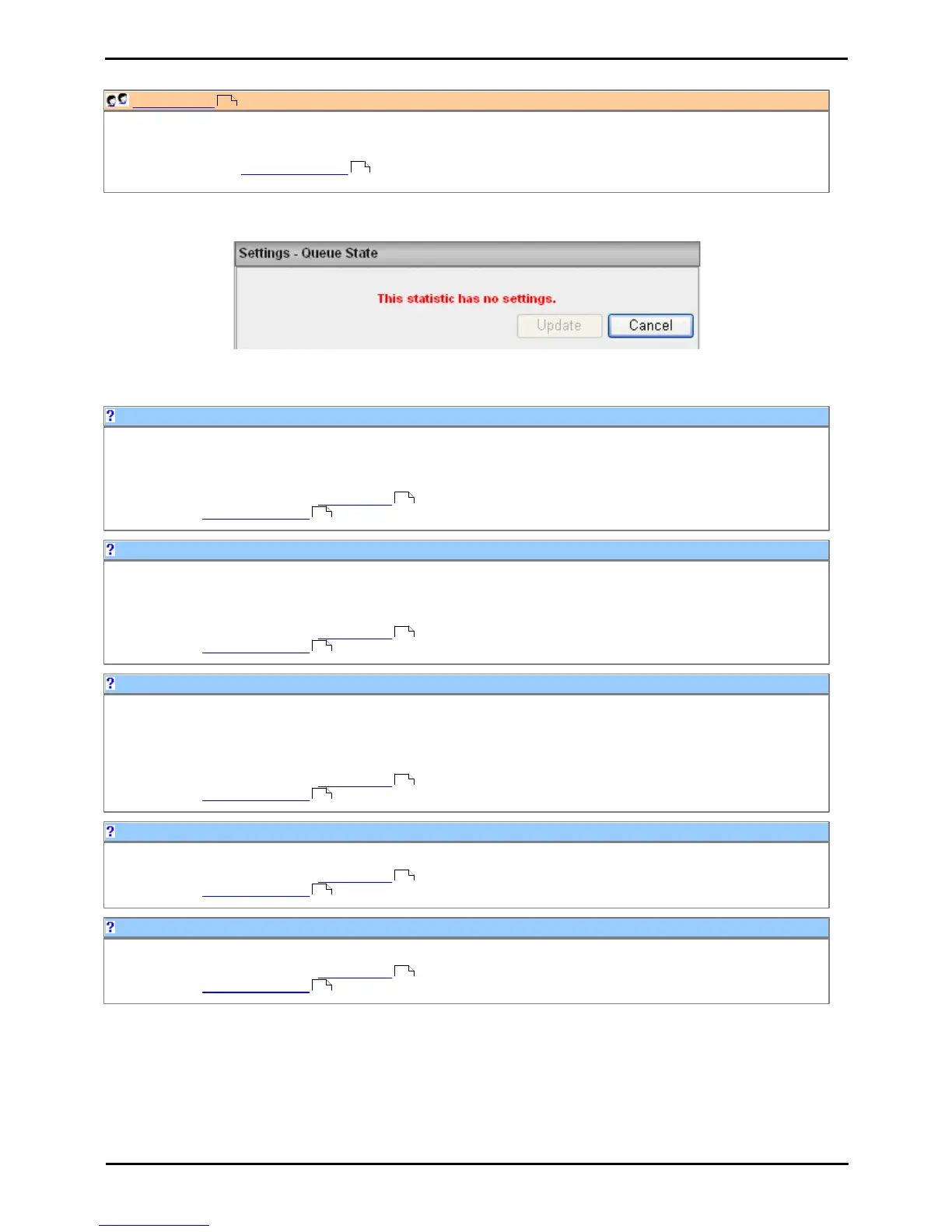
This statistic has no customizable settings.
Possible queue states are:
A queue can be set in 'night service' state either manually or as the result of an automatic time schedule.
Agents in the queue will no longer be presented with calls targeted to that queue. Depending on how the queue has
been configured by the telephone system maintainer, the calls will either overflow to another queue or to voicemail.
This queue state is reported by the Queue State statistic. The time the queue has been in a particular state is
reported by the Queue State Time statistic.
A queue can be set as 'out of service'.
Agents in the queue will no longer be presented with calls targeted to that queue. Depending on how the queue has
been configured by the telephone system maintainer, the calls will either overflow to another queue or to voicemail.
This queue state is reported by the Queue State statistic. The time the queue has been in a particular state is
reported by the Queue State Time statistic.
This queue state is reported for a queue in normal operation, ie. with some agents logged in and available to answer
calls.
Agents in the queue will no longer be presented with calls targeted to that queue. Depending on how the queue has
been configured by the telephone system maintainer, the calls will either overflow to another queue or to voicemail.
This queue state is reported by the Queue State statistic. The time the queue has been in a particular state is
reported by the Queue State Time statistic.
This queue state is reported for a queue when all the logged in agents are in a busy state.
This queue state is reported by the Queue State statistic. The time the queue has been in a particular state is
reported by the Queue State Time statistic.
This queue state is reported for a queue where no agents are logged in.
This queue state is reported by the Queue State statistic. The time the queue has been in a particular state is
reported by the Queue State Time statistic.











 To Next Page