CCR 1.0 User Guide Page 25
15-601130 Issue 1k (22 May 2009)IP Office
Supervisor: Editing a View
2. Add Queue Statistics
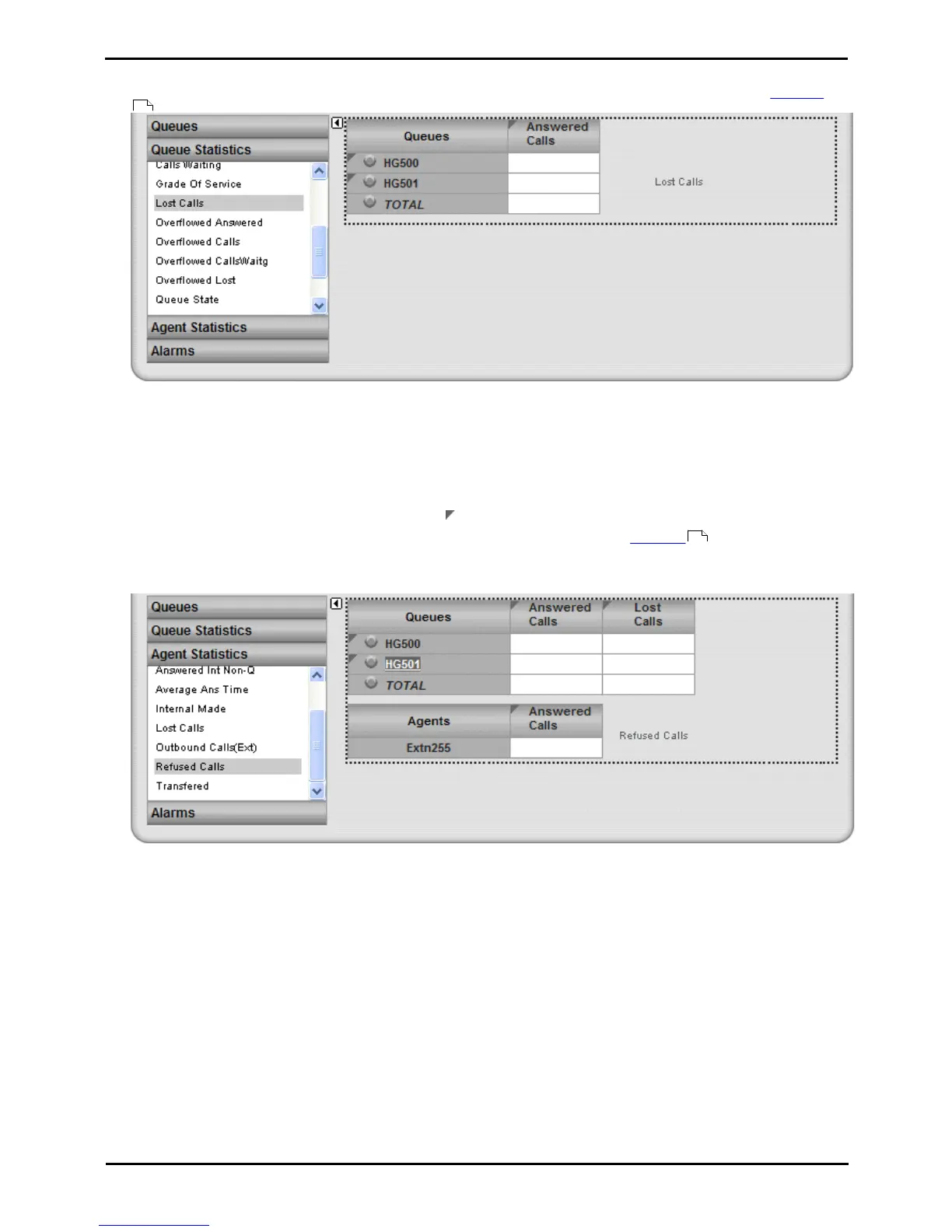
You can select which statistics should be displayed for the queues. For details of the available statistics see Statistics
.
· To add a statistic to the view, click Queue Statistics to view available statistics. Drag and drop the required
statistic into the area surrounded by hatched lines in the view.
· Only one instance of each agent and queue statistic can be added to a view.
· Newly added statistic will display the appropriate values for activity since the last statistics reset, ie. they are not
based on activity since the statistic was added to the view.
· To remove a statistics from the view, click on the statistic name in the view and select Hide.
· To adjust the order of the statistics, click on the corner icon and drag the statistic to the required position.
· To adjust the settings used for a statistic, click on the statistic name and select Settings .
3. Add Agent Statistics
Click on one of the queue names to display the list of agents in that queue. Use the same options as for queue
statistics above but select statistics from the Agent Statistics list.
36
36











 To Next Page