CCR 1.0 User Guide Page 44
15-601130 Issue 1k (22 May 2009)IP Office
Example of How Agent State Queue is Determined
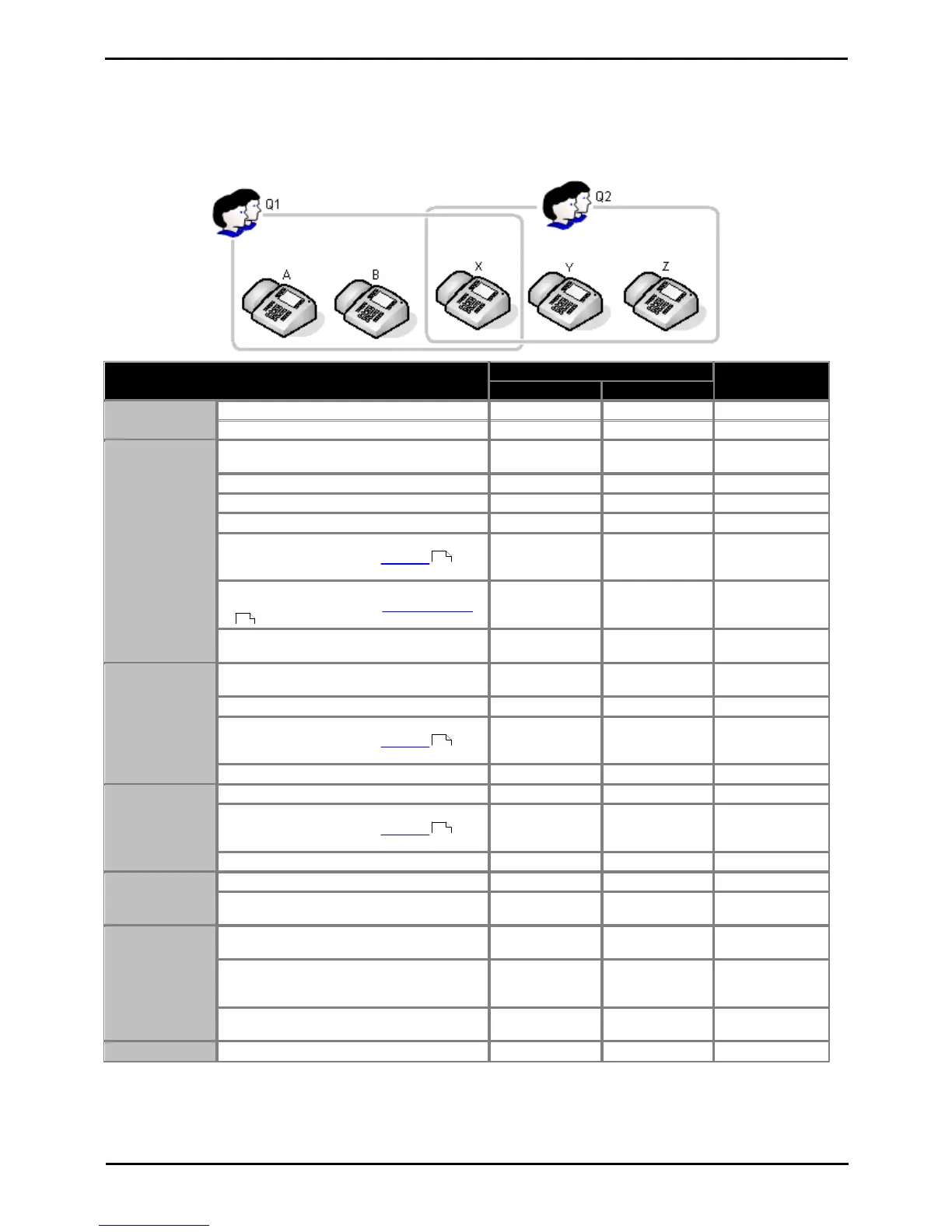
When an agent is a member of more than one queue, their state for each queue may differ. The example below show
how the different state for different queues is resolved into a single system state.
Agent X is a member of 2 queues; Q1 and Q2. In the following scenarios we see how Agent X's state is reported for
each of those queues using the Agent State (Queue) statistic and for the systems as a whole using the Agent State
(System) statistic.
· Agent X is not logged in at an extension.
· Agent X logs in to an extension.
· A call to the queue Q1 is presented to
Agent X.
· Agent X answers the call.
· Agent X puts the call on hold.
· Agent X reconnects the call.
· The call ends. The system automatically
applies a short period of wrap up ,
usually 2 seconds.
· Since it was a queue call the system may
then apply automatically After Call Work
.
· The system automatically ends After Call
Work (by default after 10 seconds).
· A call is targeted directly to Agent X rather
than a queue.
· Agent X answers the call.
· The call ends. The system automatically
applies a short period of wrap up ,
usually 2 seconds.
· The system automatically ends wrap up.
· The call ends. The system automatically
applies a short period of wrap up ,
usually 2 seconds.
· The system automatically ends wrap up.
· Agent X selects Busy Not Available.
· When completed, Agent X ends Busy Not
Available.
Enabling/
Disabling Queue
Membership
· Agent X disables their membership of the
Q1 queue.
· Agent X disables their membership of the
Q2 queue. They are now disabled from all
queues.
· Agent X re-enables their membership of
both queues.
· Agent X logs out from the extension.











 To Next Page