CCR 1.0 User Guide Page 93
15-601130 Issue 1k (22 May 2009)IP Office
Reports:
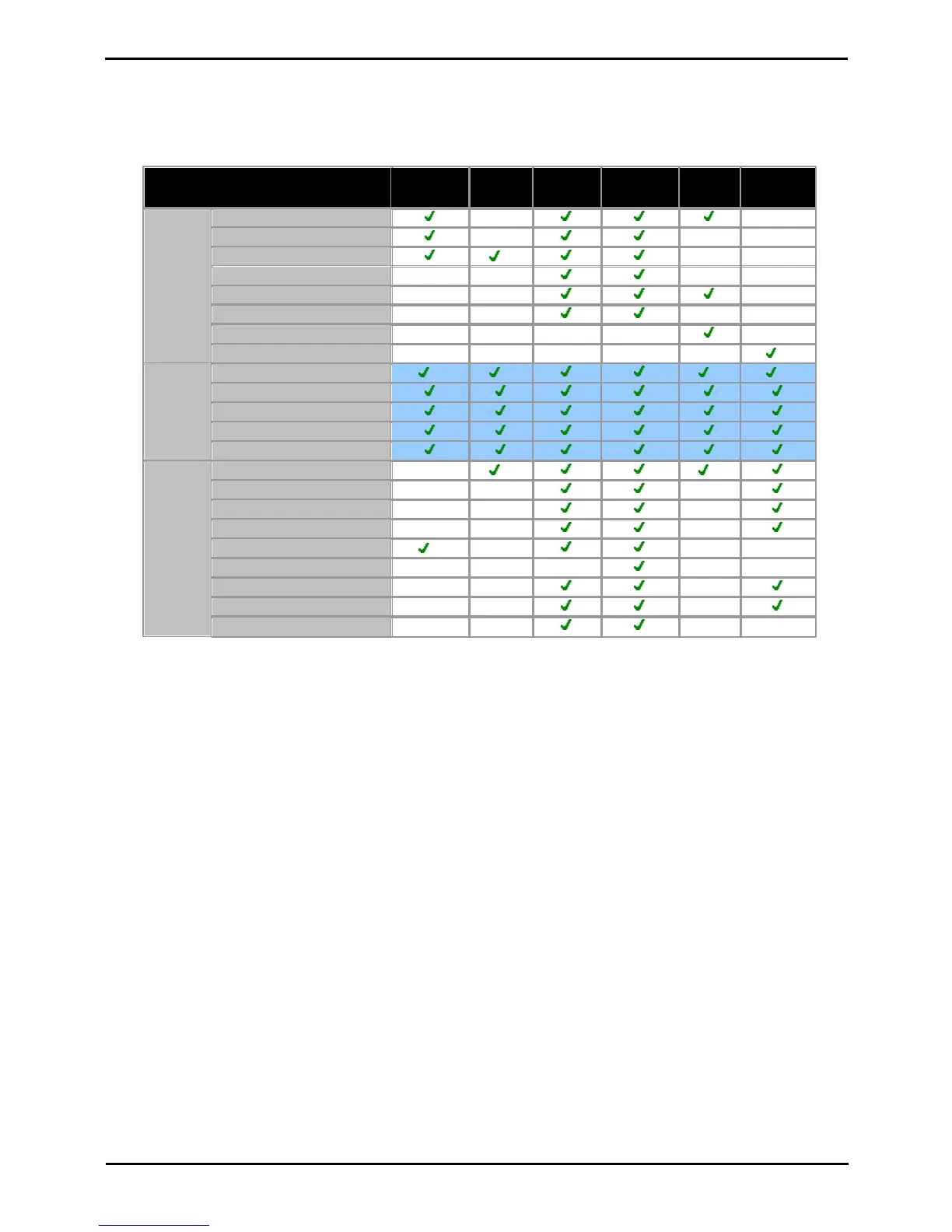
Standard Report Options
· All reports can be used as manual or automatic reports and allow specification of the Report Date Range and
Working Hours.
Supported languages are Dutch, English (UK), English (US), French, Italian, Brazilian Portuguese,
Russian and Spanish.
1.Fixed non-adjustable setting. When this is the case the control for the setting is not normally displayed in the
report configuration settings.
Non-IP Office Customer Call Reporter Agent and Queue Reporting
Reports can include values for IP Office Customer Call Reporter calls that involved non-IP Office Customer Call Reporter
hunt groups or hunt groups members. These will be reported as Non Hunt Group and Non Agent. Only a single set of
values is reported, not separate values for each non-IP Office Customer Call Reporter hunt group or agent.











 To Next Page