6. Shapes and Pixel Mapper effects - Page 117
TitanUniversal_Man_v8-0_TT.doc 05 August 2014
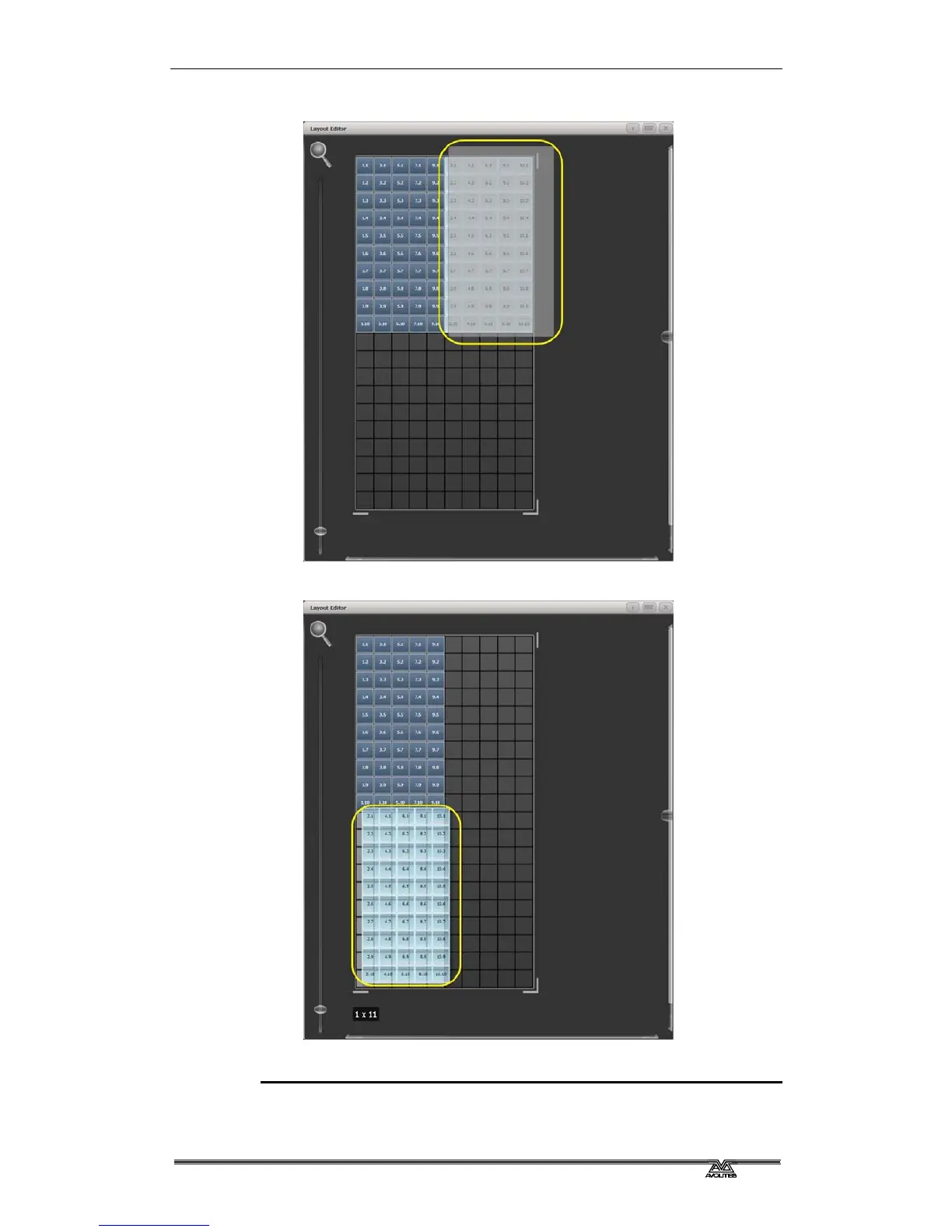
2> Drag a marquee select across the even fixtures.
3> Drag the selected fixtures so they sit directly under the odd
fixtures.
4> Select 'Crop Grid' from the Layout Editor context menu. (This
will get rid of the unused pixels.)
Now a block element animated to run vertically from top to bottom
will run down the odd fixtures followed by the even fixtures.



 To Next Page