6. Shapes and Pixel Mapper effects - Page 129
TitanUniversal_Man_v8-0_TT.doc 05 August 2014
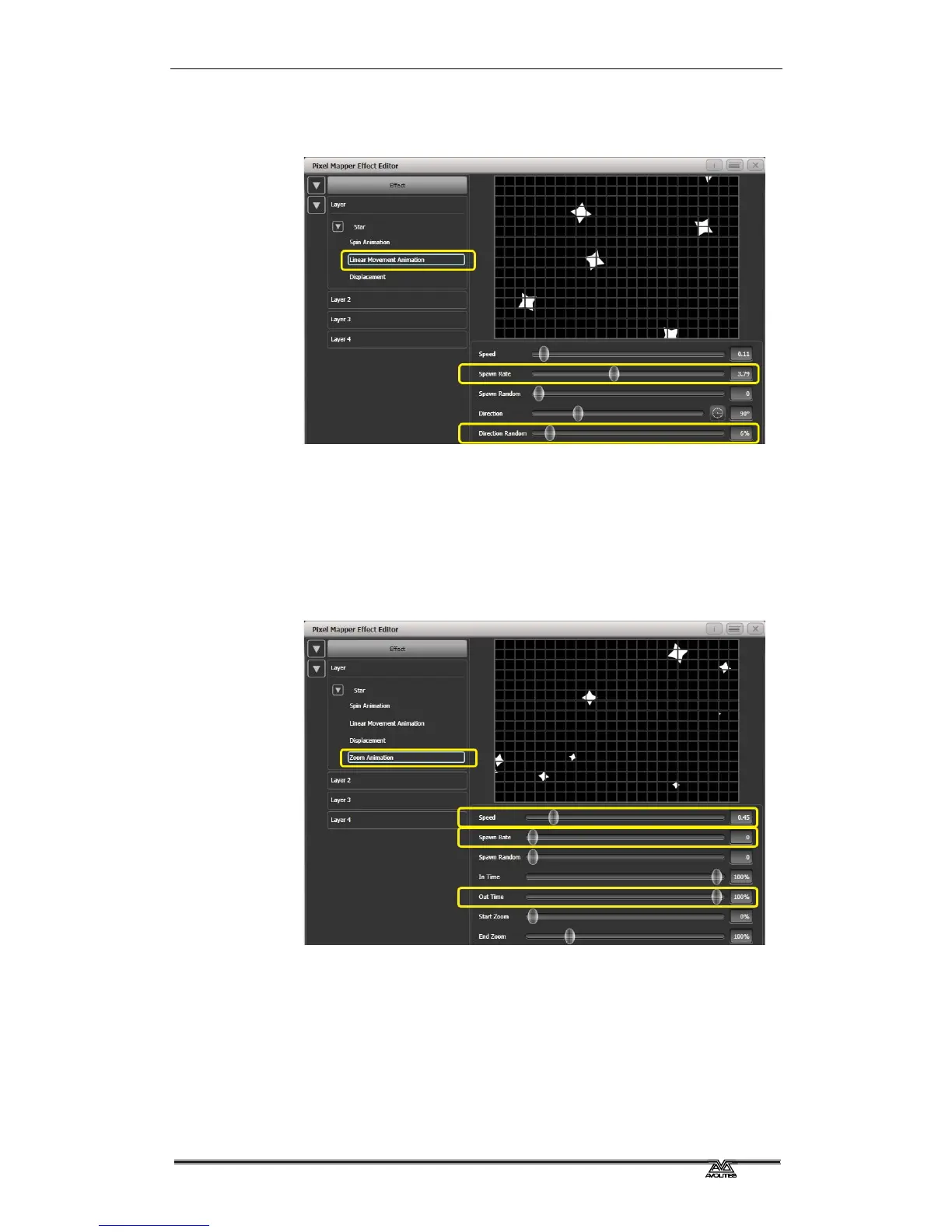
Increase 'Direction Random' slightly. (This will allow a random
variation in the direction of travel based upon the 'Direction'
value.)
8> Add a Zoom animation.
Reduce 'Spawn Rate' to zero. (This is a special setting that will
allow the zoom animation to run continuously during the life of
a shuriken. If the rate is set to 1 it will only run once and the
shurikens will quickly disappear as a result.)
Increase 'Out Time' to 100%. (This will make the shurikens
pulse in and out with a 'bounce' type effect. I have no idea why
they would be doing this in reality.)
Slow the zoom down a bit.



 To Next Page