56-101-01175 Revision H Page | 24
CHAPTER 4: OPERATION
1. OPERATING CONTROLS
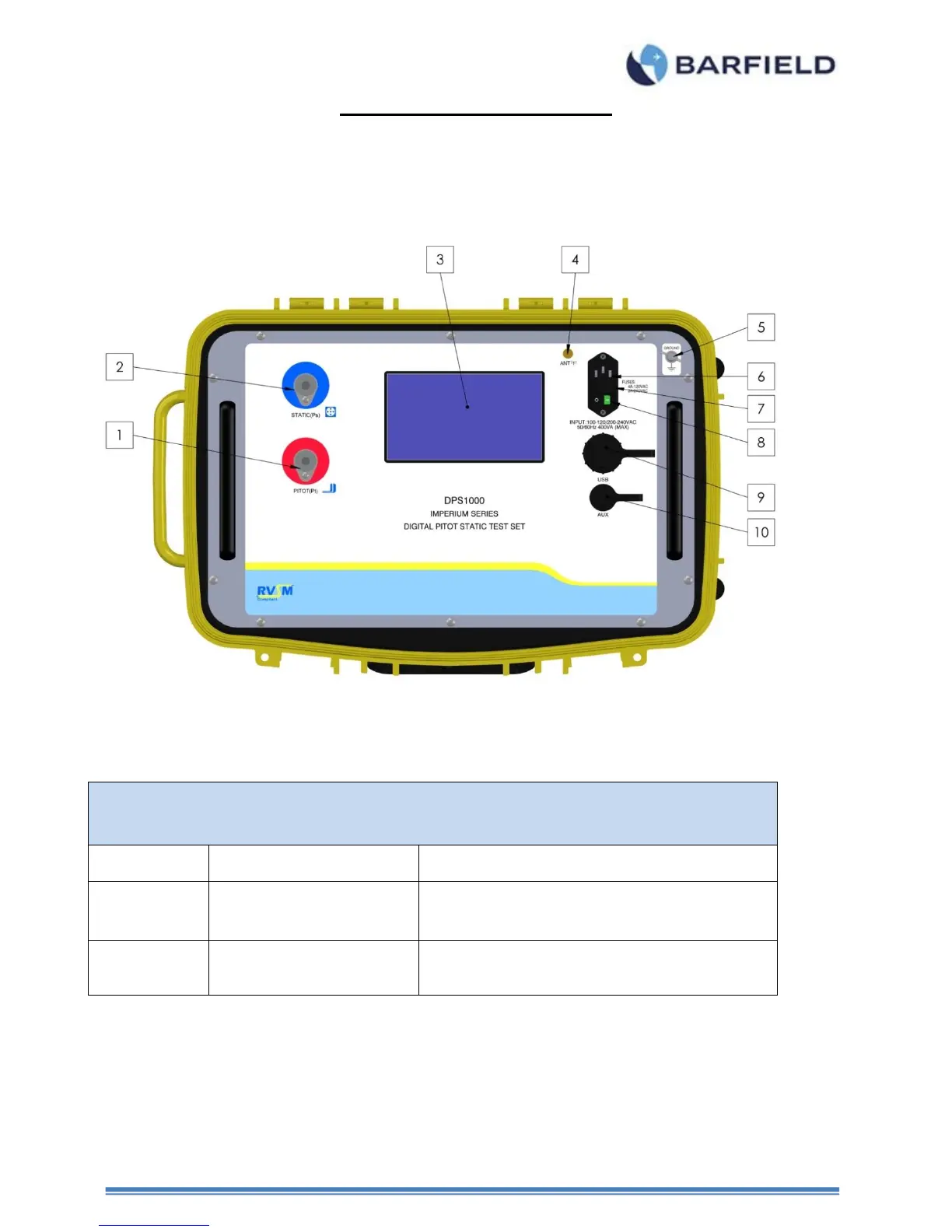
A. Front Panel Switches and Controls (Components shown in Figure 10).
Figure 11 DPS1000 Front Panel
Connect to Aircraft Pitot system. This is also referred to
as the Pt port and Total Pressure port.
Static (Ps) pressure port
Connect to Aircraft Static system. This is also referred to
as the Ps port.
Touch screen GUI “Graphic User Interface” is used to
display and control all aspects of the Test Sets operation.
The only physical switch is the Power ON/OFF.



 To Next Page