56-101-01175 Revision H Page | 42
then ALR will automatically activate CONTROL mode which will then set ALT target
and CAS target to present level and the controller will come online and try to
maintain the current Altitude & CAS. To disable this feature, select Disable Auto
Leak Recovery.
2. Limits View / Select – Allows user to select and view any of the saved limit file
values.
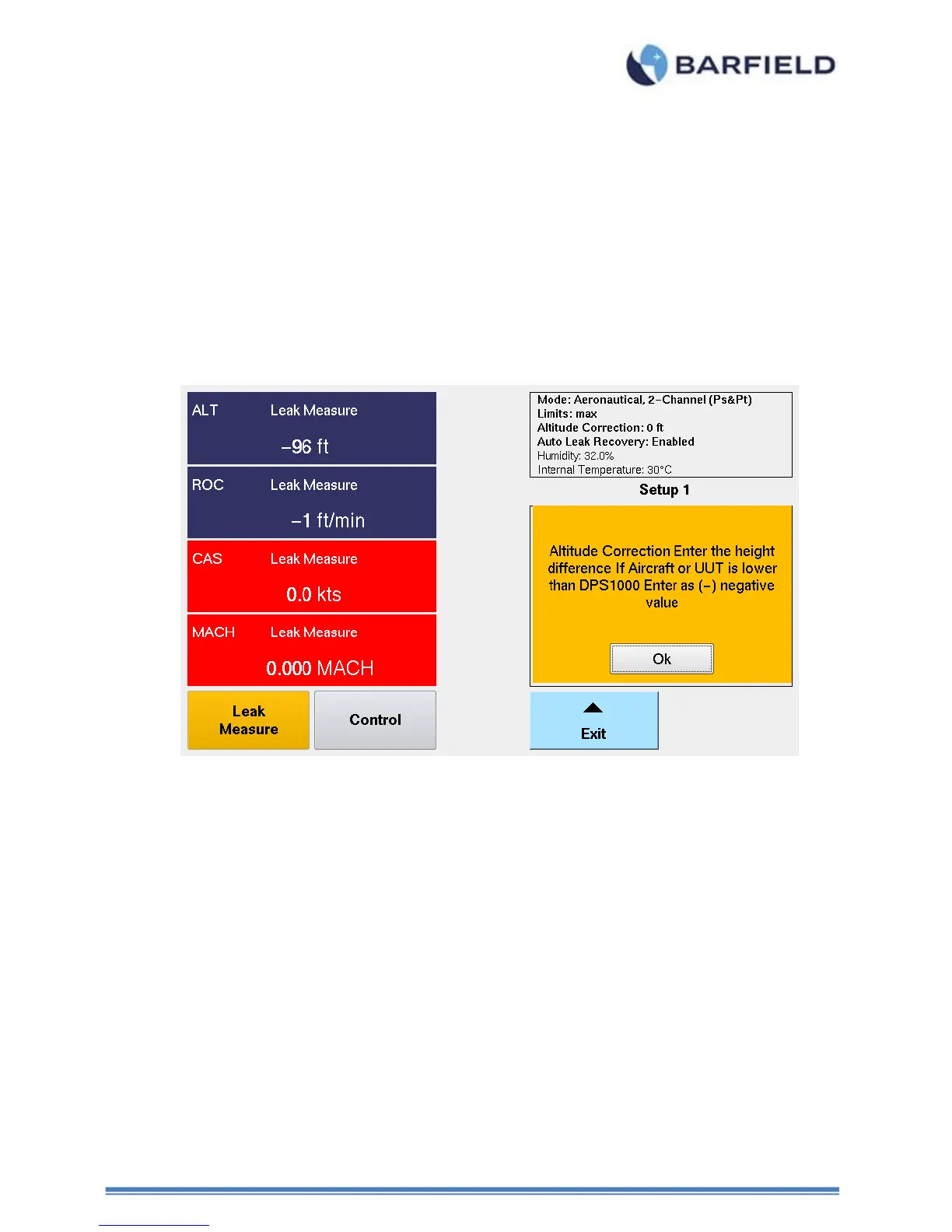
3. Altitude Correction – Allows user to enter a correction factor regarding the altitude
difference between the physical Test Set and the Aircraft ports and or Unit under
test. Below is an example of the Aircraft static port being located 20 ft. physically
higher ( + ) than where the DPS1000 Test Set is located.
Note: If the DPS1000 Test Set was physically higher than the instrument or aircraft,
then the altitude correction would be entered as a negative ( - ) value.
Figure 37 Altitude Correction Screen



 To Next Page