56-101-01175 Revision H Page | 54
ground “ambient” pressure. If the Ps channel is not presently at ground, the ATP will
automatically perform a Go To Ground function before starting the Pt channel leak
test.
b) Static (Ps channel) low level (default = 5,000 ft)
c) Static (Ps channel) high ALT (default = 20,000 ft)
Note: Both ATP Leak Test Profiles can be altered by the user. Once they have been
altered, they can be saved. However, a different profile name will be required.
Note:
“Test Set-only” implies that no aircraft or instrument(s) are connected.
“Test Set with hoses” implies the Test Set has the hoses attached and
capped off so the test result represents the base line leak rate for all
components except the aircraft or instruments about to be tested.
It is highly recommended to complete at least the “Test Set with Hoses” leak
test before proceeding to the aircraft or instrument.
B. STATIC and PITOT Test Set Leak Test – (Test Set and hoses only)
Confirm hoses connected to both Ps and Pt ports on DPS1000.
Confirm the other end of each hose is sealed with an AN4 plug.
Determine the method of Leak Test. For method 1(Leak Rate Timer), follow B-1
steps and for method 2 (ATP Leak Test), follow B-2 steps.
1. Method 1: Leak Rate Timer
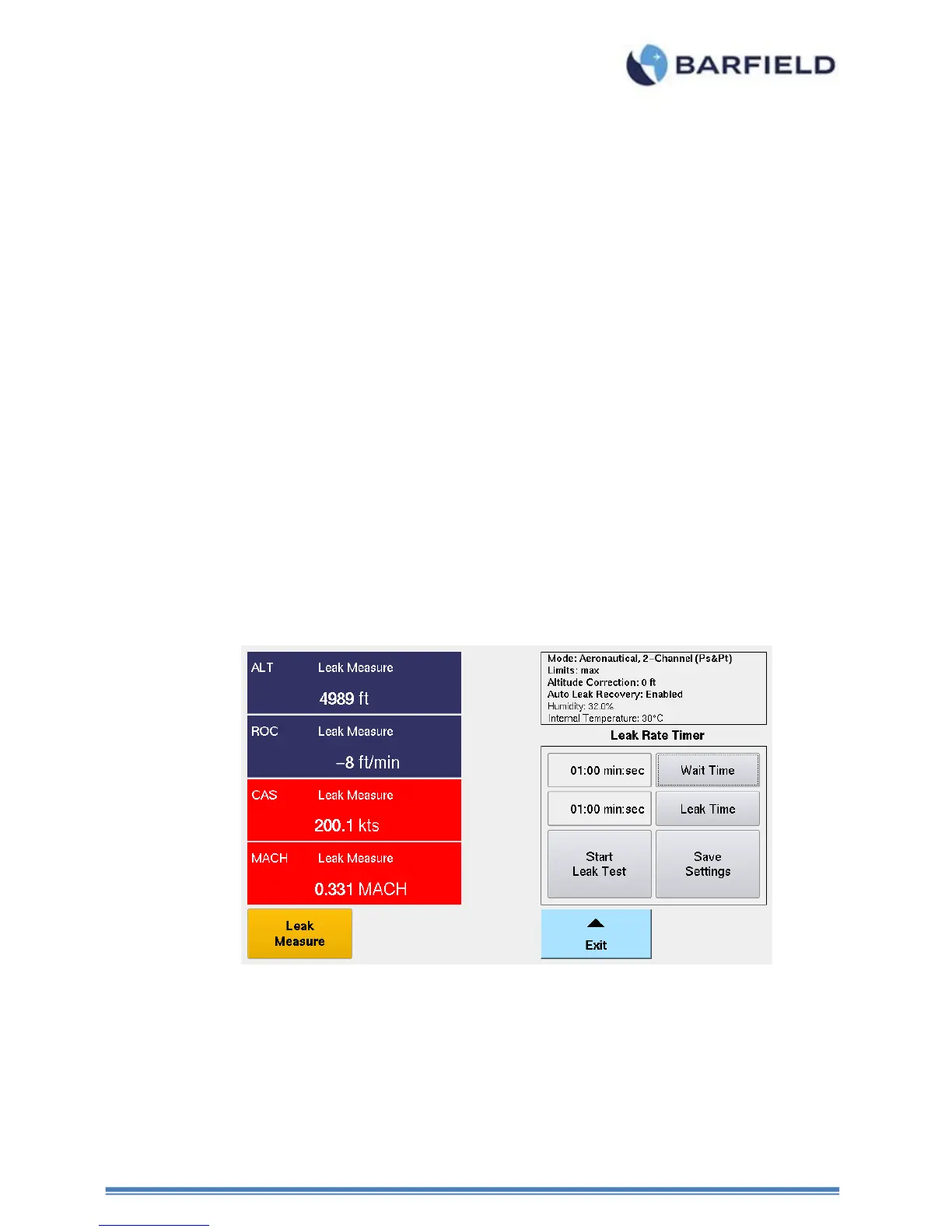
Figure 51 Measure Time vs Leak Time
a) Select “Control” mode. Wait Resuming Control screen appears for a few seconds.
b) Select ALT Target. ALT key pad display appears. Enter desired altitude to perform the
leak test.
c) After establishing the Target altitude, select “Leak Measure” mode.
d) From the Main Menu, select Leak Testing and touch Leak Rate Timer.



 To Next Page