56-101-01175 Revision H Page | 55
e) Review Wait Time and Leak Time.
f) To start the timer, touch the Start Leak Test icon. The Wait timer starts counting down until
it reaches “0”. The word “completed” appears under the elapsed time. At this point, the
Leak timer starts counting down until it reaches “0”. The display area turns yellow and the
words “Leak Test Completed Select OK to view results” are displayed.
g) Touch the “OK” button and the display shows the ALT Leak rate and the CAS Leak rate.
h) Record or note the ALT Leak rate and CAS Leak rate.
i) Touch “Cancel” to return to previous screen. Touch “Exit” and “Exit” (twice) to return to
main menu.
j) Select Go To Ground. Touch “Yes” to confirm Go To Ground.
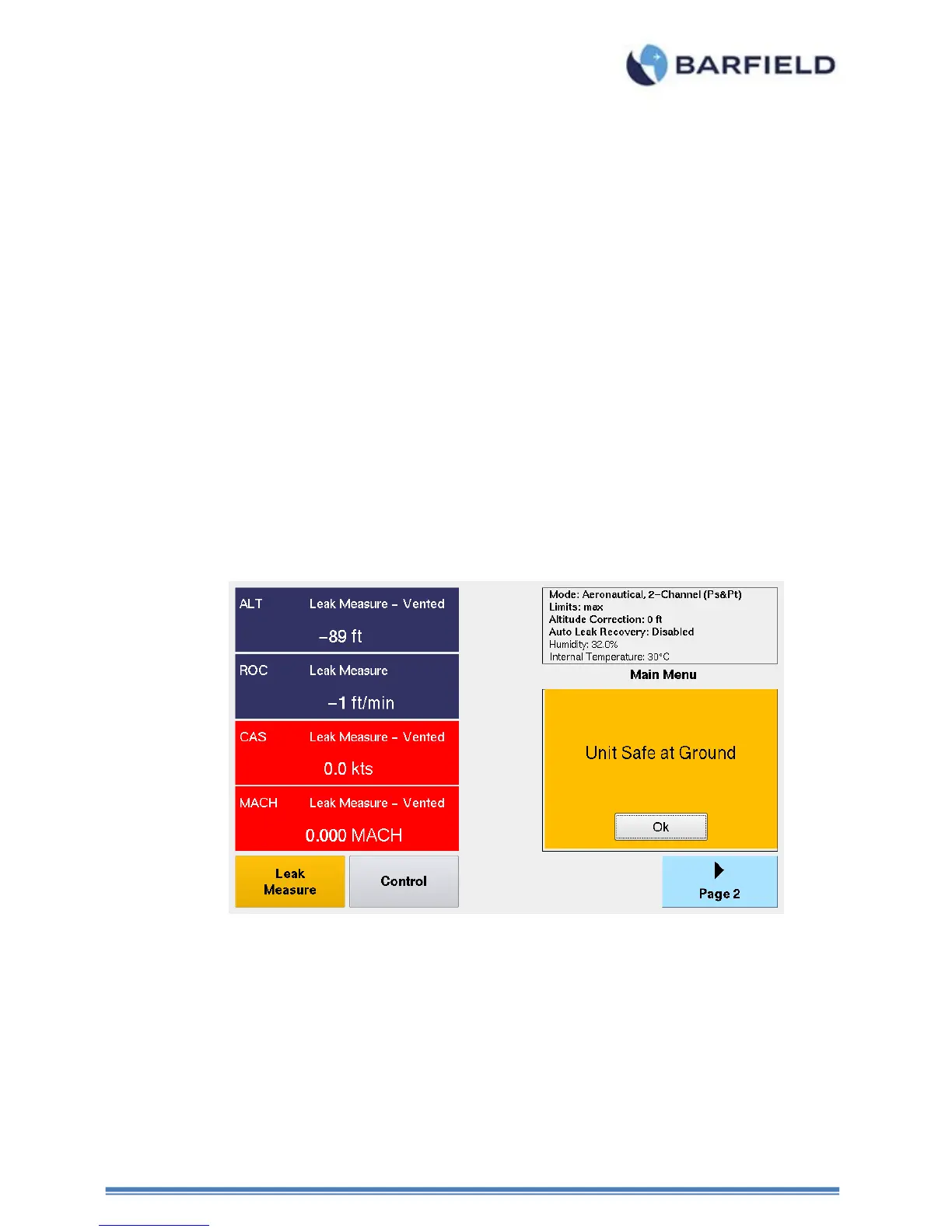
k) Wait for Test Set to reach Ground (ambient pressure altitude). Test Set displays “Unit
Safe at Ground”.
l) The Test Set will automatically switch into Leak Measure mode with the PITOT (Pt) and
STATIC (Ps) ports Vented to ambient and the pumps will be powered off.
m) This completes leak testing the Ps channel using Method 1 (Leak Rate Timer).
Figure 52 Leak Rate Timer, Unit Safe at Ground
2. Method 2: ATP Leak Test



 To Next Page