56-101-01175 Revision H Page | 84
Appendix E: Cabin Pressure Mode
The following appendix details the configuration and usage of the unit when setup to perform
cabin pressure testing.
It should be noted that this test is not commonly performed on aircraft. Therefore, the Cabin
Pressure testing feature is disabled in the default configuration of the Test Set (as shipped from
Barfield).
Section 1 below describes the process of enabling the Cabin Pressure function while Section 2
describes the actual usage of the Cabin Pressure Mode.
Section 1
To enable Cabin Pressure Mode,
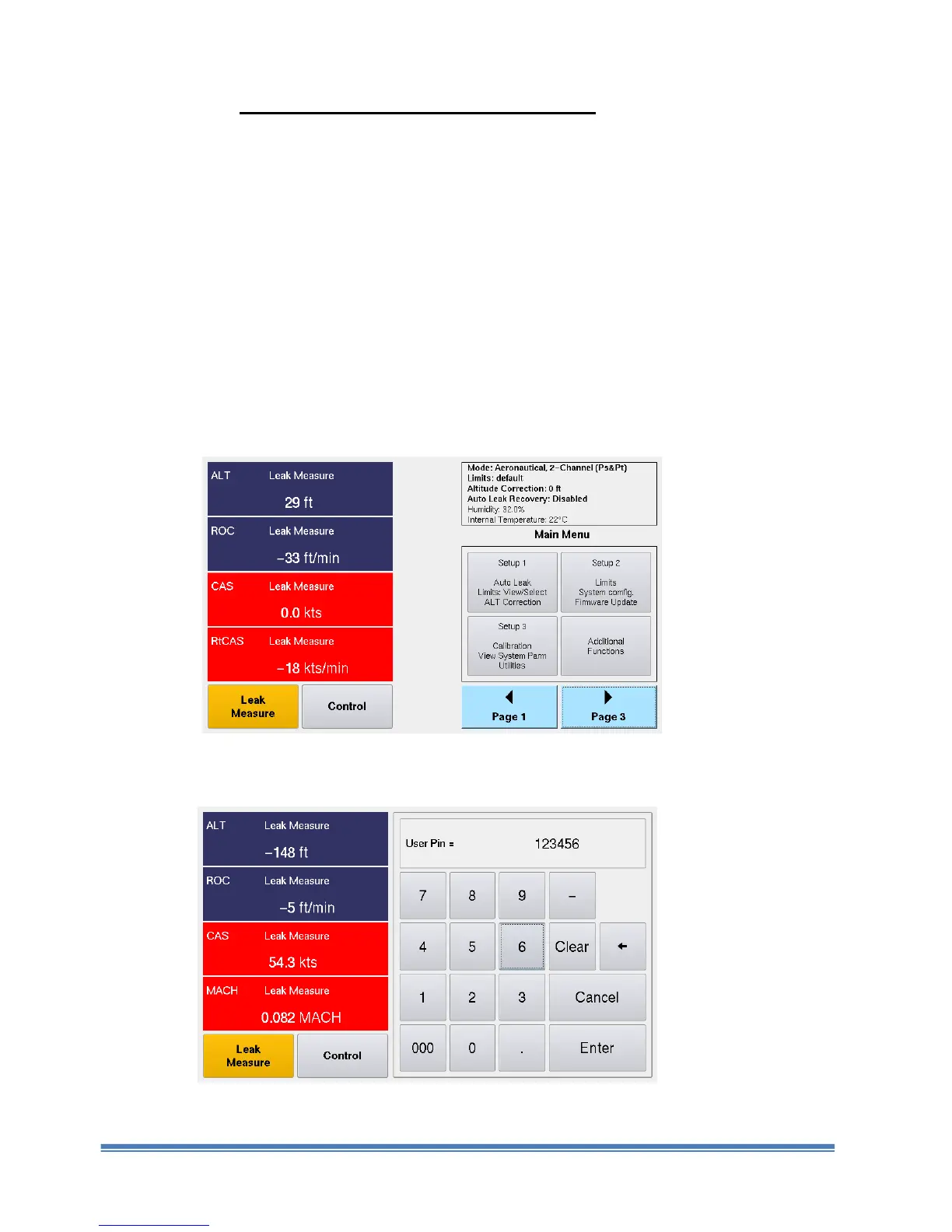
1. From the Main Menu, touch “Page 2”. The screen below appears with four options.
Figure E. 1 Main Menu Screen (Page 2)
2. Touch “Setup 2”. A numbered keypad is displayed (Figure. E. 2).
Figure E. 2 Numbered Keypad Screen



 To Next Page