56-101-01175 Revision H Page | 34
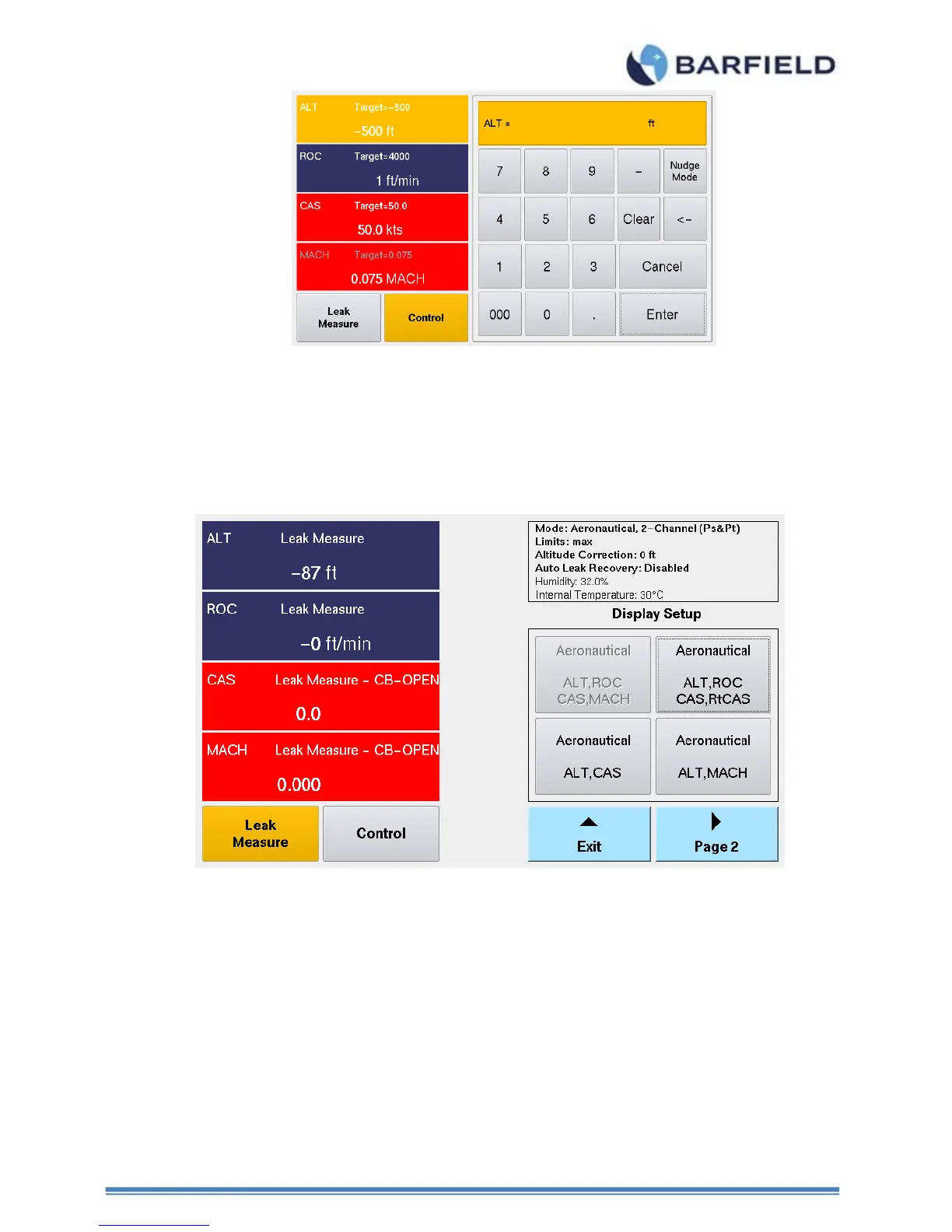
Figure 23 Target Value Keypad Screen
B. Display Setup – Configuring display format
The Display Setup allows the user to configure the display as a 2 or 4-parameter format.
While operating in Aeronautical mode for example, the 4-parameter format will allow
ALT, ROC, CAS and MACH or ALT, ROC, CAS, and RtCAS to be displayed. While in
Control mode, Target values can be assigned to ALL 4 parameters by simply touching
the screen on each of the 2 or 4-parameter displayed areas.
Figure 24 Display Setup: 4-Parameter Format



 To Next Page