MX08 Multichannel Weighing System, Technical Manual, Rev. 2.5 Page 44 of 144
5.6. Diagnostic Tests
To enter load cell signal digitizing diagnostic test, press the programming switch before
power on and release the switch after power on the instrument. The instrument will go in to
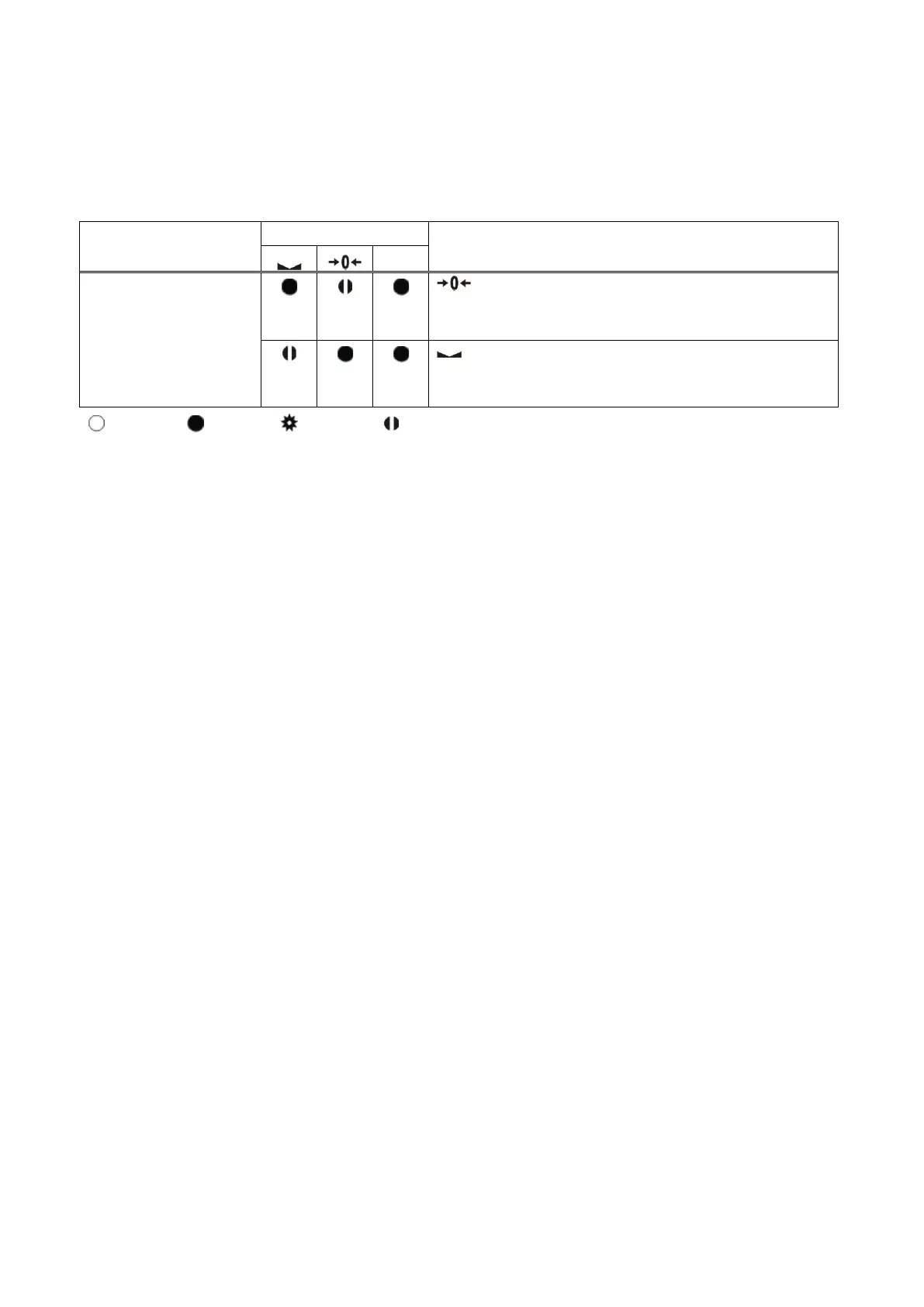
the Load cell Signal test mode which is indicated by status of LEDs as seen below.
Test
Description
LED blanks while load cell signal
increases.
LED blanks while load cell signal
decreases.
Blank Light Flash Blank for 0.3 second
Table 4.4 - Diagnostic test sequence
Press programming switch for 5 seconds to exit diagnostic test mode and go to operation
mode.


 To Next Page