5 – Reference
103
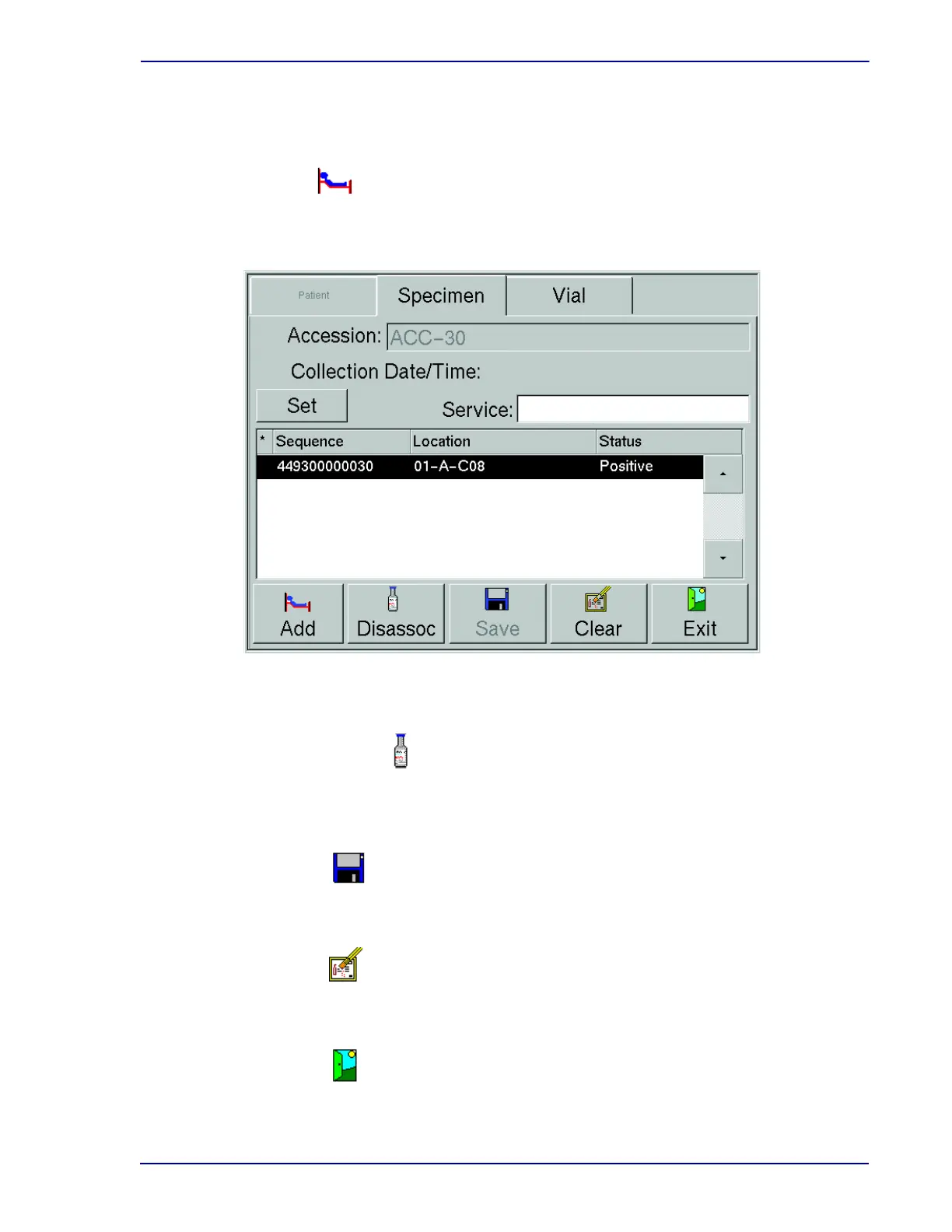
This button is active only when BD EpiCenter communications is disabled.
Select to add patient data to the displayed specimen record. This button is active only when an
orphan accession is displayed and when BD EpiCenter communications is disabled.
Figure 5-9 – Culture – Specimen Display
Select to disassociate the current vial (sequence) from the accession number. The vial to be
disassociated must be selected in the Vial window.
Select to save any new or modified information to the database.
Select to clear the information currently on the display (all 3 tabs).
Select to exit the display and return to the Status display.
Add button
Disassoc(iate) button
Save button
Clear button
Exit button











 To Next Page