BD BACTEC™ FX Instrument User’s Manual
86
5.3.1 Positive Removal Display
The Positive Removal display appears when you initiate the remove positive vials activity, either by
pulling a positive vial or by selecting Remove Positives. It provides information about the positive vial
that was scanned, and enables you to view a list of vials related to the current one (if Show Related
Vials is enabled in Configuration – Lab).
You are informed of positive vials by the following:
• RED System indicator illuminated
• Station indicators: FLASHING RED; or FLASHING YELLOW / RED (alternating) – Anonymous
Positive
• Remove Positive vials indicator/button on Status display
• Positive vial audible alarm sounds
• Message box on screen
• Positive counter on activity displays
See Figure 5-2 for a sample positive removal display.
To access Positive Removal:
• Open a drawer and remove a positive vial, or
Drawer View button
Select to access:
Drawer View display (5.3.6)
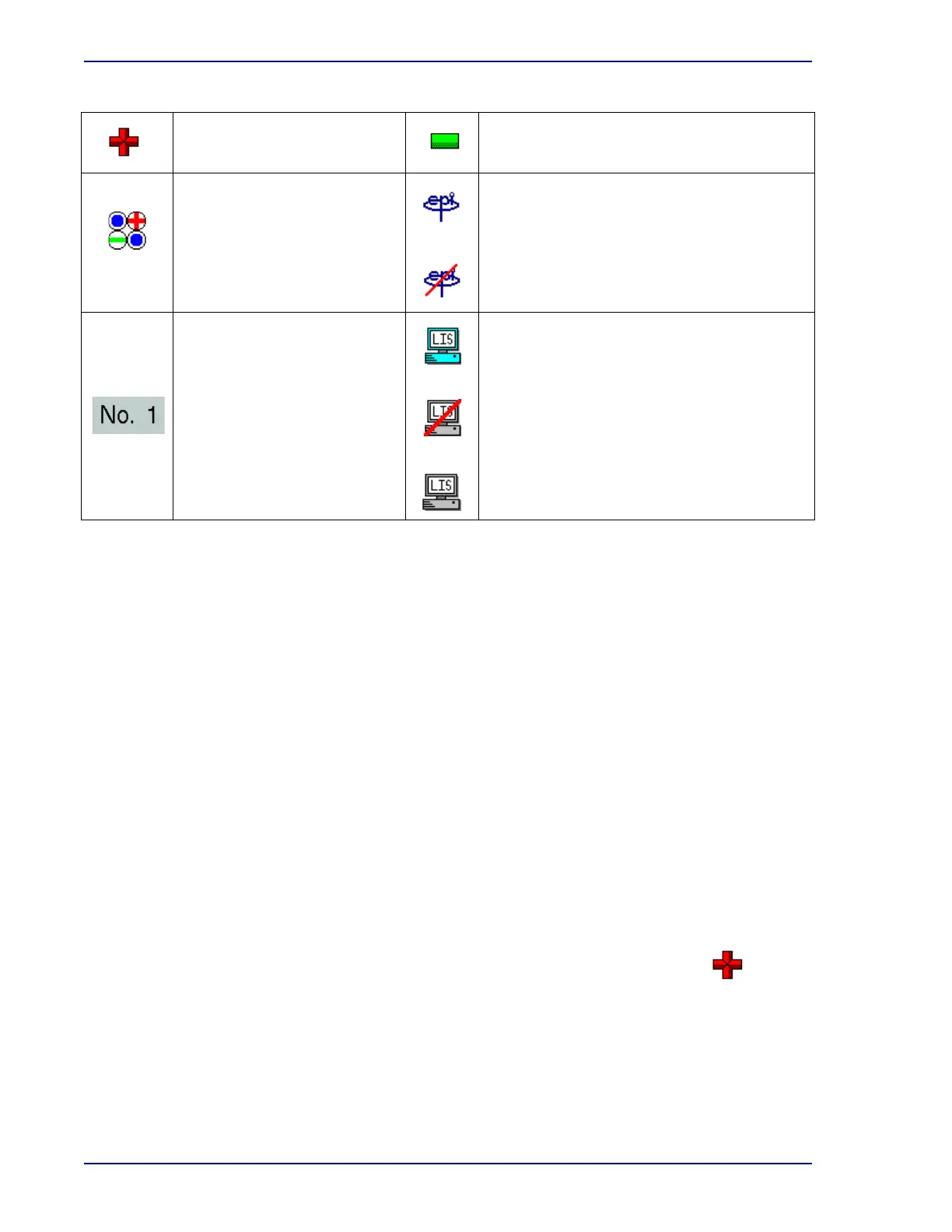
BD EpiCenter Enabled/healthy indicator
BD EpiCenter Enabled/unhealthy indicator
Instrument Number
LIS Enabled/healthy indicator
LIS Enabled/unhealthy indicator
LIS enabled/unknown status indicator
• Open a drawer and select Remove Positives on the Status display
Remove Positives button/
Positive Vial indicator
Remove Negatives button/
Negative Vials indicator











 To Next Page