5 – Reference
97
5.3.6 Drawer View Display
The Drawer View display appears when you select the Drawer View button on the Status display. It
provides an iconic view of all the drawer’s stations, showing the status of each station. Drawer View is
updated dynamically when vial statuses change.
You can access the Culture – Vial display from Drawer View by selecting the station then selecting OK.
See Figure 5-7 for a sample Drawer View display.
To access Drawer View:
Drawer View Fields:
Station statuses
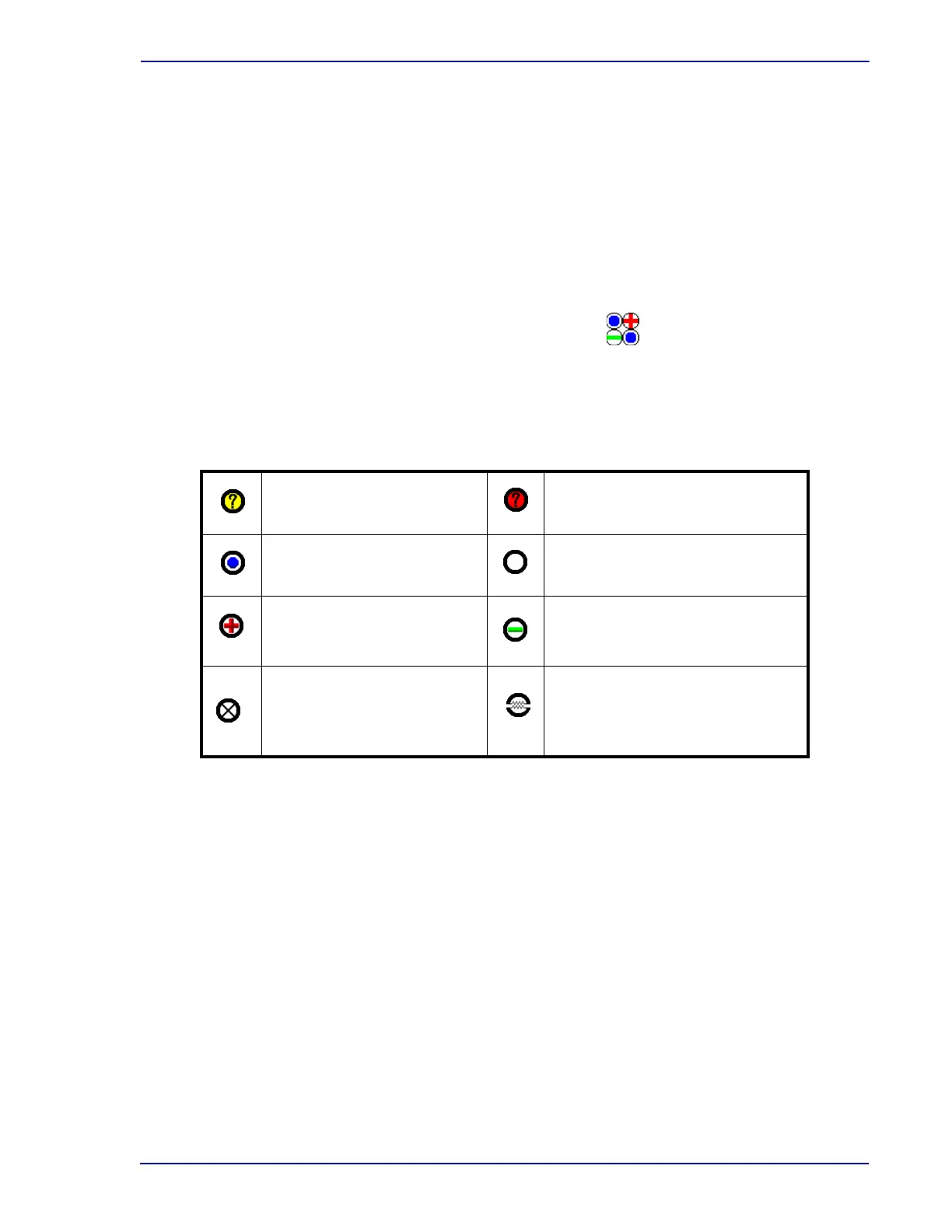
The following station statuses are shown:
Location
Read-only field showing the current selected station. That station is also highlighted with a
gray box surrounding it. To select a Location (station), tap the station in the left portion of the
display.
From the Status display, select the Drawer View button
Anonymous Ongoing Vial
(yellow background)
Anonymous Positive Vial
(red background)
Ongoing Station Available Station
Positive Station Negative Station
Blocked Station
Unusable Station – station has
been blocked by the instrument
because of a temperature,
measurement, or agitation failure











 To Next Page