5 – Reference
141
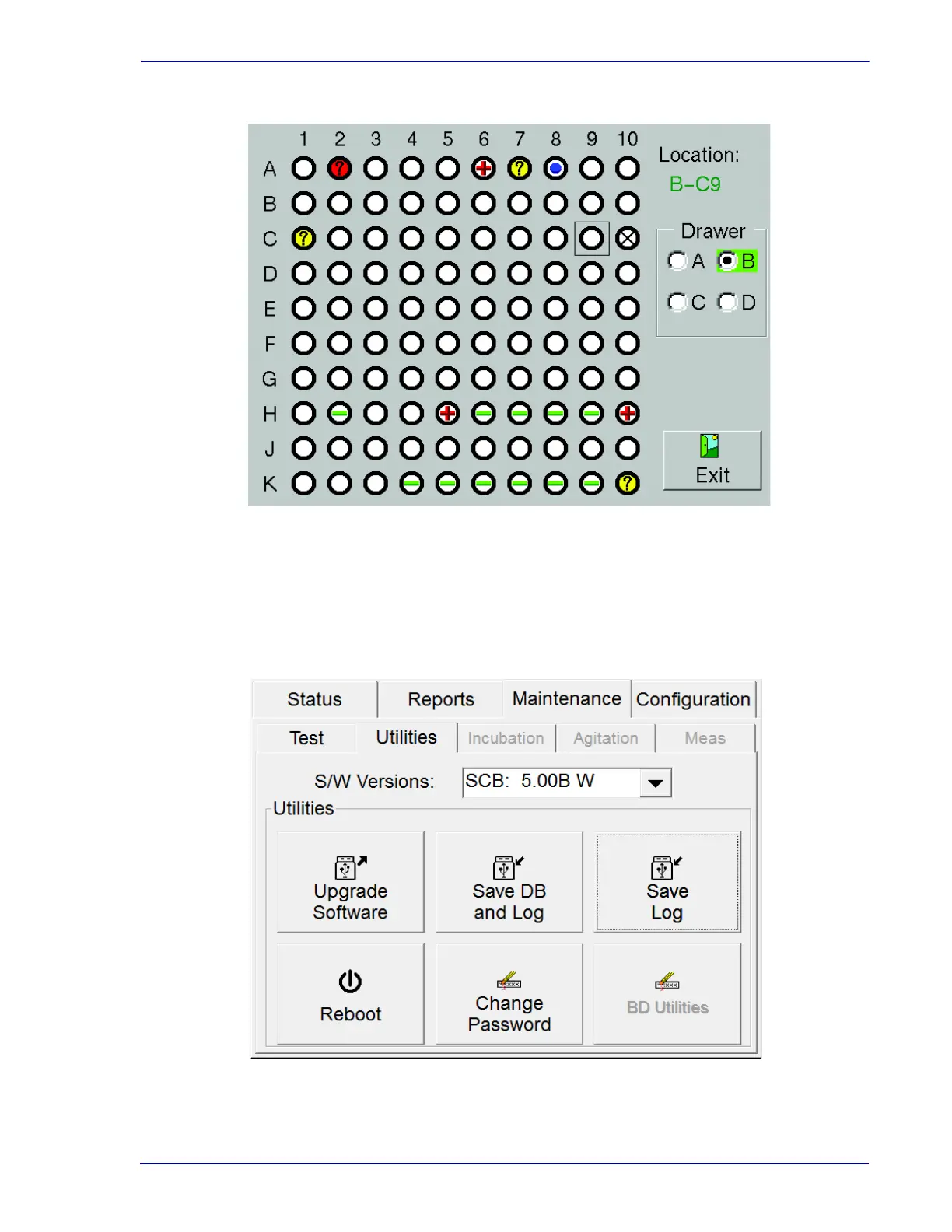
Figure 5-30 – Block/Unblock Stations Display
5.5.3 Utilities Display
To access Maintenance – Utilities:
• From the Status display, select the Maintenance tab
• From the Maintenance – Test display, select the Utilities tab
Figure 5-31 – Utilities Display











 To Next Page