BD BACTEC™ FX Instrument User’s Manual
146
6.2.2 As Needed Maintenance
6.2.2.1 Blocking Stations
Stations should be blocked if either station indicator fails to light during Daily Maintenance; or if the
station does not correctly detect vial removals and insertions; or to reserve the station for a
temperature QC vial.
Insert a station plug into any stations that you block AND stations that the instrument marks as
unusable (cracked egg icon in Drawer View display).
Any vial that is in a station that is being blocked must be removed since it will be marked as removed
in the database and will not be tested.
If you accidentally place a vial into a blocked station, you must remove the vial from the station and
reenter it with the Vial Entry activity.
To block a station:
1 Open the correct drawer.
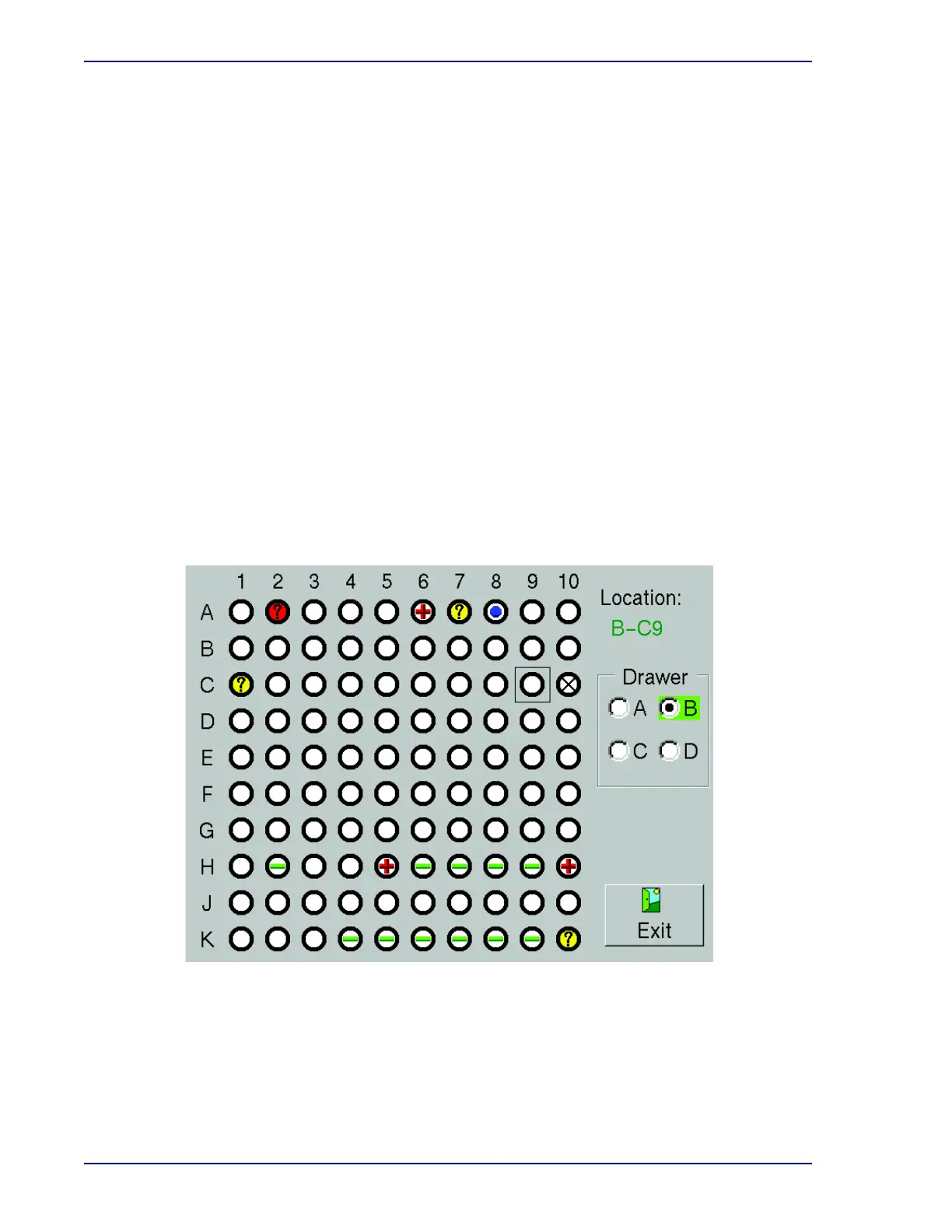
2 From the Test display, select Block/Unblock.
3 The Block/Unblock display appears.
4 Select the station to block in the display. Repeat for additional stations to be blocked.
5 Remove any vial from the station.
Figure 6-1 – Block/Unblock Stations Display
6 Insert a station plug.
7 Enter the removed vials into available stations with the Vial Entry operation (Section 4.5).
8 If you inadvertently block a station – and even if you immediately unblock it – the
instrument will no longer test the vial that was assigned to that station. Be sure to use Vial











 To Next Page