BD BACTEC™ FX Instrument User’s Manual
44
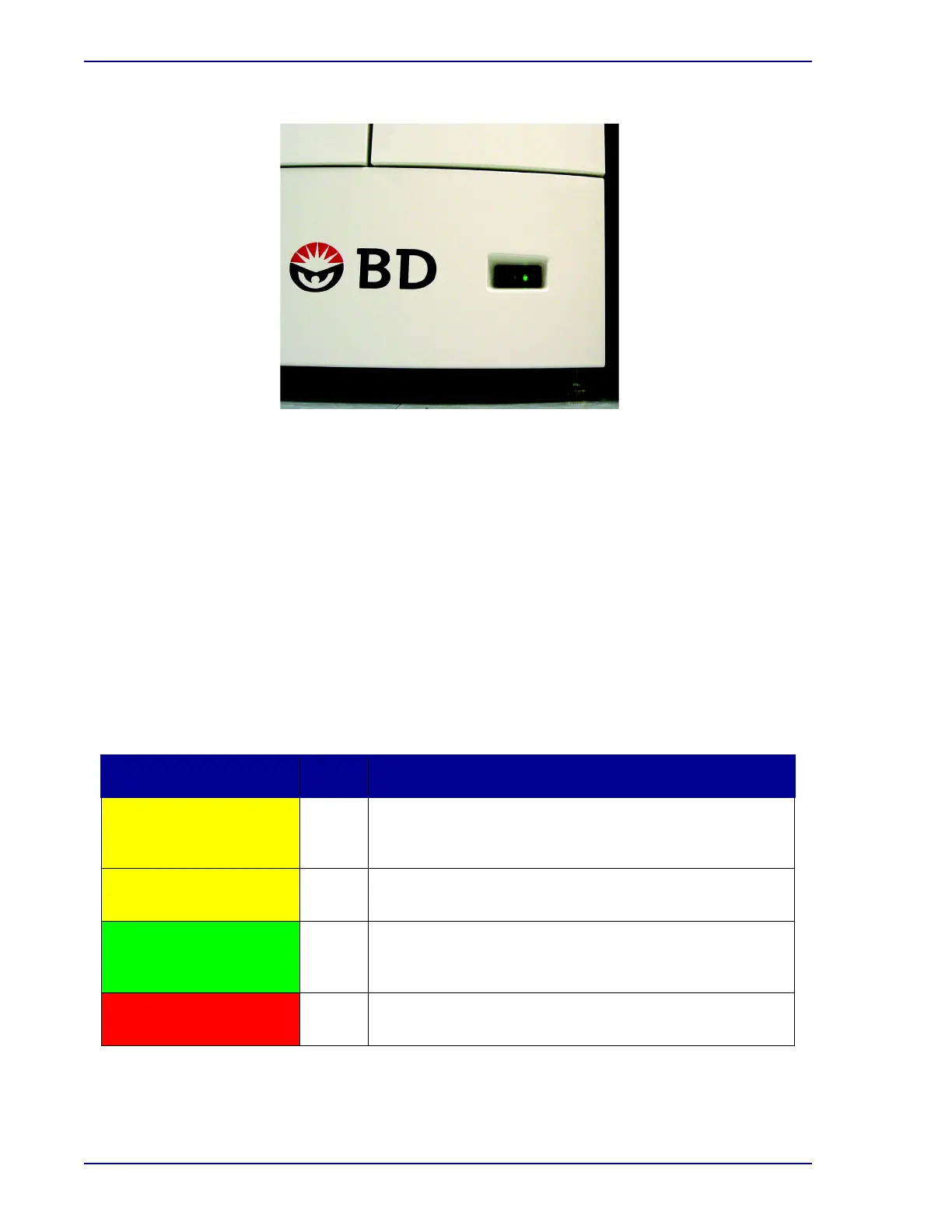
Figure 3-3 – Lower Instrument Power Switch
3.3 System Indicators
3.3.1 Location
Each instrument (Top/Single and Bottom) has its own set of system indicators.
The system indicators are located on the front of the instrument, at the bottom center of the top
instrument, and at the top center of the bottom instrument. An array of LED lamps projects onto the
door and is easily visible from across a room.
See Figure 3-1 for system indicator locations.
3.3.2 Indication
The system indicators inform you of various states of the instrument, as shown below.
Indicator Color State Meaning
Yellow – light in unison for
instrument
On
System Alert (Indicator remains on until the condition is
corrected/addressed.) See Section
7 for additional
information.
Yellow – pulsing On
Instrument is in isolation mode. Stack is not communicating
to the main computer.
Green – one each for left
and right drawers
On
Out-of-protocol negative vial (Indicator remains lit until all
negative vials are removed through the remove negative
vials activity.)
Red – one each for left
and right drawers
On
Positive vial (Indicator remains lit until all positive vials are
removed through the remove positive vials activity.)











 To Next Page